 Download Online Help
 Print
|
|
|
|
|


Import Budget Button, via G/L Budget
Click the Import Budget From File  button to import Budget information by browsing, selecting, and loading a document. The following window with appear:
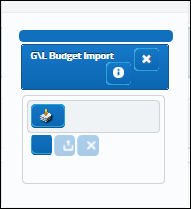
Select the G/L Import Browse  button and Select Document File prompter window will appear, as seen below:
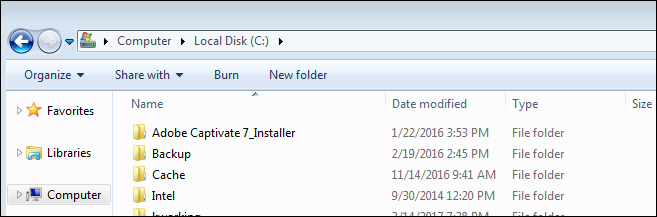
Select the file to be imported into the G/L Budget and select the Open button. The file will appear in the information bar as seen below:
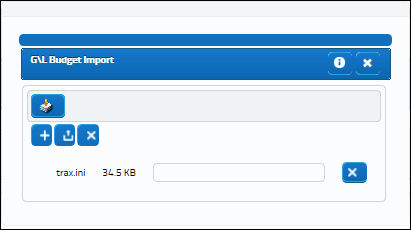
Select the Import New Budget  button above to complete the transaction and import the budget information.
Exit to abort the transaction.
Download Online Help
Print
|
©1997-2018 Trax USA Corp. All rights reserved. This manual may not be copied, photocopied, reproduced, translated, or converted to any electronic or machine-readable form, in whole or in part, without prior written approval from Trax USA Corp. |
 |