 Download Online Help
 Print
|
|
|
|
|


Tool Life View, via P/N Explorer
The user may view parts in inventory using the P/N Explorer's Tool Life view:
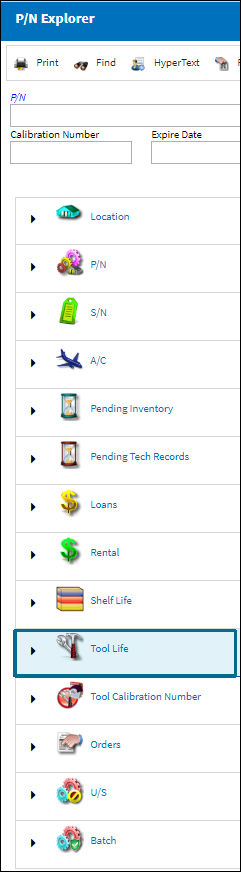
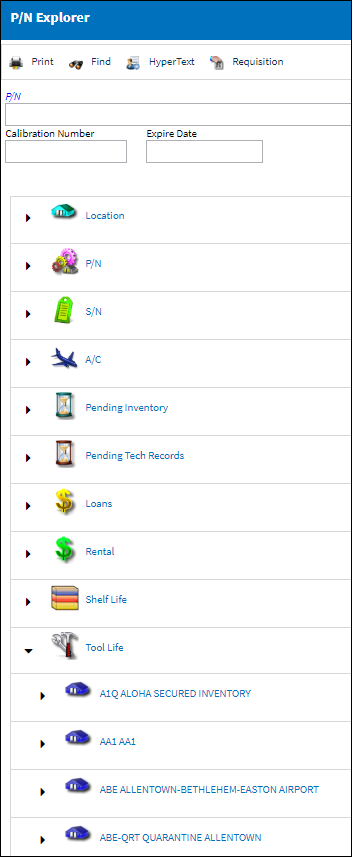
By clicking on the Expand  button on the Tool Life view, the system displays the following:
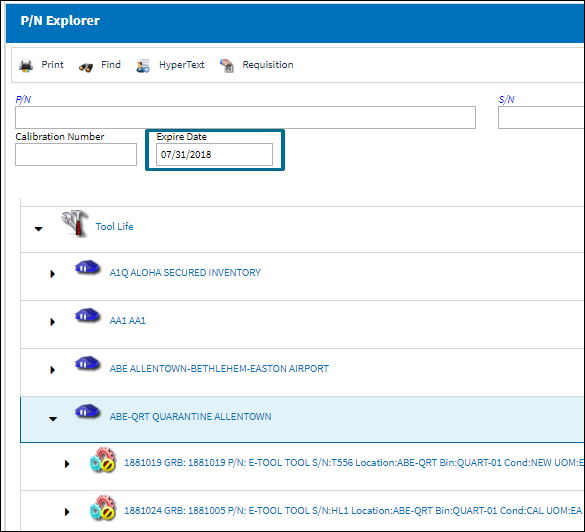
After specifying the date and time requirements in the Expire Date field, the system will display any parts on the shelf that fit the specification.
Select any Tool Life P/N to access additional options as shown below:
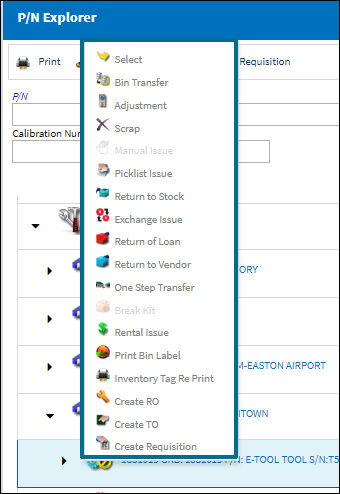
For information on the above options, refer to the P/N Explorer Buttons.
Download Online Help
Print
|
©1997-2018 Trax USA Corp. All rights reserved. This manual may not be copied, photocopied, reproduced, translated, or converted to any electronic or machine-readable form, in whole or in part, without prior written approval from Trax USA Corp. |
 |