 Download Online Help
 Print
|
|
|
|
|


The One Step Transfer, Requisition tab allows users to link the part transfer to a Requisition and Line Item.
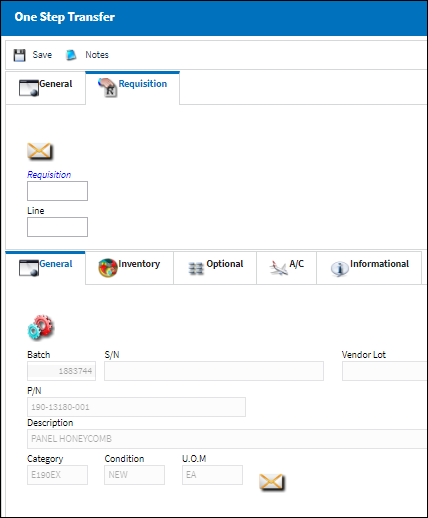
Note: Users must have the proper security access to view the One Step Transfer, Requisition Tab.
The following options/information is available in this window:
_________________________________________________________________________
Requisition
List of required parts for either a maintenance item or for restocking.
Line
The attached requisition line number.
_________________________________________________________________________
Requisition Warnings:
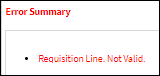
If the user attempts to try to save a bogus requisition number, the following hard warning will appear:
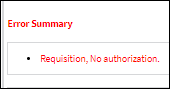
If the user attempts to save a requisition that is not authorized, the following hard warning will appear:
If the part on the requisition and the part being transferred are not the same, the following hard warning will appear:

Download Online Help
Print
|
©1997-2018 Trax USA Corp. All rights reserved. This manual may not be copied, photocopied, reproduced, translated, or converted to any electronic or machine-readable form, in whole or in part, without prior written approval from Trax USA Corp. |
 |