 Download Online Help
 Print
|
|
|
|
|


Select the Load Training RQR (Required)  button to have this employee's name loaded into all (previously created) Training Courses that contain a specific Training Course Category.
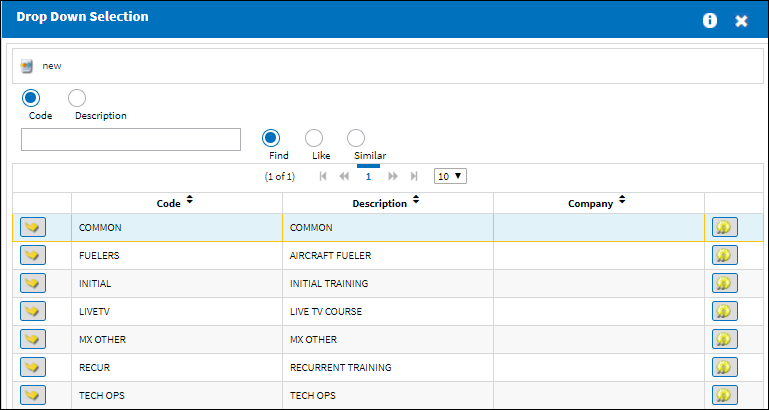
Note: The Training Course categories available here are set up in Settings/Explorer/System Transaction Code/Training/Course Category. Once a category is selected, the employee will become scheduled to attend all Training Courses that hold the particular category. The employee's name will appear in Training/ Update/Training Registration/Employee Schedule  button. Please refer to the Training manual for detailed information regarding the Training Course Registration.
Download Online Help
Print
|
©1997-2018 Trax USA Corp. All rights reserved. This manual may not be copied, photocopied, reproduced, translated, or converted to any electronic or machine-readable form, in whole or in part, without prior written approval from Trax USA Corp. |
 |