 Download Online Help
 Print
|
|
|
|
|


Vendor Master, Spec2000 Tab
The Vendor Master, SPEC 2000 tab displays all SPEC 2000 messages, except for the SPEC 2000_ERROR_MESSAGE.
Note: The SPEC 2000 configuration must be set up for the specified vendor in order for the SPEC 2000 tab to be visible in the Vendor Master. For additional information, refer to the SPEC 2000 Button, via Company Profile which can be found in the Settings Training manual for more information.
Go to Settings/Update/Vendor Master/SPEC 2000 tab:
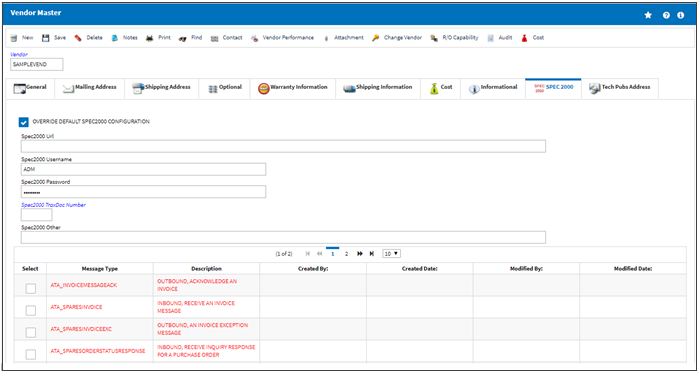
The following options/information is available in this window:
_________________________________________________________________________
Override Default Spec2000 Configuration checkbox
Select this checkbox to override the default Spec2000 providers.
When this checkbox is selected, the following Spec2000 configuration fields appear:
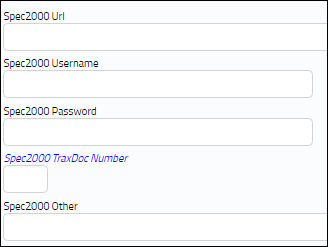
For more information regarding the above fields, refer to the SPEC 2000 Button, via Company Profile which can be found in the Settings Training manual for more information.
_________________________________________________________________________
Download Online Help
Print
|
©1997-2018 Trax USA Corp. All rights reserved. This manual may not be copied, photocopied, reproduced, translated, or converted to any electronic or machine-readable form, in whole or in part, without prior written approval from Trax USA Corp. |
 |