 Download Online Help
 Print
|
|
|
|
|


A/C Status Print
The A/C Status Report will display a list of all ADs and SBs on the aircraft and the Schedule Hours information for each A/C E/C.
In the A/C Component Print window, select the A/C Status Report. Enter the A/C in the A/C field and select the Find  button.
Note: All fields, with the exception of P/N and S/N, are greyed out and not editable. Certain fields will become available and controls will be selected depending on the report required.
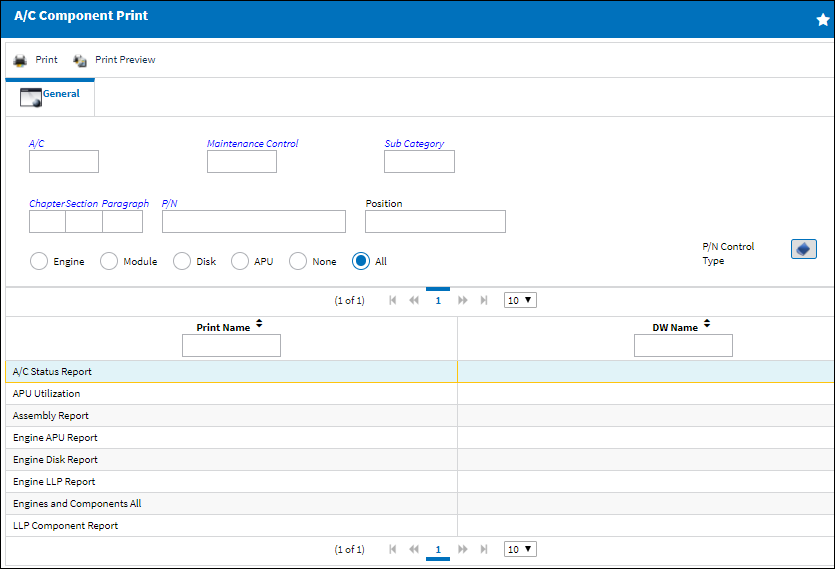
Note: These are customized prints. Print layouts and options may vary per operator.
The Aircraft Status Report will display with all A/C E/Cs and detailed Schedule Hours information.
Download Online Help
Print
|
©1997-2018 Trax USA Corp. All rights reserved. This manual may not be copied, photocopied, reproduced, translated, or converted to any electronic or machine-readable form, in whole or in part, without prior written approval from Trax USA Corp. |
 |