 Download Online Help
 Print
|
|
|
|
|


OOS Button, via A/C Controller Panel
The A/C In/Out Service  button is used by the Maintenance Control department to place an A/C out of service and then return it to service as necessary.
For additional information regarding the fields and functions within the A/C Out of Service, General tab, refer to the A/C In/Out Service Button, via the Defect Report section of the Technical Records Training Manual.
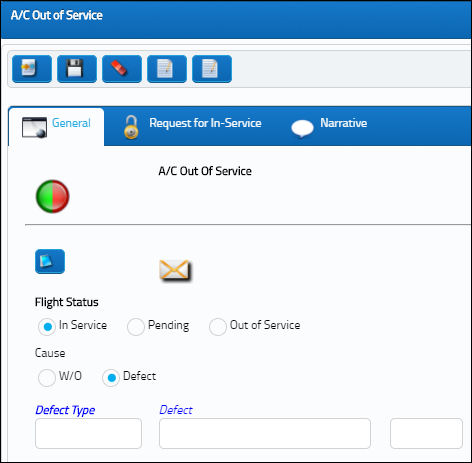
The following options/information is available in this window:
_________________________________________________________________________
Audit Header Level  button
Select this button to view any audits to the header level.
Audit Detail Level button
Select this button to view any audits to the detail level.
Hold Boarding checkbox
Select this checkbox to hold boarding of the aircraft.
_________________________________________________________________________
Download Online Help
Print
|
©1997-2018 Trax USA Corp. All rights reserved. This manual may not be copied, photocopied, reproduced, translated, or converted to any electronic or machine-readable form, in whole or in part, without prior written approval from Trax USA Corp. |
 |