 Download Online Help
 Print
|
|
|
|
|


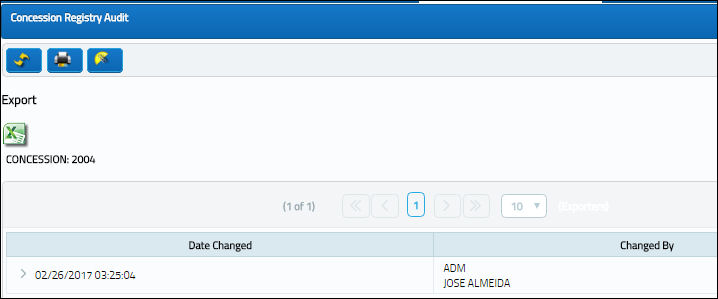
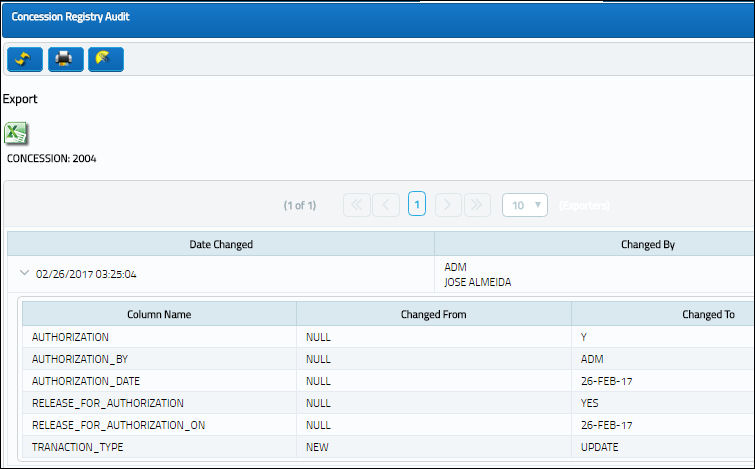
The system displays the Concession Registry Audit window which allows the user to view changes made to a record. This includes the Date the change was made, by whom the change was made and what the changes are. The tree-like view allows the user to expand and collapse each record per transaction.
Select the Audit  button to view the Concession Registry history and a list of all changes made against the Concession Registry.
Select the Expand  button to view the detailed changes made to the Concession Registry.
Download Online Help
Print
|
©1997-2018 Trax USA Corp. All rights reserved. This manual may not be copied, photocopied, reproduced, translated, or converted to any electronic or machine-readable form, in whole or in part, without prior written approval from Trax USA Corp. |
 |