Download Online Help Print

Previous Topic

Next Topic

Book Contents

Book Index

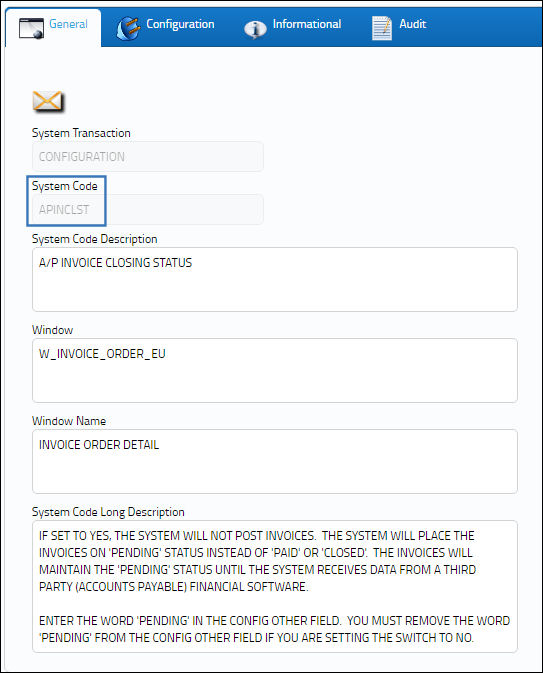
APINCLST - A/P Invoice Closing Status

A/P Invoice Closing Status

Affected Window: w_invoice_order_eu

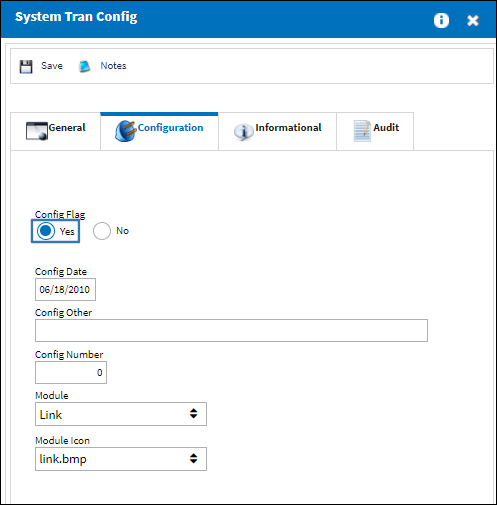
Switch Set to Yes:

When set to Yes, the system will not post Invoices. The system will place the Invoices on ‘Pending’ Status instead of ‘Paid’ or ‘Closed.’ The Invoices will maintain the ‘Pending’ Status until the system receives data from a third party (accounts payable) financial software. No Journal Entries will be created for the Invoice transactions when the switch is set to Yes. Enter the word ‘PENDING’ in the Config Other.

eMRO_Link_Yes

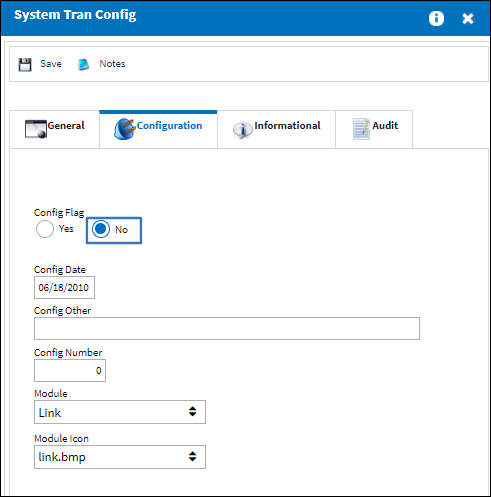
Switch Set to No:

When set to No, the system will post Invoices; however, the word ‘PENDING’ must be removed from the Config Other.

eMRO_Link_No

See Also

Link Switches

APGLVBATCH - A/P Invoice Check use Global G/L (expendable) at Batch Level

APINCLST-RL - A/P Invoice Closing Status Set to Released

APOWNER - All Invoice of Orders with Owner

CRMEMORQ - Credit Memo Request Transaction

DEFAULTINVGL - The Default Inventory GL is Populated on the Invoice Instead of Global Expense GL

FINSYSVENDORWARN - Vendors without Financial Sys Information cannot release Invoices

IMGCTL - Validate if the Invoice has an Image Reference

INVATHREL - Invoice Authorization through Authorization Explorer

INVCURO - A/P Invoice Uses Currency Rate From Order Received Date

INVHDDT - Default Invoice Date to Today

INVRECQTYCHECK - Cannot Save Invoice if INV Qty is greater than Rcvd Qty and Status is PAID

LINK/ADD/EX/VALUE

LINK/COMPANY/PROTECT - Allows users to manage AP Invoice access via Company Profile window

LINK/GL/PROTECT - Protect G/L Field Unless Blank

LINK/MEMO/HOLD - Place Invoice Memo On Hold Automatically

LKQTYGRT - Prevent Authorization Acceptance if Invoice Qty is greater than Order Qty

LKQTYREC - Only Allow Invoicing if Order has been Received

NTLINKGR - Send Notification to Link Authorization Group at a Return to Vendor

ONESTEPPOST

ORDLINEMULTINV

OUTBALMSG

SHINVOICESUBCAT - Show Invoice Sub Categories in Journal Entry Query

VALTOTALONINVORDER - Validate Invoice Based On Order Total And Invoice Total

VATCODEMAND - Make Vat Code (field) Mandatory in Invoice Order Detail

VOUCHER - Last A/P Link Voucher Sequence

Top of Page Download Online Help Print