
 Share
Share
 Print
Print
|
|
|
|
|


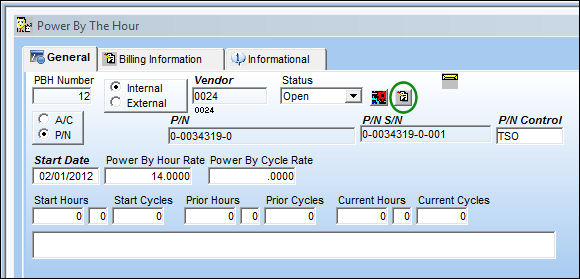
In order to generate a Service Order for an individual PBH Item, select the Create Work Order Invoice  button on the PBH, General tab.
The Save prompt will appear. Select 'OK'.
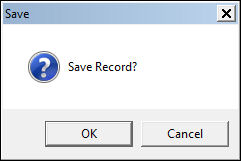
Select OK to complete the transaction and create the Service Order.
Select Cancel to void the transaction.
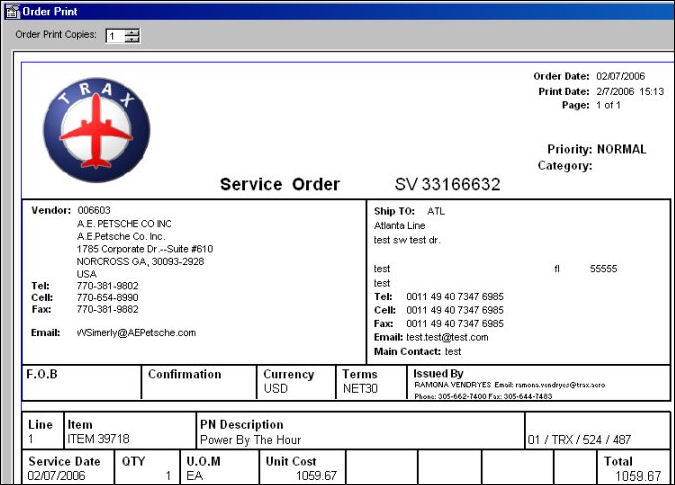
When OK is selected, TRAX generates the actual Service Order, as seen below:
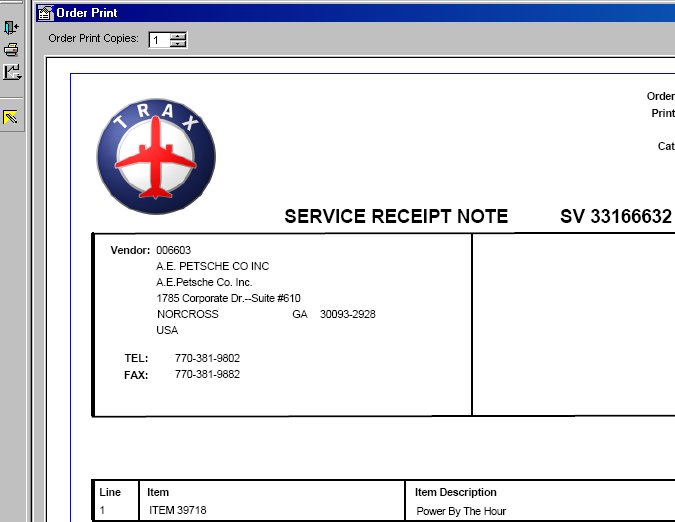
Select the Exit  button, the Service Receipt Note as seen below:
- Switch
 SVODRCP- (Print Service Order Receipt Note At Close)If set to 'Yes', the Service Order Receipt Note will print upon Receiving the Service Order.
The PBH Service Order has now been created and received automatically, generating the appropriate journal transaction entries.
Select the Exit button, to return the the PBH Header window, as displayed below:
All subsequent Service Order may be generate in the same way, by selecting the Invoice/Service Order Generation button on the General tab of the PBH Header.
If flight times are entered against the PBH Item the Prior Current Hours and/ or Current Cycles fields will automatically update and the Prior Hours and/ or Prior Cycles Field will receive the current times from the previously entered Service Order as seen below:
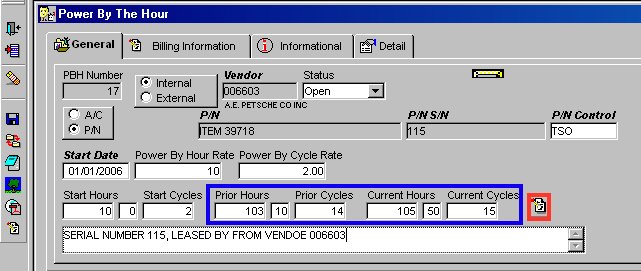
The Save Prompt will be displayed, as seen below:
Select OK to complete the transaction and create the Service Order.
Select Cancel to void the transaction.
When OK is selected, the Service Order print will follow indicating the Service Order has been generated, received and the appropriate journal transaction recorded.
Using the the Invoice/ Service Order Generation button from the button menu will generate a Service Order for ALL 'Open' status PBH Items.
Share
Print
|
©1997-2026 Trax USA Corp. All rights reserved. This manual may not be copied, photocopied, reproduced, translated, or converted to any electronic or machine-readable form, in whole or in part, without prior written approval from Trax USA Corp. |
 |