 Download Online Help
 Print
|
|
|
|
|


Upon selecting to create a request for a quote through the Request For Quote  button, via Quotes window, the following appears.
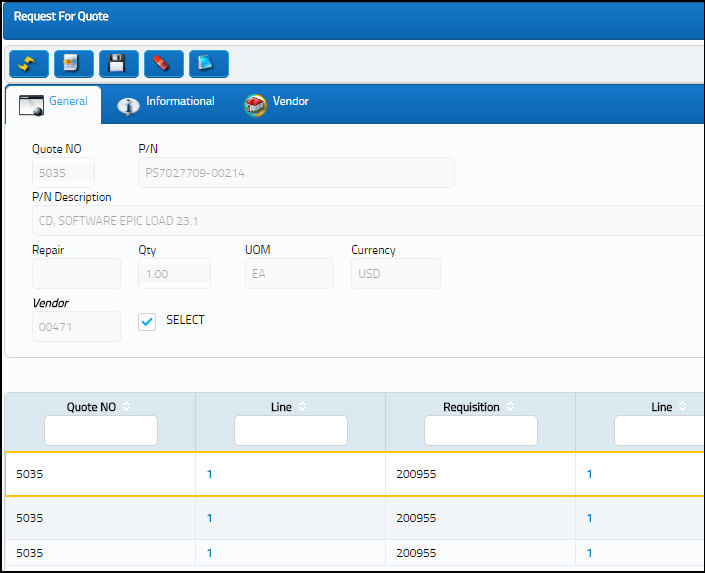
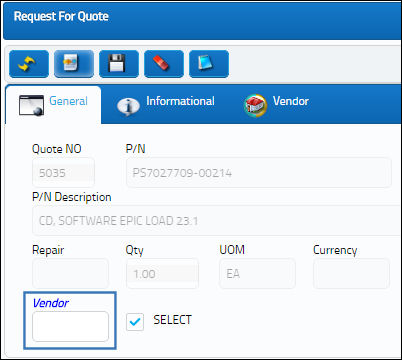
The Vendor field opens up. Select into the Vendor field.
Note: The Select checkbox will be selected by default.
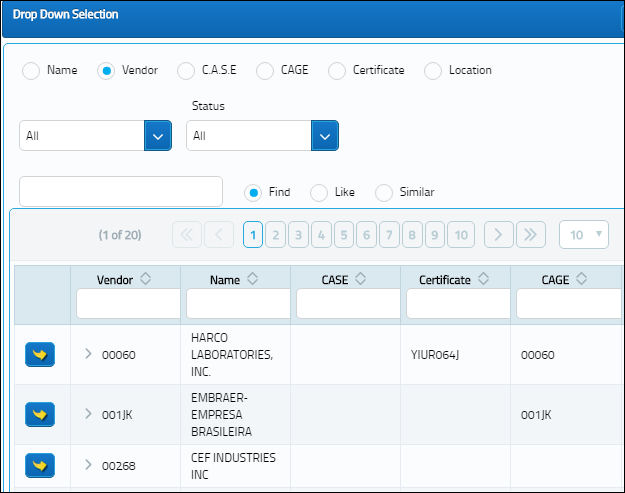
The system displays the following Drop Down Selection menu. Select a Vendor.
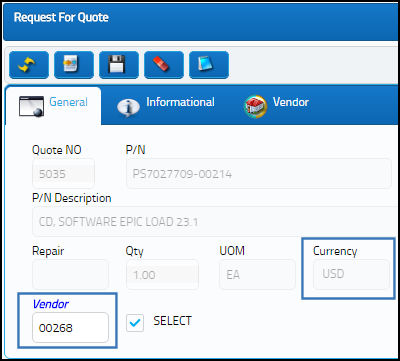
The Vendor field auto populates with the selected Vendor and the Currency field also auto populates. Select the Save  button. The Save prompt will appear. Select 'OK.'
The new Vendor has been added to the list of Vendors.
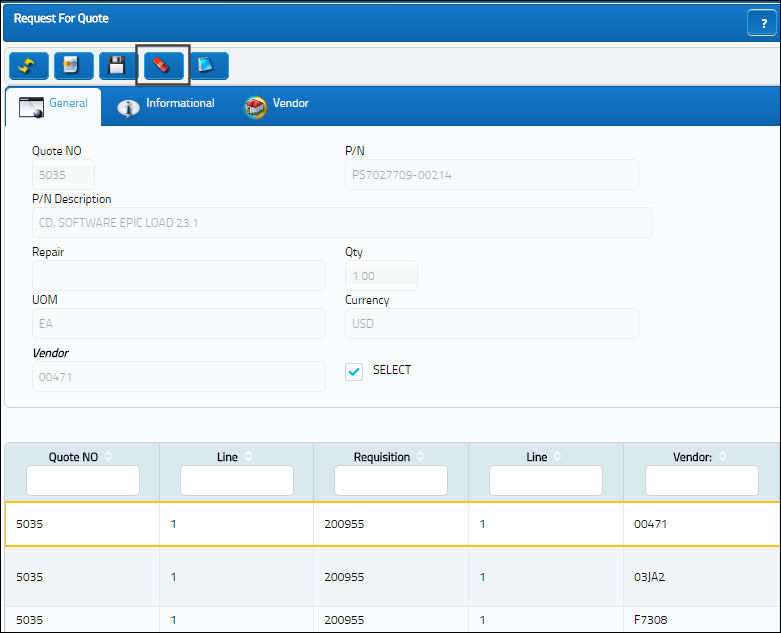
Similarly, the user can also delete a Vendor from the list of Vendors. Choose the record to be deleted and select the Delete  button.
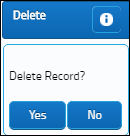
The Delete prompt appears. Select 'OK.'
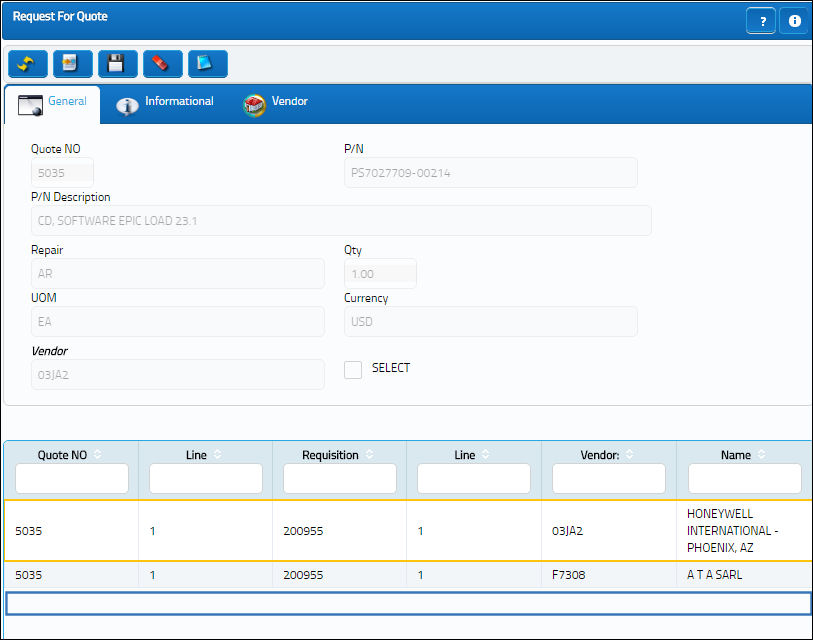
The line item for Vendor H7034 has been deleted as shown below:
Download Online Help
Print
|
©1997-2018 Trax USA Corp. All rights reserved. This manual may not be copied, photocopied, reproduced, translated, or converted to any electronic or machine-readable form, in whole or in part, without prior written approval from Trax USA Corp. |
 |