 Download Online Help
 Print
|
|
|
|
|


Effectivity Button, via Fault Code Master
The A/C Effectivity  button is a standard button found throughout the system. The following is just one example of the A/C Effectivity button as displayed in eMRO.
Select the A/C Effectivity button to apply A/C Effectivity to the selected Fault Code Manual Set from the Fault Code Master.
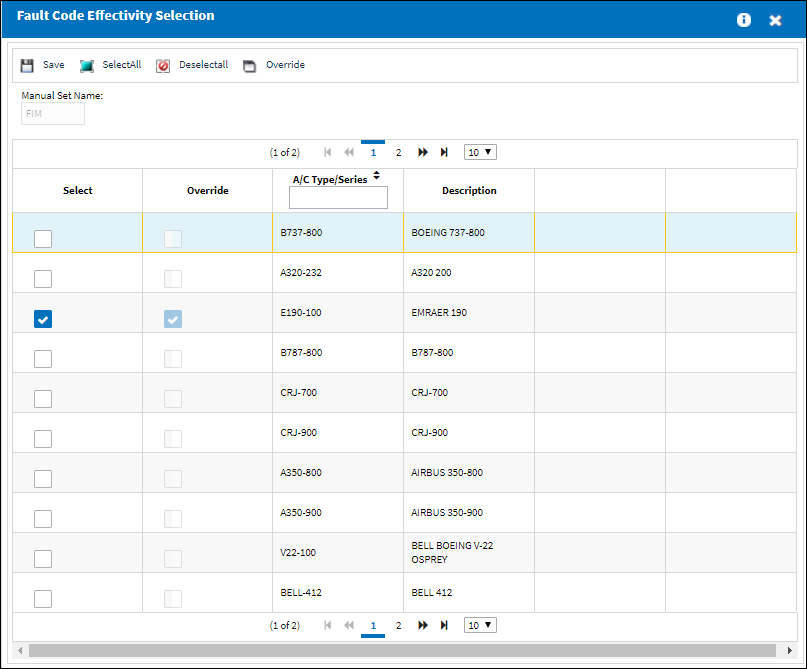
When the button is selected, the Fault Code Effectivity window appears as follows.
The following options/information is available in this window:
_________________________________________________________________________
Fleet Select All  / Deselect All
 buttons
Use these buttons to select all fleets (including every aircraft) or to deselect all fleets.
Override button
The Override button allows users to specify effectivity for individual aircrafts in the selected Type/Series. Once the override has been applied, the Override checkbox will appear selected.
Select checkbox
Select this checkbox if the P/N is to be effective to this A/C Type/Series. Only the Type/Series with this checkbox selected will have effectivity.
Override checkbox
The Override checkbox indicates whether or not individual aircrafts have been selected for effectivity. This is done using the Override Button. Once individual aircrafts are selected, the checkbox will appear selected.
_________________________________________________________________________
To select only specific Tail Numbers within a fleet Type/Series, select the Override button.
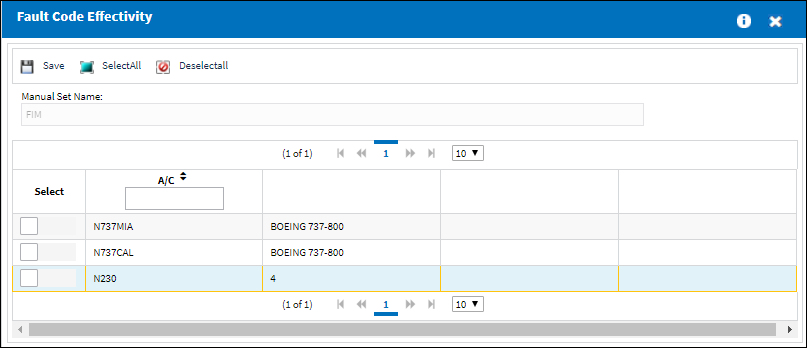
Once all applicable Aircrafts have been selected, select the Save button.
The Override checkbox now appears selected due to the partial effectivity that has been applied to the Type/Series.
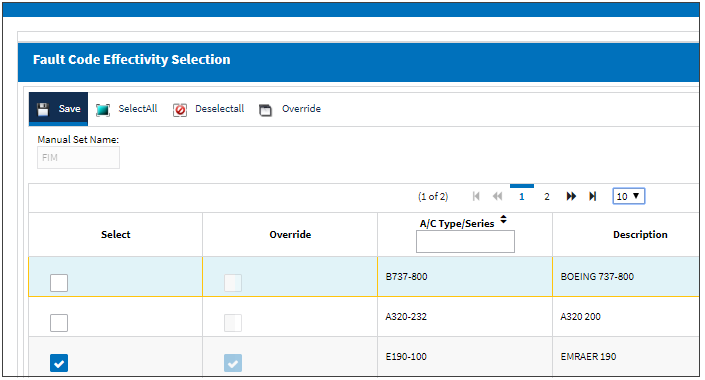
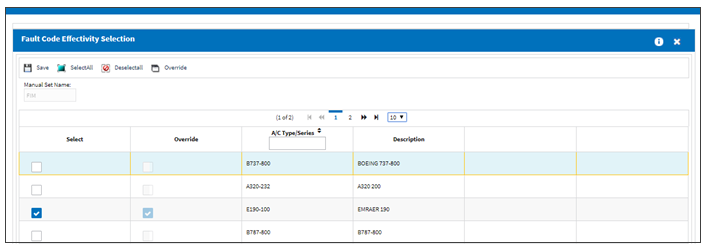
nothing happens on V3 while saving, I will go back to this topic later 4/4/2018 MC
Download Online Help
Print
|
©1997-2018 Trax USA Corp. All rights reserved. This manual may not be copied, photocopied, reproduced, translated, or converted to any electronic or machine-readable form, in whole or in part, without prior written approval from Trax USA Corp. |
 |