 Download Online Help
 Print
|
|
|
|
|


Security to Current Revisions, via TraxDoc Master
The TraxDoc Security Explorer window allows a user to change their status to allow them to modify revisions to a TraxDoc.
Go to TraxDoc/Update/TraxDoc Master.
Select the Find  button and select a TraxDoc.
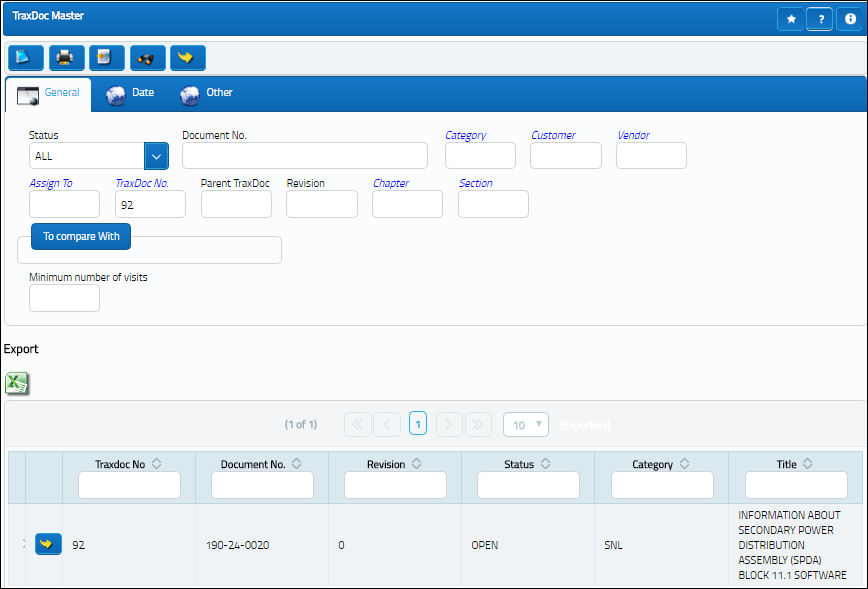
The following information box appears. Select OK.
The user is taken to the TraxDoc Query window. The user is unable to update any information in this query window.
Go to TraxDoc/Explorer/TraxDoc Security Explorer.
Under the users' name, click on 'MODIFY REVISION ACCESS'. The Change Status button appears. Select on it to change the status.
The status of the 'MODIFY REVISION ACCESS' will change to available:
Go to the TraxDoc Master. Select the Find button and select a TraxDoc. The TraxDoc Document window appears. The user is able to update/modify a revision from this window.
Download Online Help
Print
|
©1997-2018 Trax USA Corp. All rights reserved. This manual may not be copied, photocopied, reproduced, translated, or converted to any electronic or machine-readable form, in whole or in part, without prior written approval from Trax USA Corp. |
 |