
 Share
Share
 Print
Print
|
|
|
|
|


The results of the Long Term View are displayed, as follows:
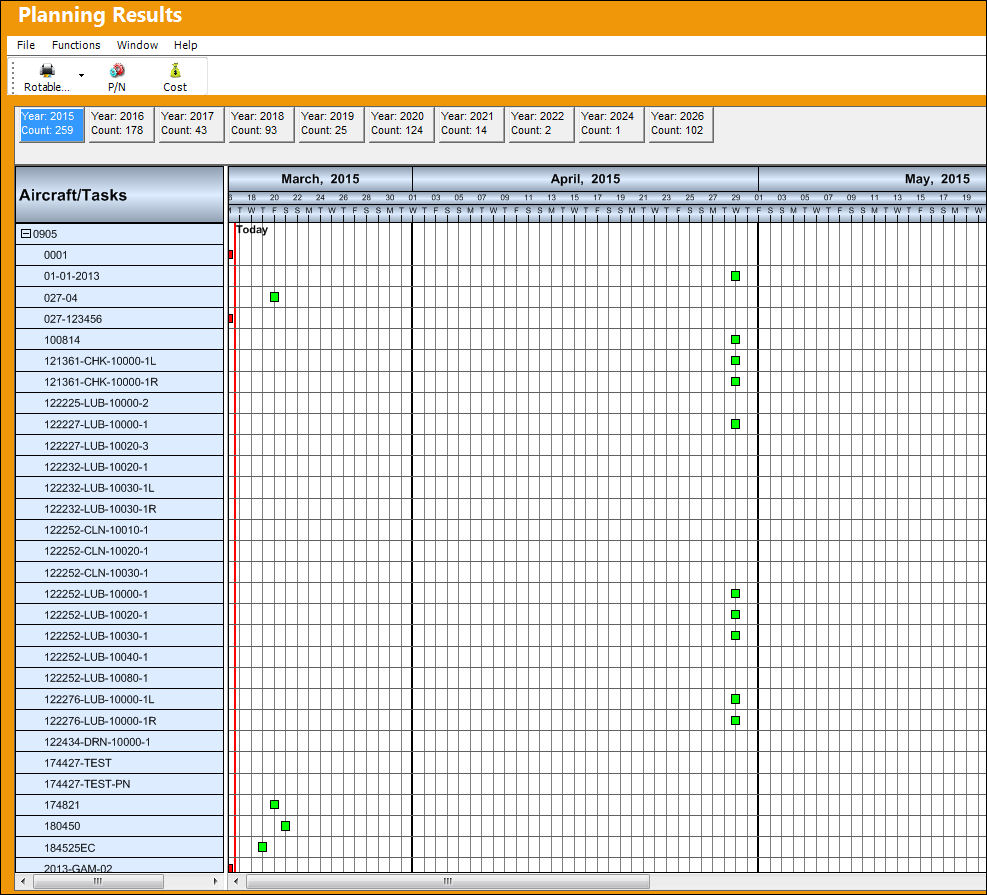
The red line that is highlighted in the above table shows the current date. This shows that any Engineering Controls appearing before this date, March 10, 2008 are past due and any appearing after this date are coming due.
The following illustrates the years in which an Engineering Control is coming due. The Count tells the user how many E/Cs are coming due in that year. For example, in Year 2003, three E/C's will become due.

Icon |
Description |
|
An E/C that is coming due (green). |
|
An E/C that is past due (red). |


To select a Planning Element, double click on the box.
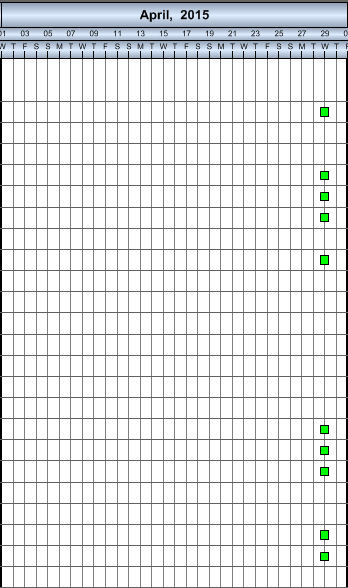
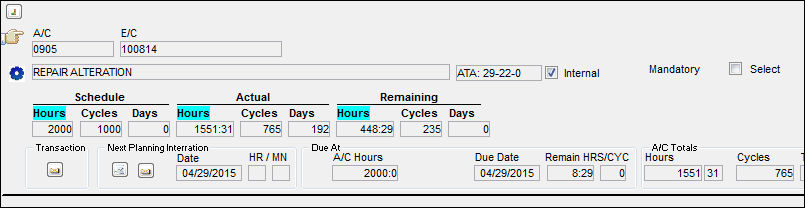
TRAX displays a pop-up window showing information related to that E/C, as illustrated below. To add the Planning Element to a work Order, double click within the window.
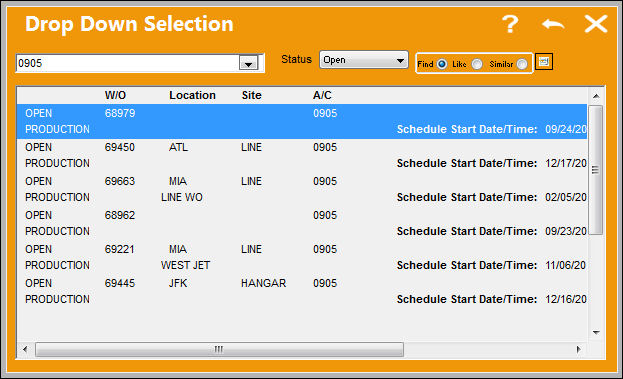
The following Drop Down Selection window appears. Double click on a highlighted Work Order to attach the current E/C. The user may also select the New  button to attach the E/C to the new Work Order.
Share
Print
|
©1997-2026 Trax USA Corp. All rights reserved. This manual may not be copied, photocopied, reproduced, translated, or converted to any electronic or machine-readable form, in whole or in part, without prior written approval from Trax USA Corp. |
 |