
 Share
Share
 Print
Print
|
|
|
|
|


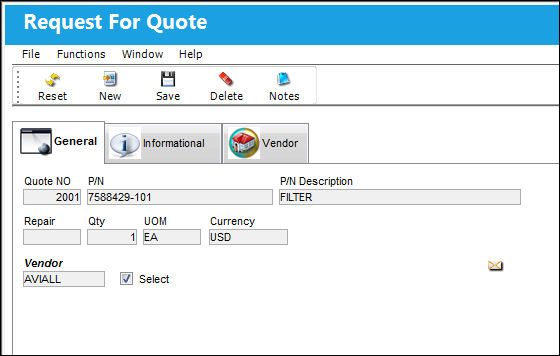
Upon selecting to create a request for a quote through the Request For Quote  button, via Quotes window, the following appears.
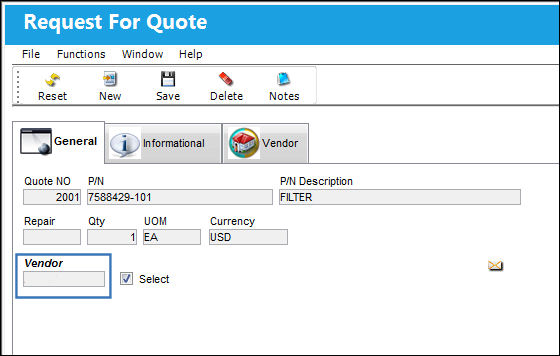
The Vendor field opens up. Right click in the Vendor field.
The Select checkbox will be selected by default.
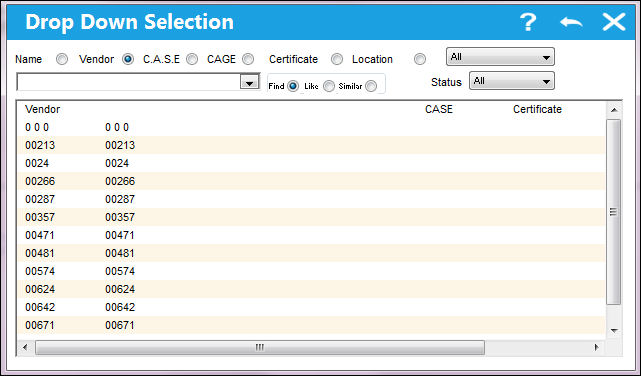
TRAX displays the following Drop Down Selection menu. Select a Vendor (becomes highlighted in blue) and double-click.
The Vendor field auto populates with the selected Vendor and the Currency field also auto populates. Select the Save  button. The Save prompt will appear. Select 'OK.'
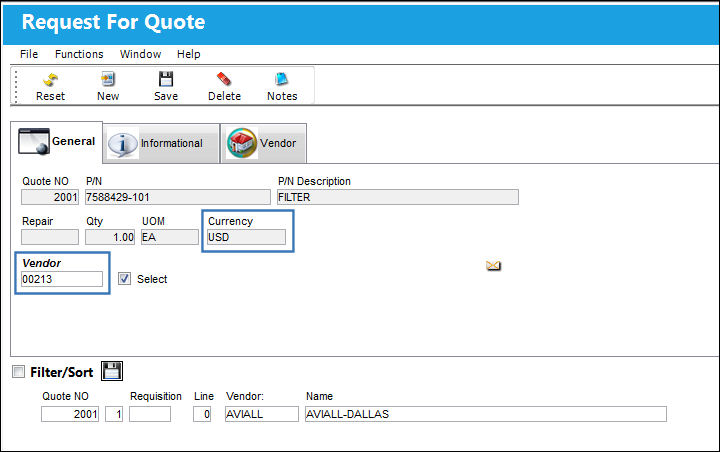
The new Vendor has been added to the list of Vendors.
Similarly, the user can also delete a Vendor from the list of Vendors. Place the Hand  pointer on the record to be deleted and select the Delete
  button.
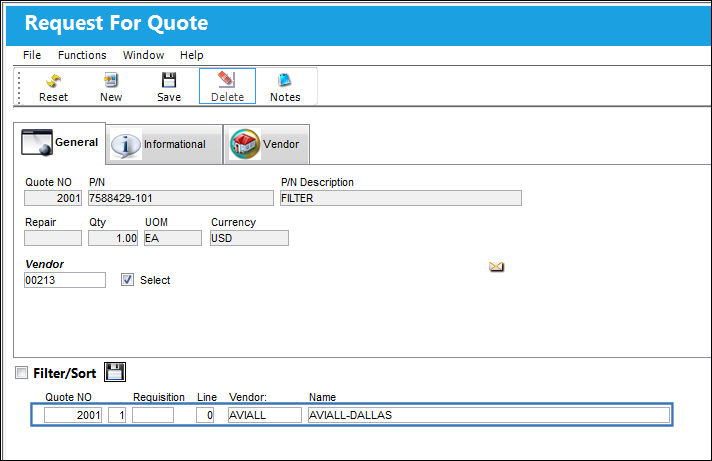
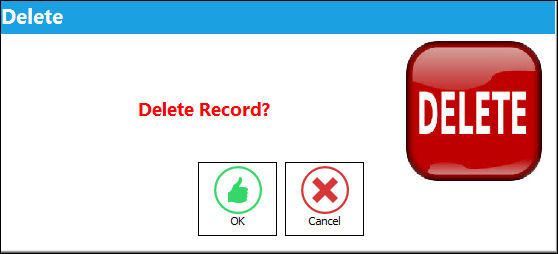
The Delete prompt appears. Select 'OK.'
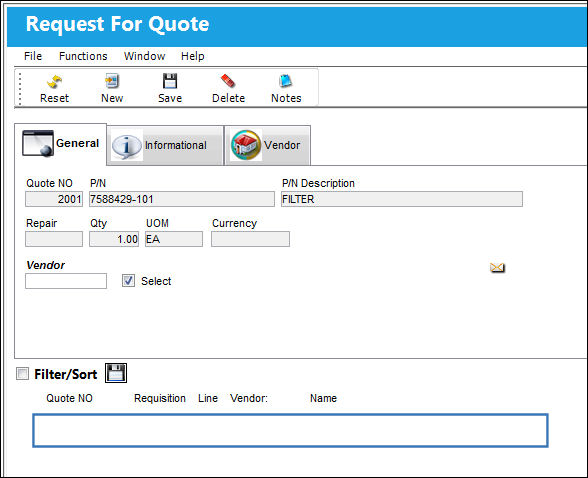
The line item for Vendor H7034 has been deleted as shown below:
Share
Print
|
©1997-2026 Trax USA Corp. All rights reserved. This manual may not be copied, photocopied, reproduced, translated, or converted to any electronic or machine-readable form, in whole or in part, without prior written approval from Trax USA Corp. |
 |