 Download Online Help
 Print
|
|
|
|
|


Importing a File
Once the file has been prepared, the user may begin the import process.
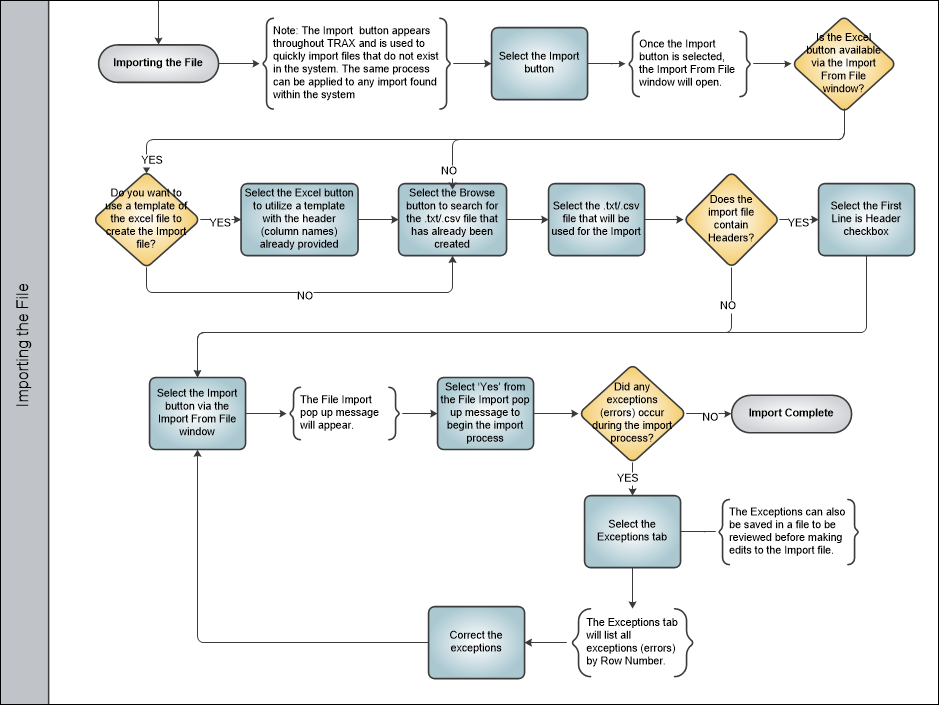
For information regarding how to prepare the import file, refer to Preparing File For Import, via the Import Button of the System Standards Training Manual.
Select the Import  button in the desired window to begin the import process. This process works the same way throughout the system.
In the following example, the user will import W/O N/R Task Card information into the W/O Detail, Optional tab window.
From the Import From File window, select the Upload  button to select the file to be imported.
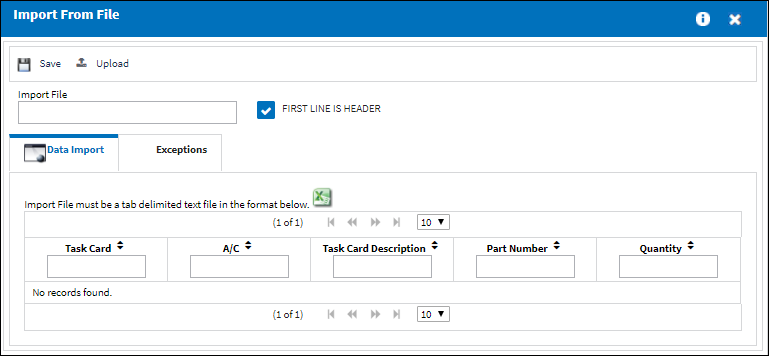
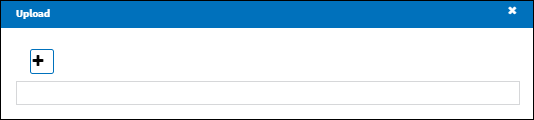
From the Upload pop up, select the No File Chosen  button.
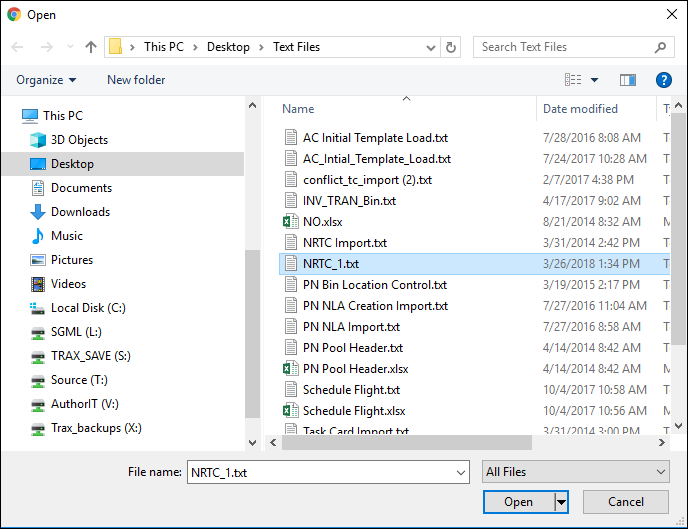
The Select File To Import window appears. Select the file the be imported and select the 'Open' button.
Once the .txt file is specified in the Import File tab, select the Save  button.
Note: The FIRST LINE IS HEADER checkbox is selected by default. If the import file does not contain headers, be sure to deselect this checkbox prior to starting the import.
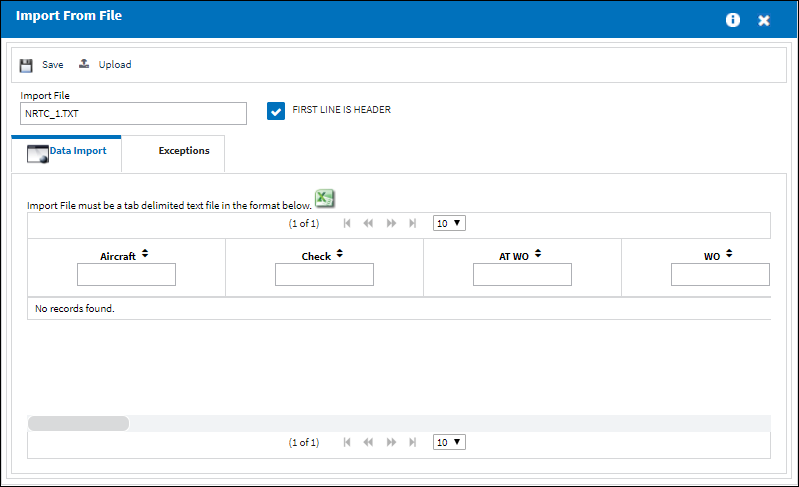
The following options/information is available in this window:
_________________________________________________________________________
Import File
File being imported to the Work Order containing the record.
Note: Select the Add  button to access the File Selection window.
First Line is Header checkbox
Check if the first line of the Input File is a header and should not be imported.
Note: This checkbox is selected by default.
_________________________________________________________________________
If no exceptions are found, the import will be complete:
For information regarding exceptions, refer to eMRO Exceptions via Import Buttons of the System Standards Training Manual.
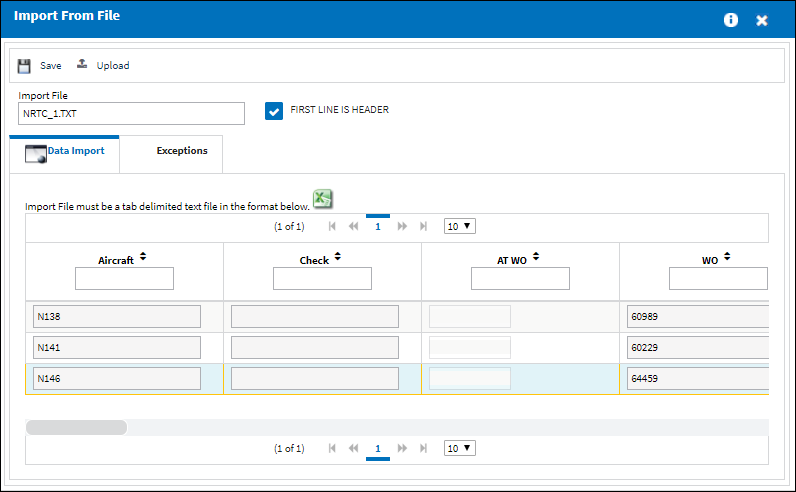
Once the import is complete, the user may view the specified window to see if the file was imported successfully.
Download Online Help
Print
|
©1997-2018 Trax USA Corp. All rights reserved. This manual may not be copied, photocopied, reproduced, translated, or converted to any electronic or machine-readable form, in whole or in part, without prior written approval from Trax USA Corp. |
 |