
 Share
Share
 Print
Print
|
|
|
|
|


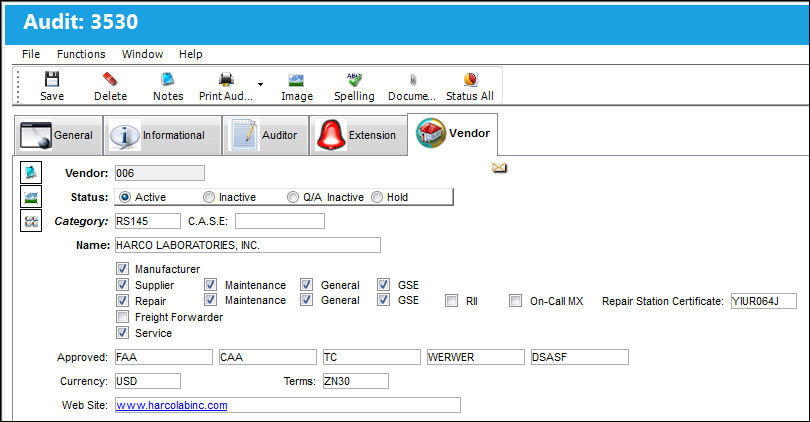
In the event of a Vendor Audit, the Vendor Tab will appear and can be used to edit and update the Vendor Master details as desired.
Once the Audit has been created and the Steps have been added, select the Save  button.
After exiting, the Audit has now been set up and scheduled. The Audit should be performed once it becomes due.
To determine which Audits are due, Audit Reporting is available via Quality Assurance/Print/Audit Requirement.
Share
Print
|
©1997-2026 Trax USA Corp. All rights reserved. This manual may not be copied, photocopied, reproduced, translated, or converted to any electronic or machine-readable form, in whole or in part, without prior written approval from Trax USA Corp. |
 |