
 Share
Share
 Print
Print
|
|
|
|
|


A/C Flight Schedule Detail, Flight Assignment Tab

The Flight Assignment Tab is used to assign pilots and crew members to the flight being created. This information will be used to connect logged-in users to their flights in the PilotLog and CabinLog application.
From the A/C Flight Schedule window via the Flight Assignment Tab select the New button.
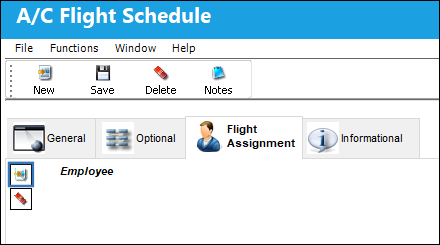
From the Employee field choose an employee to assign to the applicable A/C Flight Schedule.
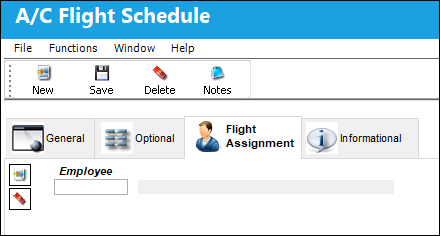
The following information/options are available in this window:
_____________________________________________________________________________________
New button
Select this button to create a new Flight Assignment.
Delete button
Select this button to delete a Flight Assignment.
Employee field
Select this button to assign an employee to the applicable flight.
_____________________________________________________________________________________
Share
Print
|
©1997-2026 Trax USA Corp. All rights reserved. This manual may not be copied, photocopied, reproduced, translated, or converted to any electronic or machine-readable form, in whole or in part, without prior written approval from Trax USA Corp. |
 |