
 Share
Share
 Print
Print
|
|
|
|
|


Order Invoicing Prior to Receiving Functionality, via ACCDOCMAND

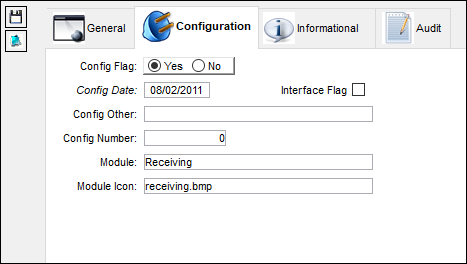
In version 15 and onward, an additional Yes functionality is present for Receiving switch  ACCDOCMAND. When set to Yes, the system will also prevent the receiving of P/O, E/X, and L/O orders without a corresponding Closed and Paid Invoice.
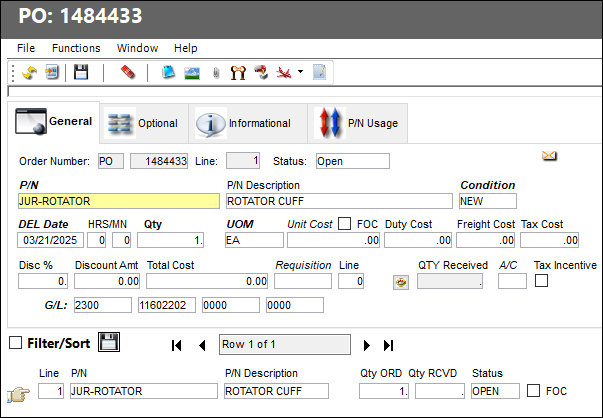
The following Purchase Order has been created.
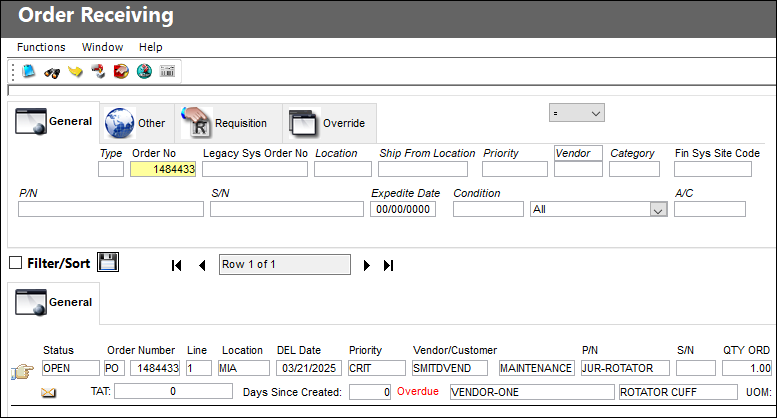
The user accesses the newly created P/O via the Order Receiving window.
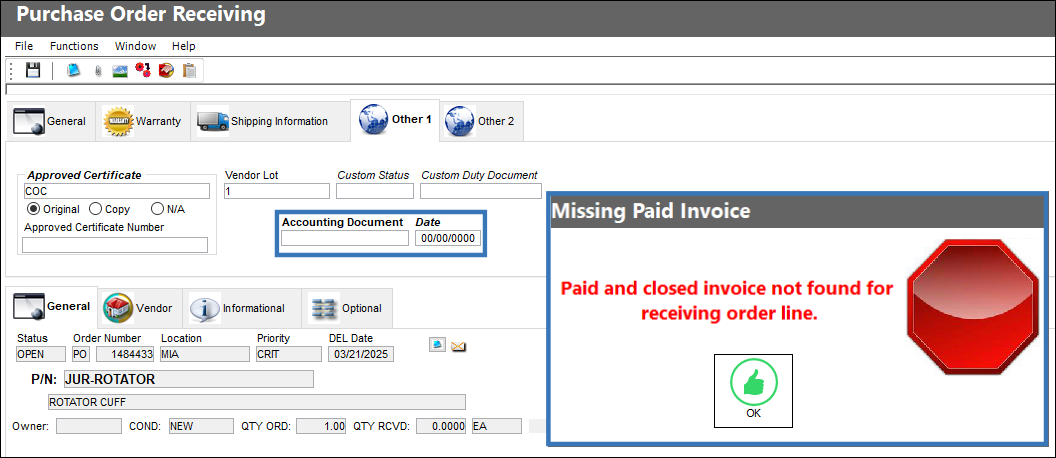
In the Other 1 tab of the P/O Detail, the Accounting Document and Date fields are not populated. Attempting to receive the order while the fields are empty will prompt a hard warning.
An Invoice is created for the Purchase Order via the Invoice Entry window.
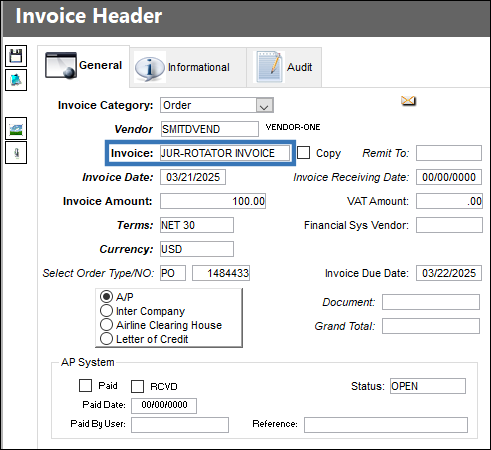
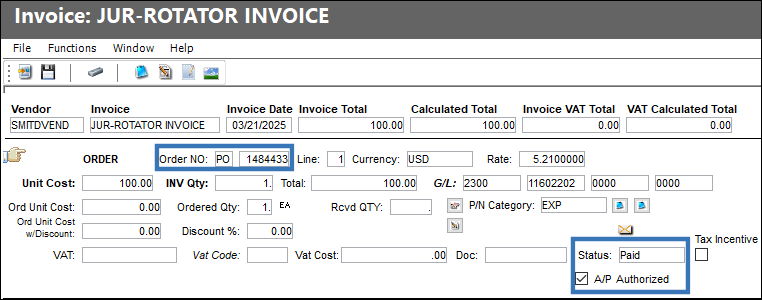
In the Invoice Order Detail window, the Status is set to Paid and the A/P Authorized checkbox is selected.
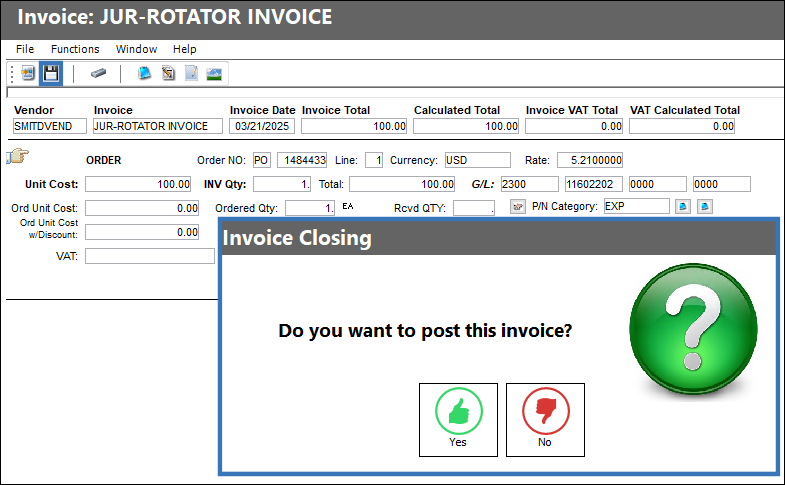
Select the Save  button to proceed with closing the Invoice.
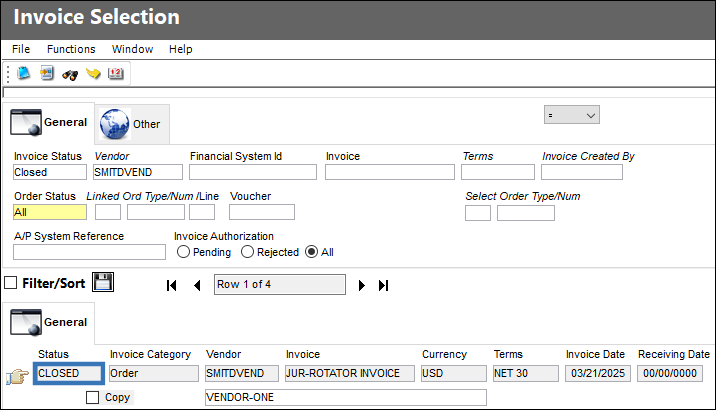
The Invoice is now closed and posted against the Purchase Order.
The user attempts to receive the P/O once more. In the Other 1 Tab, the Accounting Document and Date fields are automatically populated with the details of the corresponding Invoice.
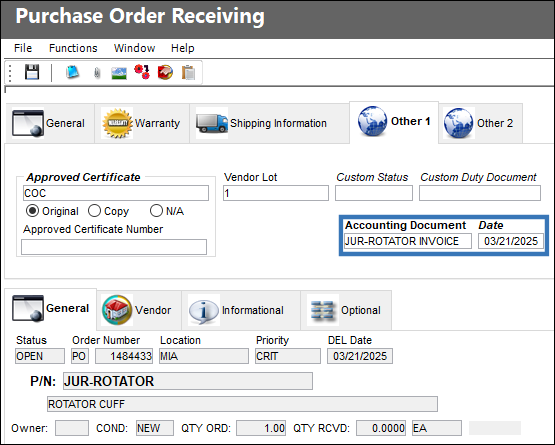
Upon selecting the Save  button to receive the order, a hard warning is not prompted. The user can continue with the receiving process as needed.
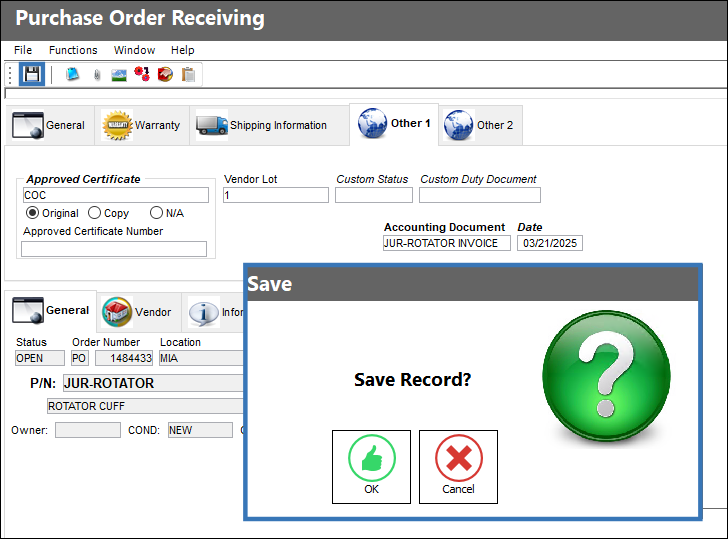
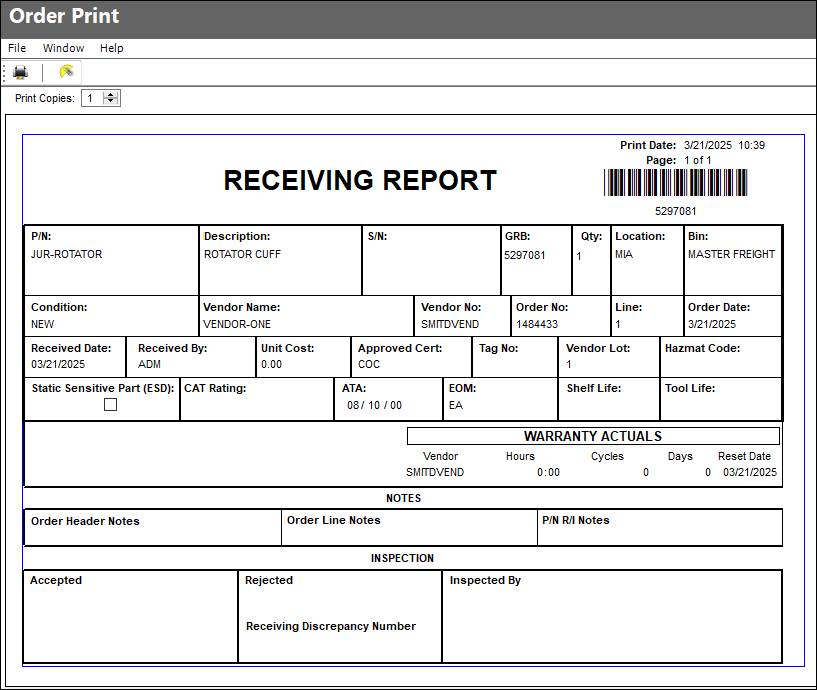
The P/O is successfully received and its Receiving Report is generated.
Share
Print
|
©1997-2026 Trax USA Corp. All rights reserved. This manual may not be copied, photocopied, reproduced, translated, or converted to any electronic or machine-readable form, in whole or in part, without prior written approval from Trax USA Corp. |
 |