
 Share
Share
 Print
Print
|
|
|
|
|


The Import  button appears throughout TRAX and is used to quickly import files that do not exist in the system. The same process can be applied to any import found within the system.
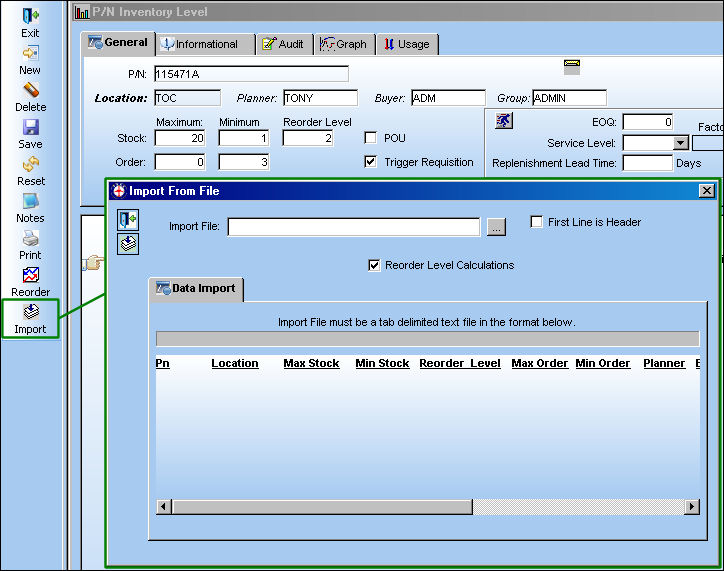
From the P/N Inventory level window, select the Import button. TRAX displays the Import From File window.
Before proceeding with the following import, refer to the initial steps which have been outlined via the Import Button, via the Standard Buttons which can be found in the System Standards Training Manual.
 Note: The Import button allows users to import P/N Inventory Level data using .txt files.
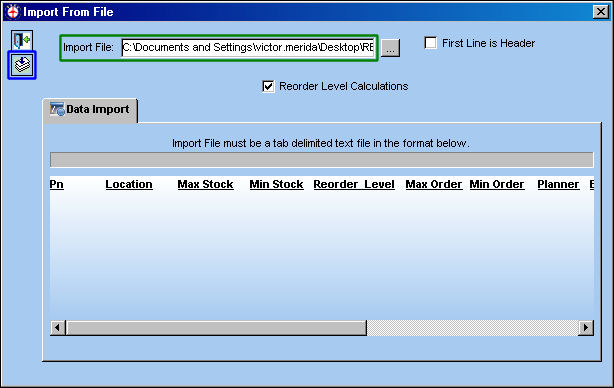
Once the path is specified, select the Import button.
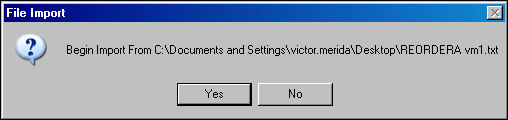
The File Import window will appear. To begin the import, select 'Yes'.
If no exceptions are found, the import will be complete:
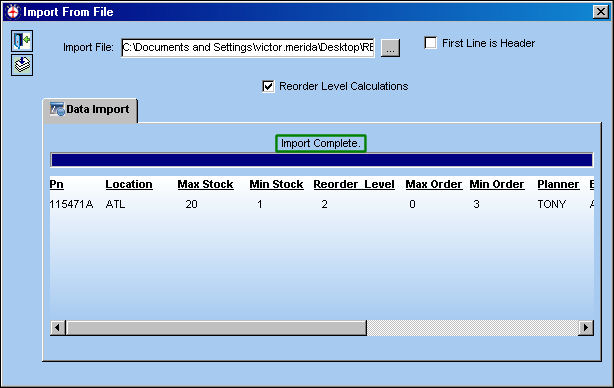
Once imported a Reorder Level Requisition is created.
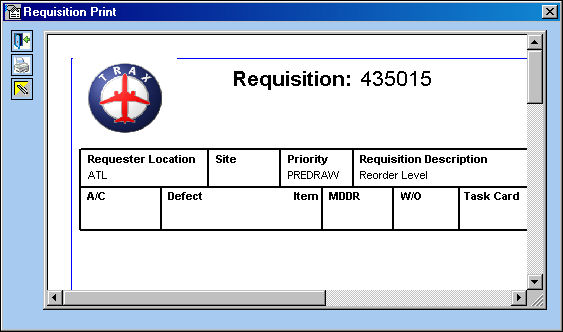
Users can disabled the automatic Requisitions functionality by deselecting the Reorder Level Calculations checkbox in the Import From File window.

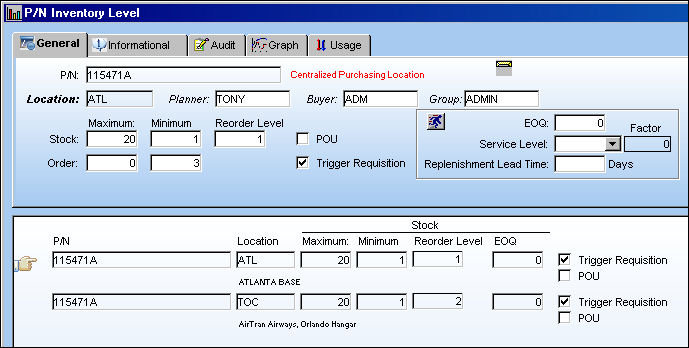
The information from the .txt is imported as shown below:
Column Name |
Data Type |
Limitation |
Path |
P/N |
Alphanumeric |
25 |
Settings/Update/P/N Master/Inventory Levels Button. |
Location |
Alphanumeric |
8 |
Settings/Update/P/N Master/Inventory Levels Button. |
Max Stock |
Numeric |
6 |
Settings/Update/P/N Master/Inventory Levels Button. |
Min Stock |
Numeric |
6 |
Settings/Update/P/N Master/Inventory Levels Button. |
Reorder Level |
Numeric |
6 |
Settings/Update/P/N Master/Inventory Levels Button. |
Max Order |
Numeric |
6 |
Settings/Update/P/N Master/Inventory Levels Button. |
Min Order |
Numeric |
6 |
Settings/Update/P/N Master/Inventory Levels Button. |
Planner |
Alphanumeric |
10 |
Settings/Update/P/N Master/Inventory Levels Button. |
Buyer |
Alphanumeric |
10 |
Settings/Update/P/N Master/Inventory Levels Button. |
EOQ |
Numeric |
6 |
Settings/Update/P/N Master/Inventory Levels Button. |
Trigger Requisition |
Y/N |
1 |
Settings/Update/P/N Master/Inventory Levels Button. |
POU |
Y/N |
1 |
Settings/Update/P/N Master/Inventory Levels Button. |
Share
Print
|
©1997-2026 Trax USA Corp. All rights reserved. This manual may not be copied, photocopied, reproduced, translated, or converted to any electronic or machine-readable form, in whole or in part, without prior written approval from Trax USA Corp. |
 |