
 Share
Share
 Print
Print
|
|
|
|
|


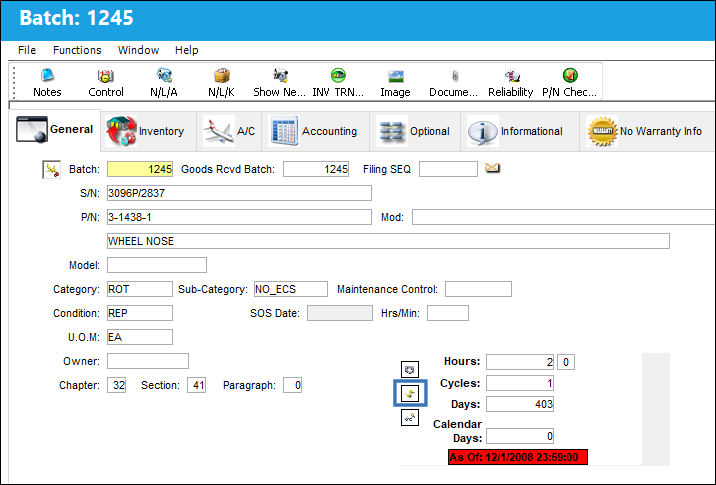
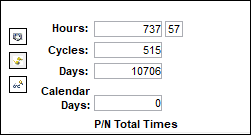
When the Time As Of Date button is used to query for the part's accrued times as of a certain date, the Reset button is used to refresh the window and display the P/N Total Times once again.
The Time As of Date  button was used to query for the part's accrued time since a selected date. The date is highlighted in red.
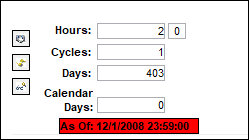
From Inventory Transaction, General Tab select the Reset  button to reset the date and time as shown below.
The window is refreshed showing the total P/N Total Times again.
Share
Print
|
©1997-2026 Trax USA Corp. All rights reserved. This manual may not be copied, photocopied, reproduced, translated, or converted to any electronic or machine-readable form, in whole or in part, without prior written approval from Trax USA Corp. |
 |