
 Share
Share
 Print
Print
|
|
|
|
|


Read & Sign Query
The Read & Sign Query is used to check the status of Read & Sign requests using one of many criteria. The more fields that are used for the query the more detailed your results will be. All closed Read & Sign requests are only viewable from the Read & Sign Query.
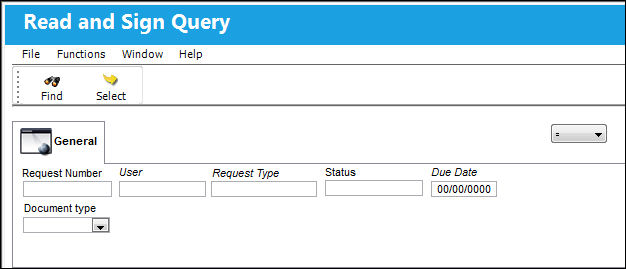
View a Closed Read & Sign request as follows:
- Go to Library / Query / Read & Sign Query.
- Select ‘Closed’ in the Status Field.
- Click the Find Button to list all closed Read & Sign.
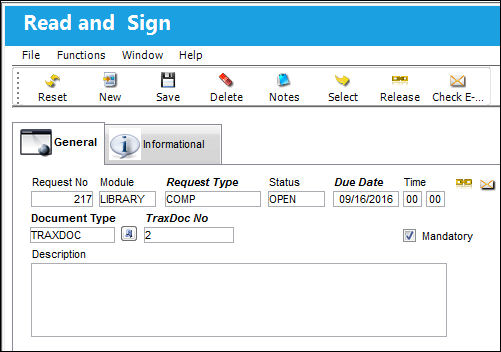
- Select a Read & Sign and click the Select Button to it. Click the Select Button to go to the Read & Sign Detail.
Share
Print
|
©1997-2026 Trax USA Corp. All rights reserved. This manual may not be copied, photocopied, reproduced, translated, or converted to any electronic or machine-readable form, in whole or in part, without prior written approval from Trax USA Corp. |
 |