
 Share
Share
 Print
Print
|
|
|
|
|


The One Step Transfer, Requisition tab allows users to link the part transfer to a Requisition and Line Item. For more information refer to the One Step Transfer Button.
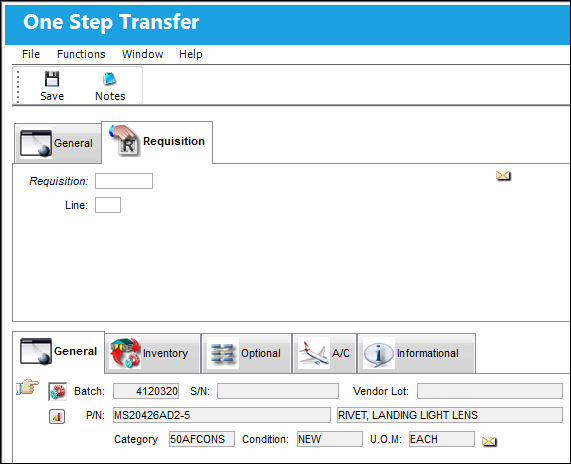
Users must have the proper security access to view the One Step Transfer, Requisition Tab.
The following information/options are available in this window:
_____________________________________________________________________________________
Requisition
List of required parts for either a maintenance item or for restocking.
Line
The attached requisition line number.
_____________________________________________________________________________________
Requisition Warnings
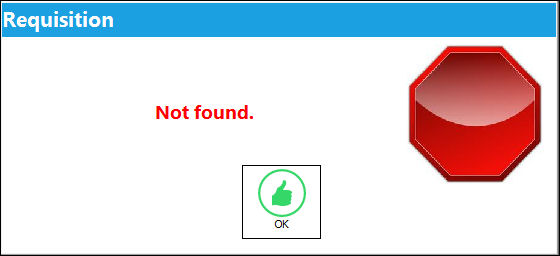
If the user attempts to try to save a bogus requisition number, the following hard warning will appear:
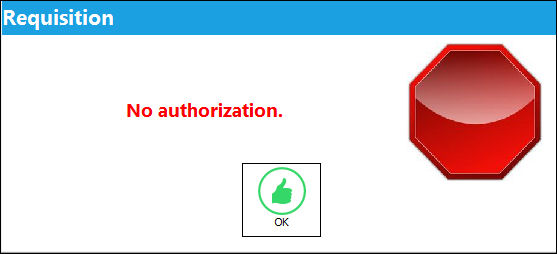
If the user attempts to save a requisition that is not authorized, the following hard warning will appear:
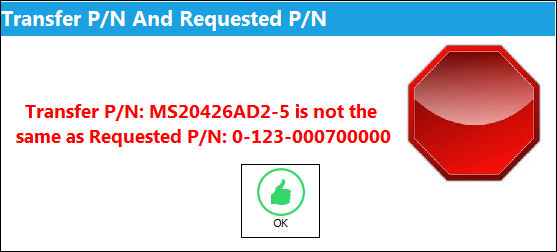
If the part on the requisition and the part being transferred are not the same, the following hard warning will appear:
Share
Print
|
©1997-2026 Trax USA Corp. All rights reserved. This manual may not be copied, photocopied, reproduced, translated, or converted to any electronic or machine-readable form, in whole or in part, without prior written approval from Trax USA Corp. |
 |