
 Share
Share
 Print
Print
|
|
|
|
|


Inventory Query
The Inventory Query option allows users to query by the following fields. For best results enter as much information to achieve specific results.
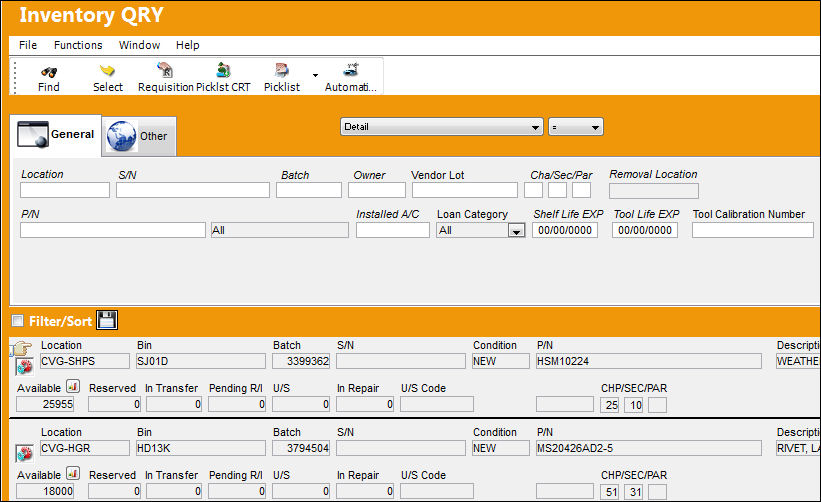
The following tabs and buttons are available:
Inventory Query Tabs |
Inventory Query Buttons |
|
|
Picklist Multi buttons
|
 Find button
 Select button
 Requisition button
 Picklist Creation button
 Picklist button
 P/N Master button
 Effectivity button
 Interchangeable button
 Order button
 P/N Detail Print button
 Bin CTL button
 Inventory Transaction All button
 Manual button
 Inventory Detail Bin Update Import button
Upon selecting into the record, the Inventory Transaction Detail appears.
Share
Print
|
©1997-2026 Trax USA Corp. All rights reserved. This manual may not be copied, photocopied, reproduced, translated, or converted to any electronic or machine-readable form, in whole or in part, without prior written approval from Trax USA Corp. |
 |