
 Share
Share
 Print
Print
|
|
|
|
|


Mass Authorization Button, via Task Card Authorization Management
Select the Mass Authorization  button to mass authorize all Task Cards that are pending authorization at one time as defined by selection criteria.
The mass authorization process works the same way for E/Cs as it does for Task Cards. For additional information regarding this process, refer to the Mass Authorize Pending E/Cs Button, via Engineering Authorization Management which can be found in the Engineering - E/C Training Manual.
Switch  TCPREPRT does not support the mass authorization functionality.
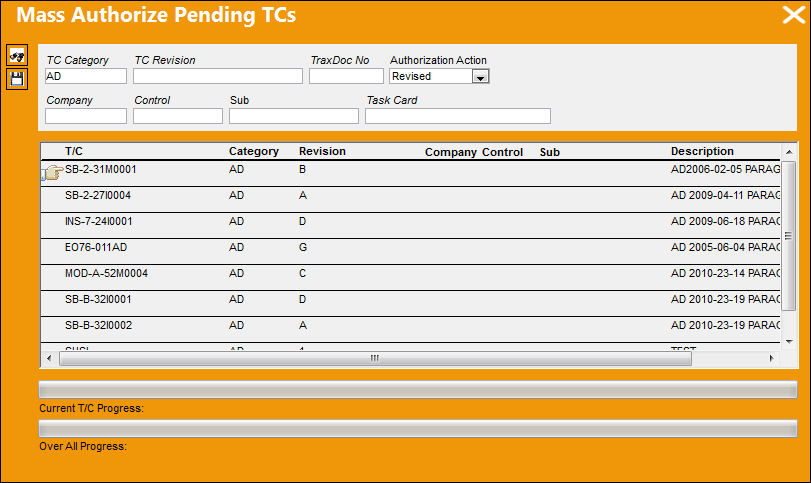
Additional Functionality:
When mass authorizing Task Cards, TRAX will ask the user if they would like to override ALL Tasks for ALL OPEN or GENERATION W/Os.
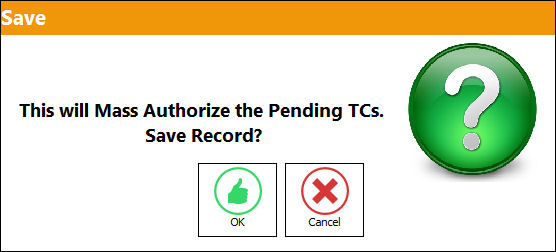
From the Mass Authorization Pending TCs window, select 'OK' to the prompt below:
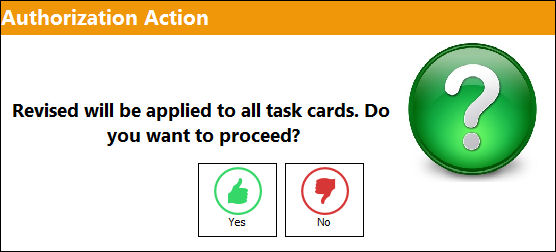
The following Authorization Action pop up appears informing the user that a revision will be applied to all Task Cards:
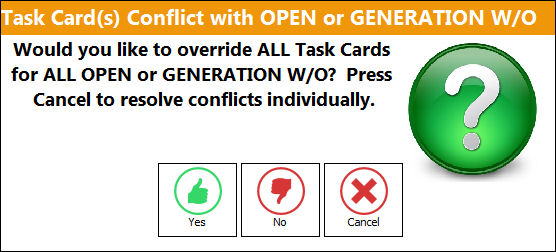
The following pop-up appears, asking the user if they would like to override ALL Tasks for ALL OPEN or GENERATION W/O.
Select 'Yes' to replace previous revision with newly authorized revision.
Selecting 'No' will not replace the revision.
Select 'Cancel' to resolve each conflict individually.
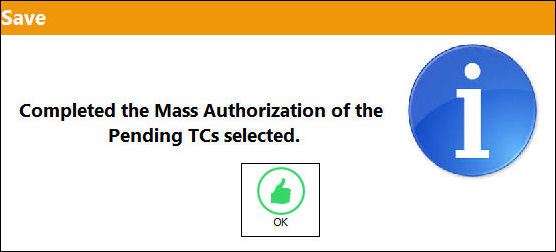
The following pop-up will appear, informing the user that all T/Cs have been authorized:
Share
Print
|
©1997-2026 Trax USA Corp. All rights reserved. This manual may not be copied, photocopied, reproduced, translated, or converted to any electronic or machine-readable form, in whole or in part, without prior written approval from Trax USA Corp. |
 |