
 Share
Share
 Print
Print
|
|
|
|
|


The Effectivity  button of the P/N Pool window allows users to add A/C Effectivity to pooled parts that are only effective to certain aircraft. This effectivity can encompass entire fleets or it can be tail specific.
 For users utilizing the TRX Interface, this window may be necessary depending on the material contracts they have with TRX. For all other users, this window is only informational. For more information regarding the TRX Interface refer to the TRX Interface (TCS) manual.
For example, select a specific P/N Pooled part then select the Effectivity button.
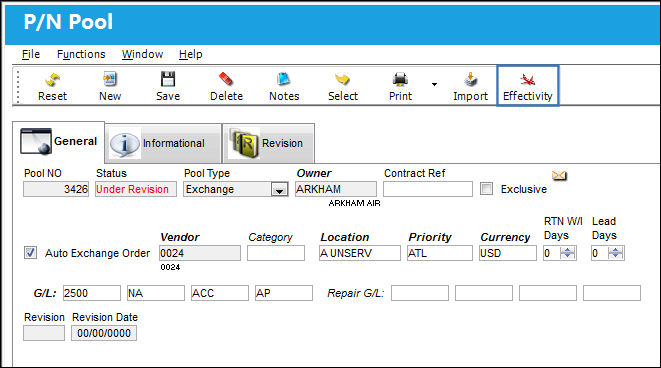
When this Effectivity button is selected, the P/N Pool Effectivity window appears. Here users can assign effectivity to entire fleets or to specific aircraft for the selected P/N.
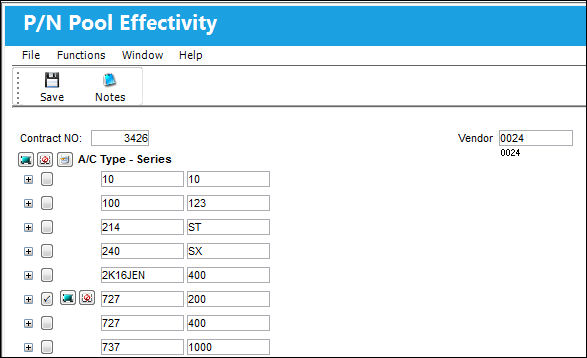
The Notes  button is available to include additional relevant information.
Share
Print
|
©1997-2026 Trax USA Corp. All rights reserved. This manual may not be copied, photocopied, reproduced, translated, or converted to any electronic or machine-readable form, in whole or in part, without prior written approval from Trax USA Corp. |
 |