
 Share
Share
 Print
Print
|
|
|
|
|



The Force Close Requisition  button allows users to close a Requisition that is associated to an order that was placed for an amount of parts fewer than the amount requisitioned. When selected, this button changes the Requisition's required Quantity to match the ordered and received quantity then sets the Requisition's status to Closed.
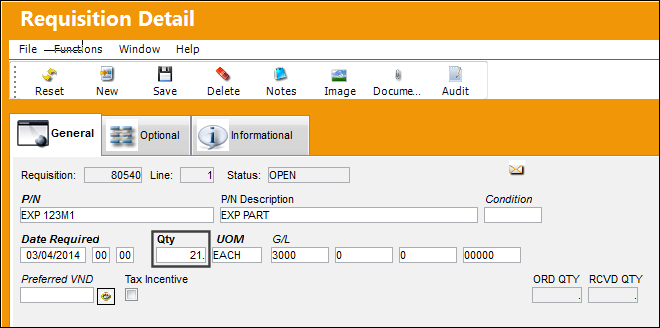
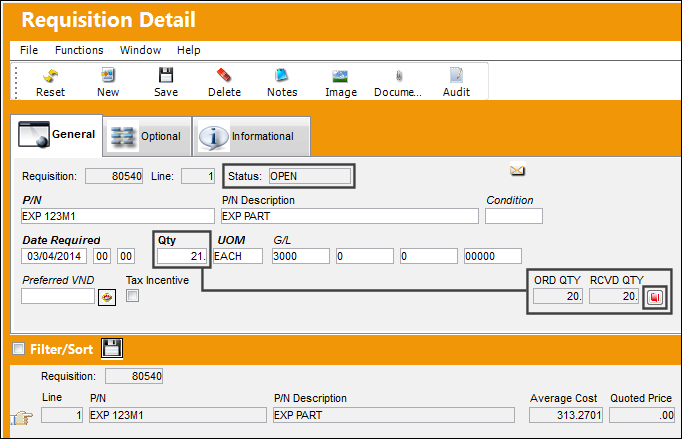
For example, this Requisition was created for a Quantity of 21 parts.
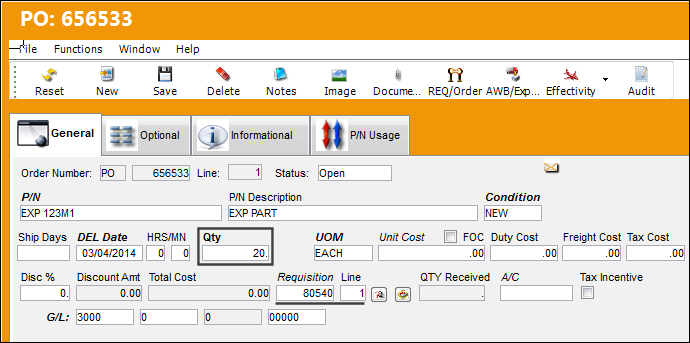
But when the Purchase Order was created, only 20 parts were ordered. Once the P/O is received and is therefore closed, the Requisition will remain Open because there were more parts requisitioned than were ordered.
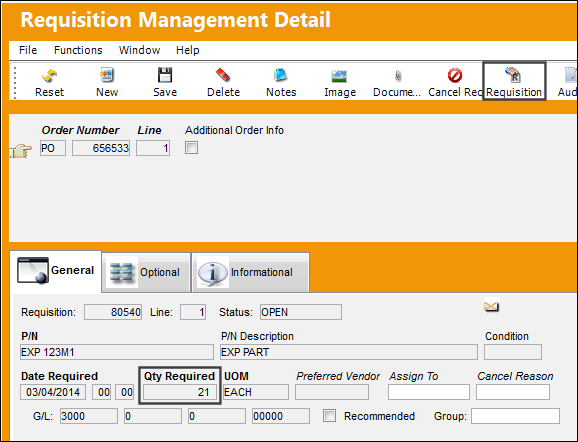
From the Requisition Management Detail window, select the Requisition  button.
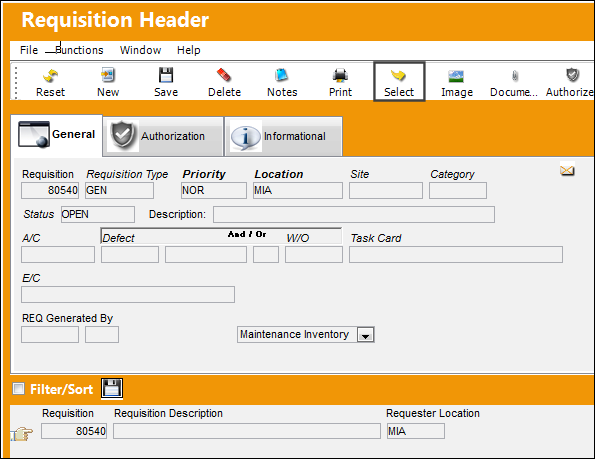
From there, click on the Select  button to view the Requisition Detail.
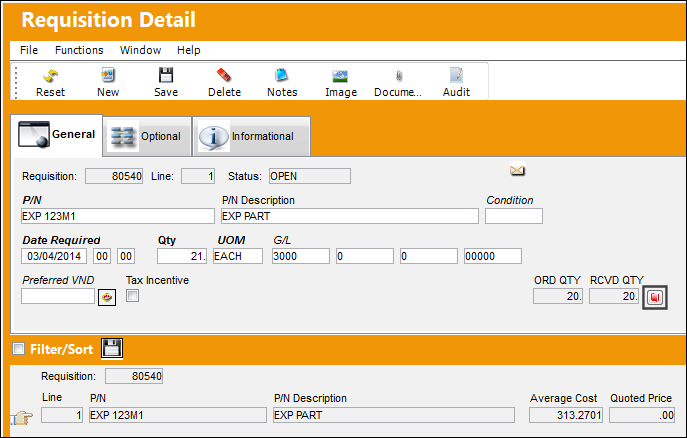
From the Requisition Detail, notice that the Status of the Requisition is Open even though the P/O has been received and closed. The Requisition is still open because the P/O did not order all of the required parts.
To close this Requisition, select the Force Close Requisition button.
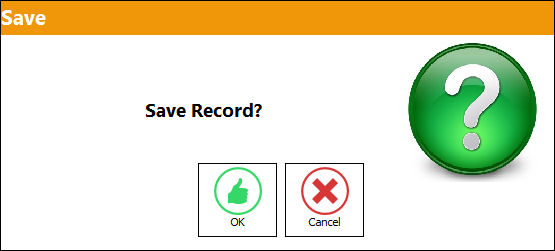
The following Save prompt comes up. Select OK.
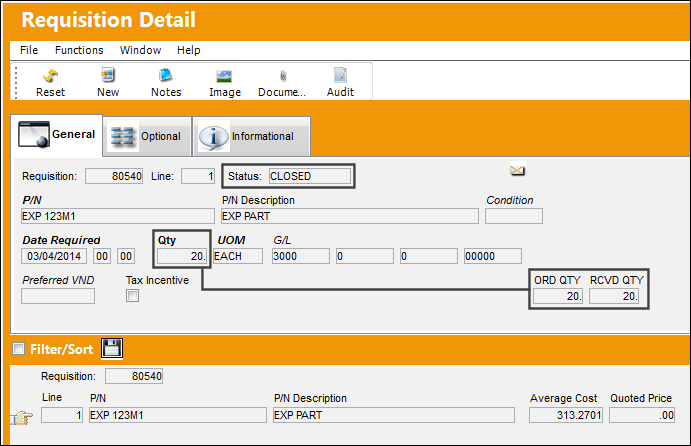
Notice that the Status has automatically changed to Closed and the required Quantity has been automatically changed to match the P/O's Ordered and Received Quantity.
Share
Print
|
©1997-2026 Trax USA Corp. All rights reserved. This manual may not be copied, photocopied, reproduced, translated, or converted to any electronic or machine-readable form, in whole or in part, without prior written approval from Trax USA Corp. |
 |