
 Share
Share
 Print
Print
|
|
|
|
|


The Order Receiving  button is used to receive Service directly through this Order Detail option.
Since the receiving and closing out of a Service Order is not the same as receiving and closing out an order for tangible goods, the Order Receiving button is placed within both the Service Order option.
Select the Order Receiving button once the service has been received:
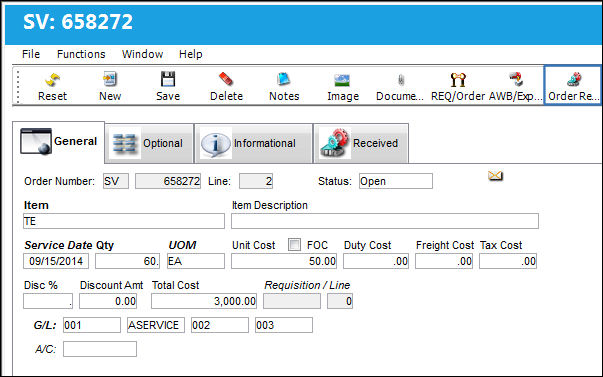
Enter a received quantity and select the Save  button.
The Order Receive print will appear for the Service Order based on the configuration set of the Switch  SVODRCP via the Receiving Switches Manual.
Share
Print
|
©1997-2026 Trax USA Corp. All rights reserved. This manual may not be copied, photocopied, reproduced, translated, or converted to any electronic or machine-readable form, in whole or in part, without prior written approval from Trax USA Corp. |
 |