
 Share
Share
 Print
Print
|
|
|
|
|


Requisition Query
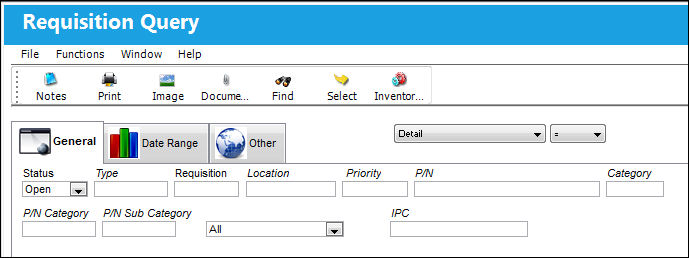
The Requisition query contains different display format selections. The main one is the detail format. Enter the selection criteria you require, if you know your Requisition number you can enter it.
Enter your search criteria and select the Find  button.
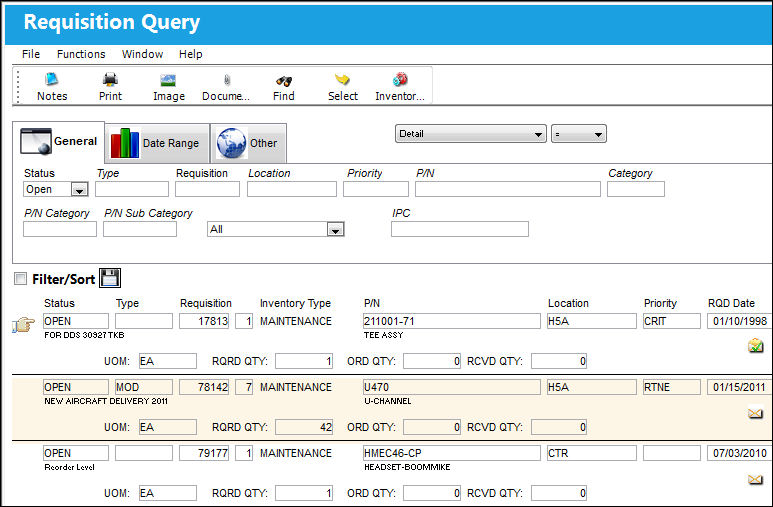
The screen will display your Requisition, or the selection you entered. Click on the Requisition you require, or click on the Select  button to view the Requisition Header and Detail.
The Requisition Header appears as shown below. The fields in the Requisition Header and Detail are greyed as the user cannot update any of the information found in the Requisition Query.
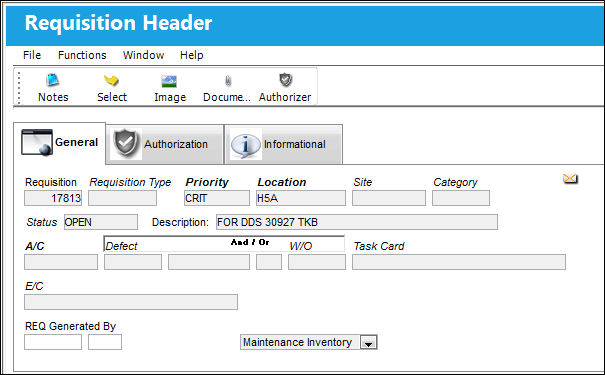
For information on the fields in the Requisition Detail and Header, refer to the Requisition section of the Requisition Training Manual.
Share
Print
|
©1997-2026 Trax USA Corp. All rights reserved. This manual may not be copied, photocopied, reproduced, translated, or converted to any electronic or machine-readable form, in whole or in part, without prior written approval from Trax USA Corp. |
 |