
 Share
Share
 Print
Print
|
|
|
|
|


Life Limit Control Scenario
The following scenario will detail how the part number control is treated in the system upon reaching its schedule.
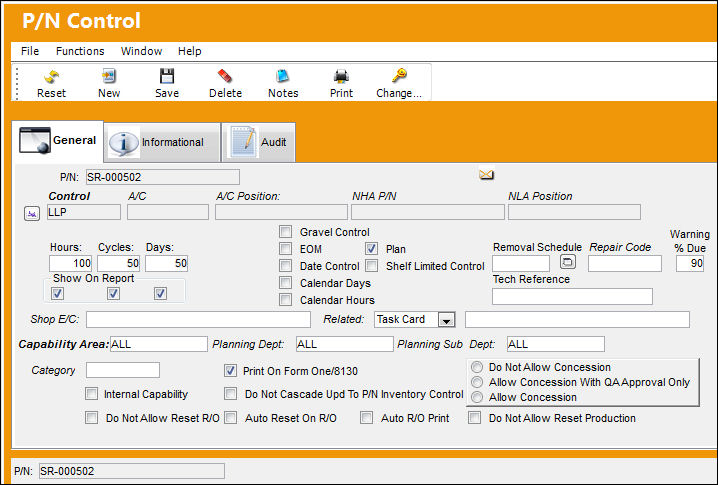
P/N 'SR-000502' has P/N Control 'LLP' with a schedule of 100 FH, 50 Cycles and 50 Days.
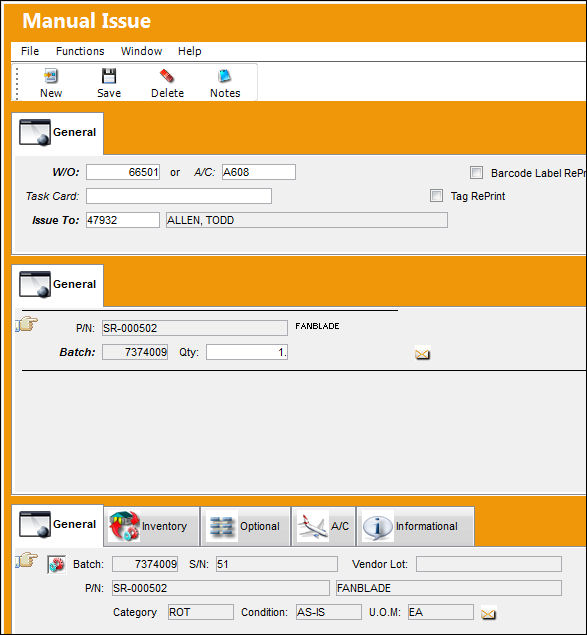
P/N 'SR-000502' is manually issued to Work Order 66501.
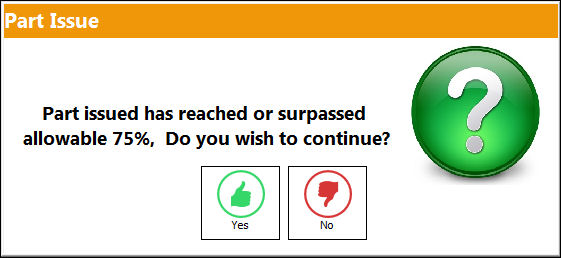
If the part has a P/N Control that has a schedule that is about to become due, the system will display the following soft warning.
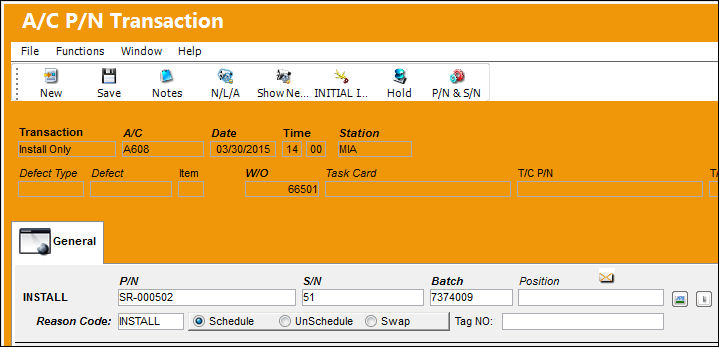
Install the part onto the aircraft via the A/C P/N Transaction window.
Enter the flight information in the A/C Actual Flights window.
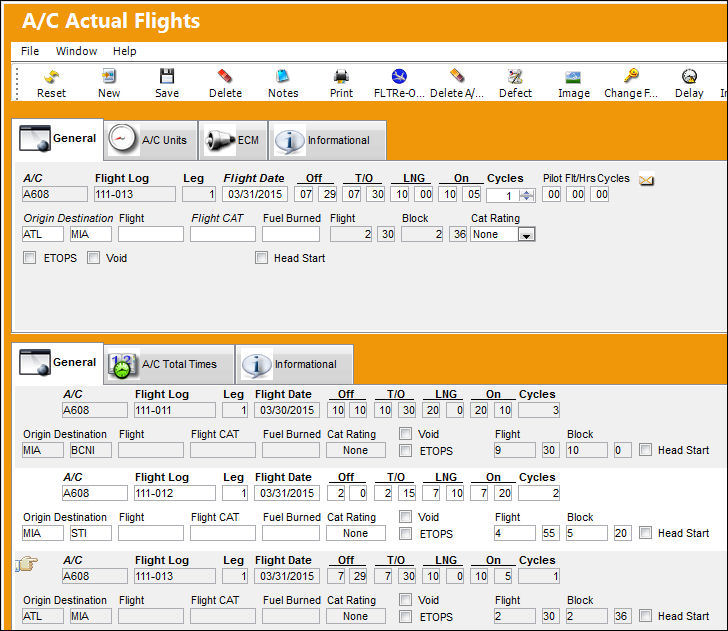
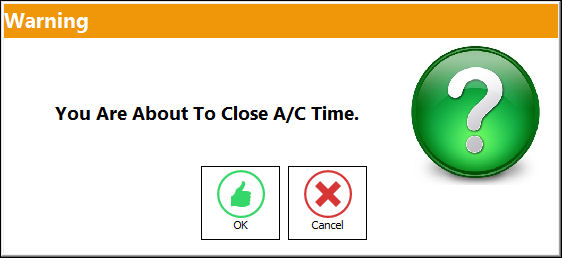
Select the A/C Actual Flights Closing option to close out all open flights for the day. This will apply flight hours to the aircraft and installed components and age the airframe and components accordingly.
Select Yes:
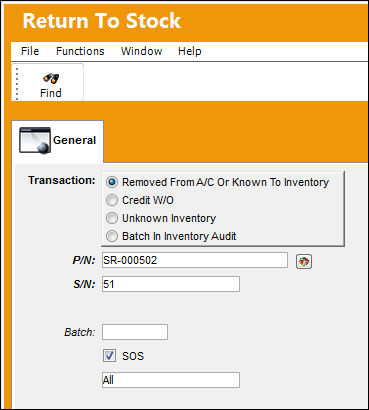
After removing the part from the aircraft, return the part back into inventory via the Return To Stock option. Select the Removed From A/C Or Known To Inventory radio button and then select Find.
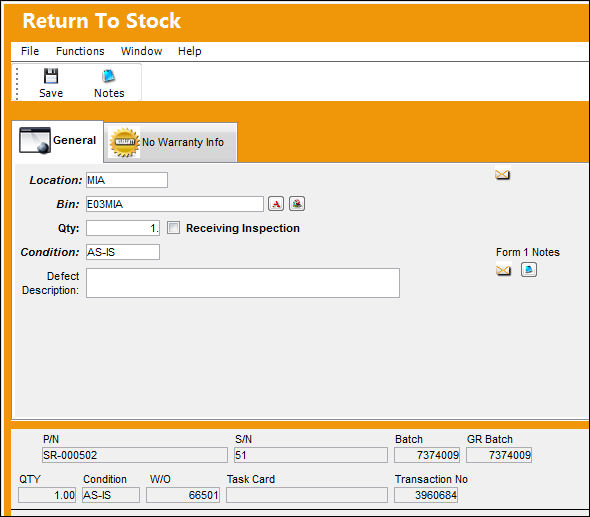
Enter the Location, Bin, Quantity and Condition information in the Return To Stock detail window. Save the record.
Verify the P/N Control information by selecting the P/N Control  button in the detail of the inventory item. The following P/N Inventory Control window will display the Schedule, Actual, and Remaining schedule information for that part number.
Notice that the following P/N Control is overdue.
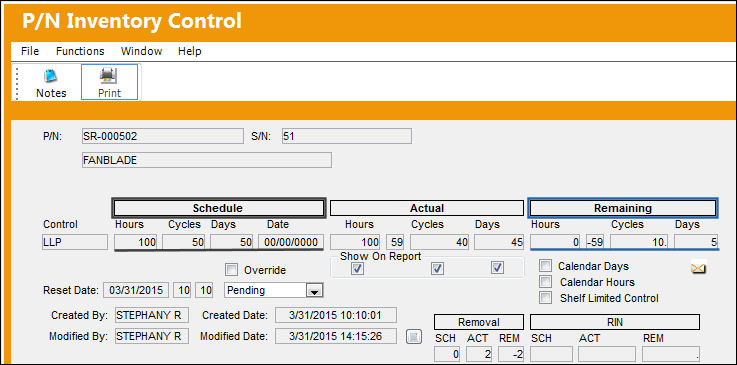
If the user attempts to issue the part onto a Work Order and/or aircraft, the system will display the following hard warning.
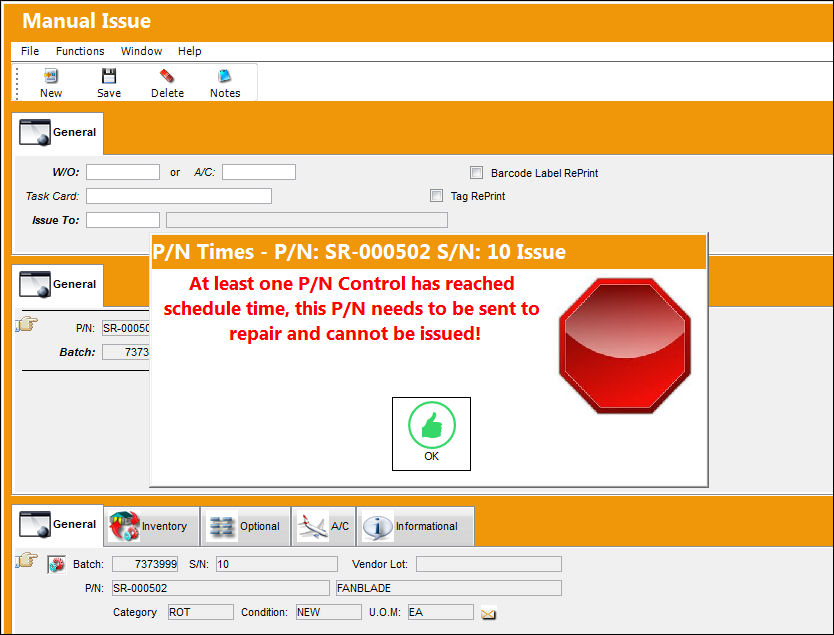
This warning is correct since the part has exceeded the control schedule and must now be sent out for repair.
For information on Repair Orders, refer to the Repair Order Process.
Share
Print
|
©1997-2026 Trax USA Corp. All rights reserved. This manual may not be copied, photocopied, reproduced, translated, or converted to any electronic or machine-readable form, in whole or in part, without prior written approval from Trax USA Corp. |
 |