
 Share
Share
 Print
Print
|
|
|
|
|


Flight Accumulation Scenario
The following scenario is an example of how time is added to an aircraft starting with a brand new aircraft that has no time accumulated against it.
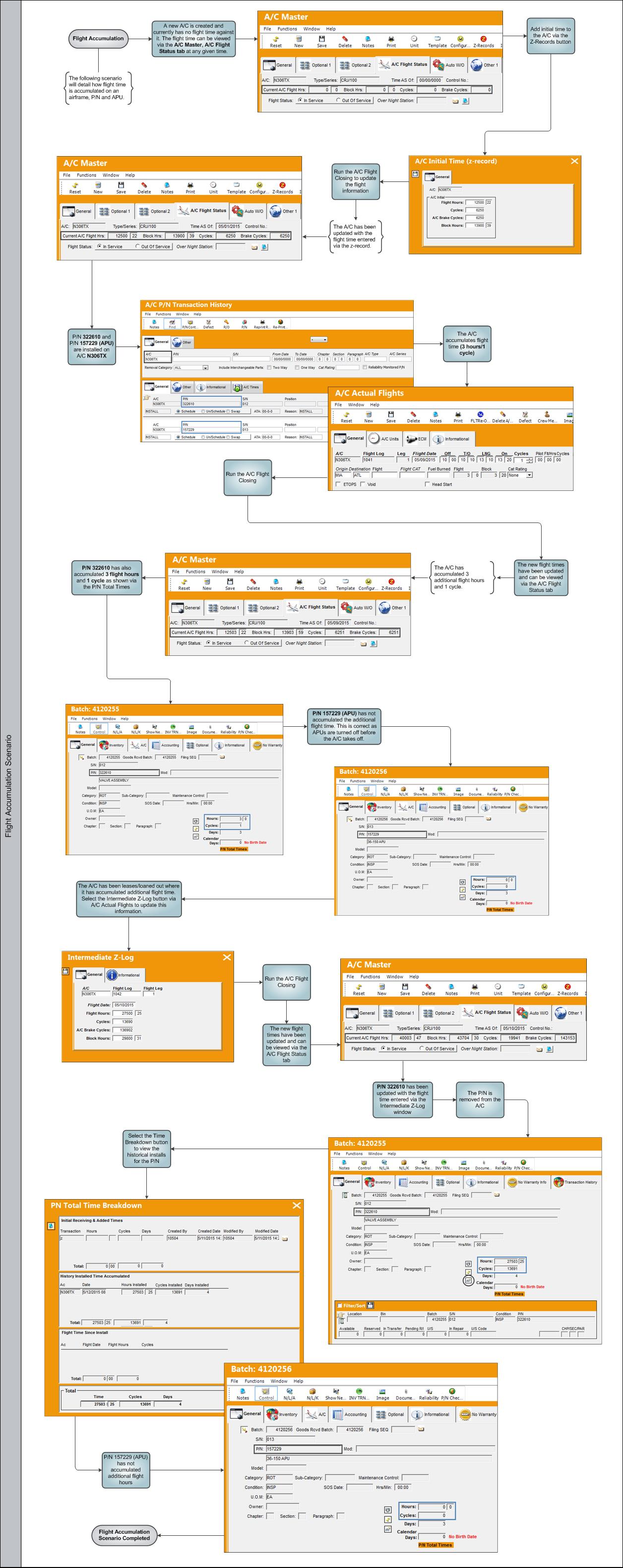
For a more detailed breakdown, please follow the steps provided below.
A new aircraft is created.
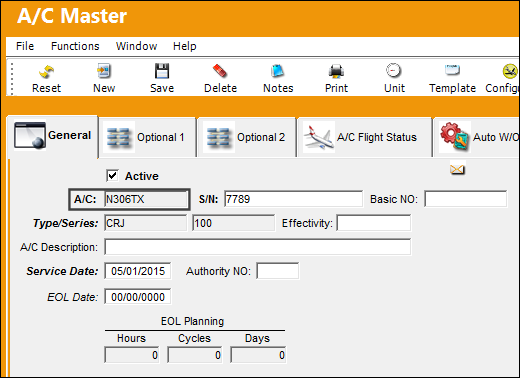
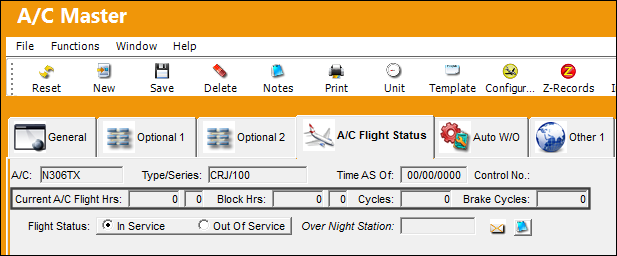
From the A/C Master, A/C Flight Status tab, there is no time against the A/C.
Select the Z-Records  button to add initial time to the A/C. Save the information.
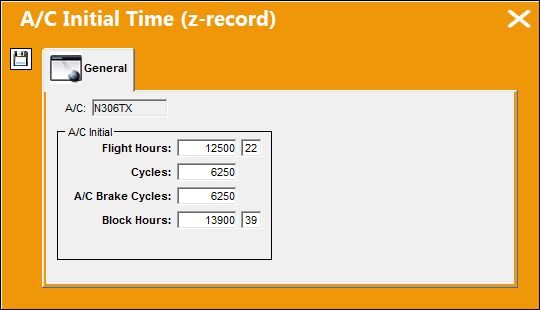
The following prompt appears informing the user that they must close all flights in order to update the flight time entered against the aircraft.
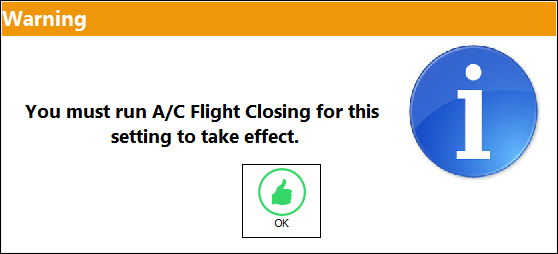
Go to Technical Records/ Update/ A/C Actual Flights Closing and run the A/C Flight Closing.
The following pop-up message appears. Select 'OK' to continue with the A/C Flight Closing.
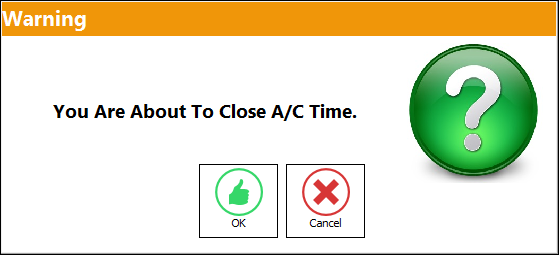
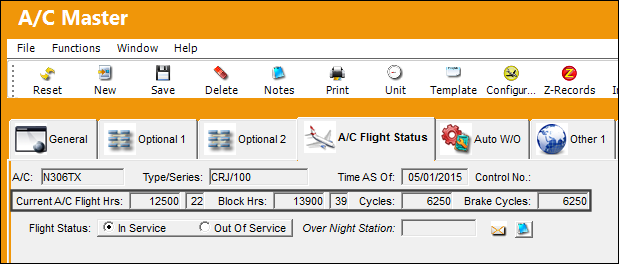
After the A/C Flight Closing, when the user returns to the A/C Flight Status tab, the information entered in the z-record is updated.
The following P/Ns will be installed onto the aircraft:
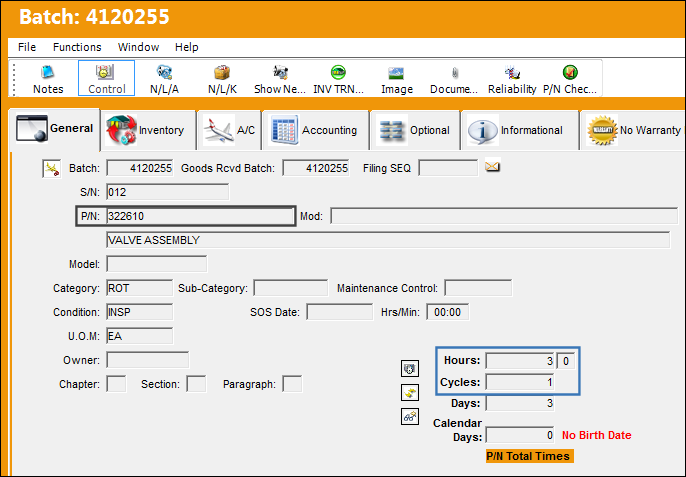
P/N 322610:
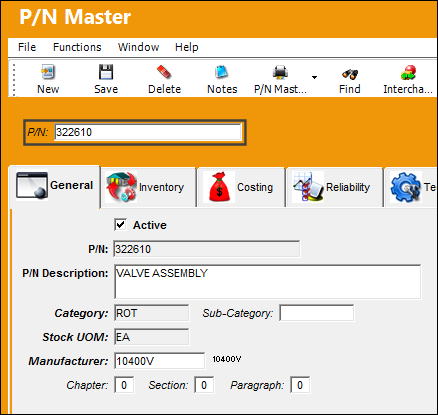
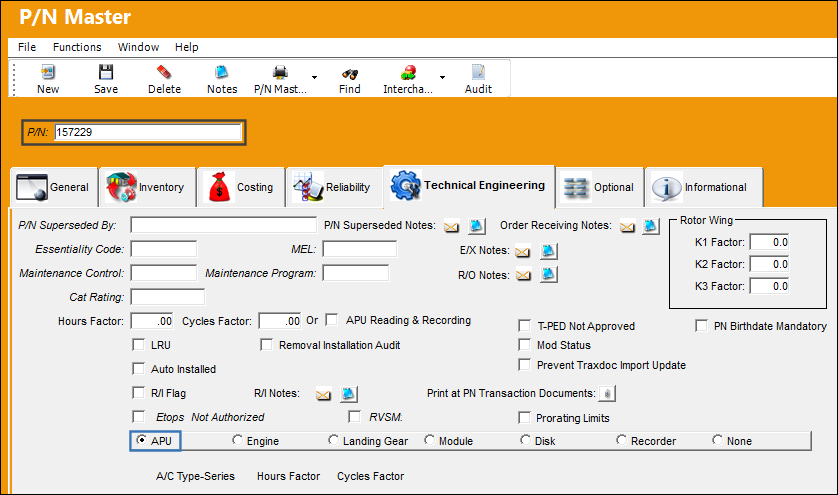
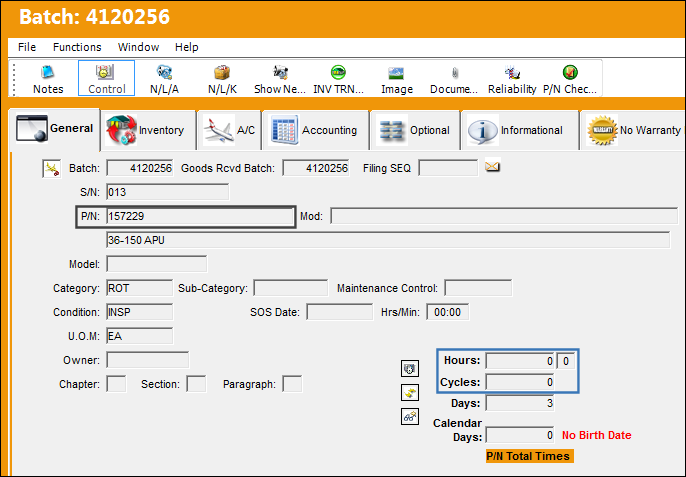
And the following APU P/N 157229:
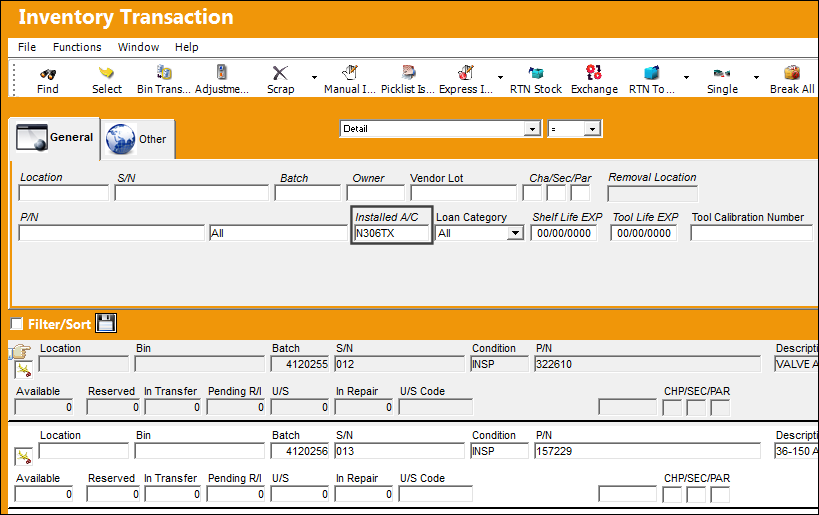
Both P/Ns are installed onto aircraft N306TX.
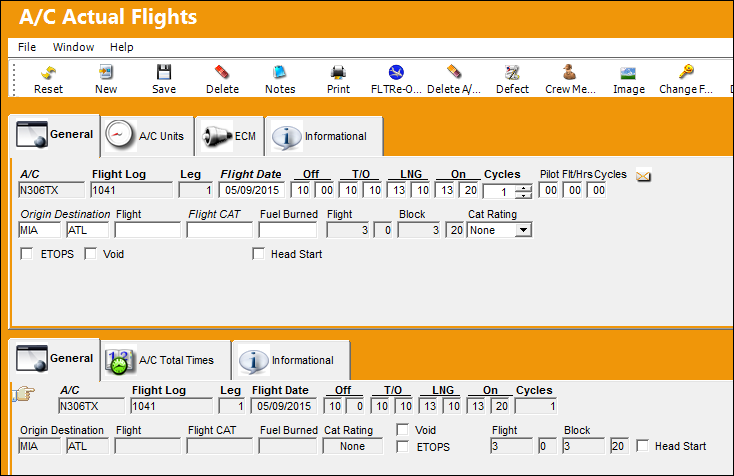
The following flight is added to the aircraft, where the aircraft has flown 3 hours.
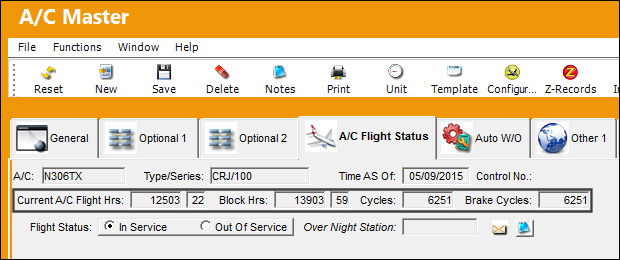
After A/C Flight Closing, the flight times are updated as shown below. The aircraft accumulated 3 flight hours, 3 block hours, and 1 cycle and brake cycle.
P/N 322610 has also accumulated 3 hours and 1 cycle.
The APU P/N does not accumulate the 3 hours and 1 cycle. This is correct because APUs are turned off before the aircraft takes off.
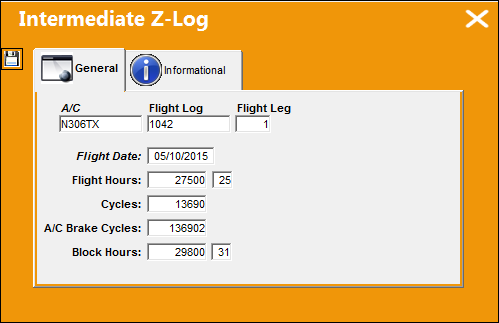
The aircraft has been loaned/leased out. The time that has accumulated against aircraft while it was loaned/leased out can be updated via the Intermediate Z-Log  button.
Go to Technical Records/ Update/ AC Actual Flights and select the Intermediate Z-Log button.
Update the Intermediate Z-Log information and save.
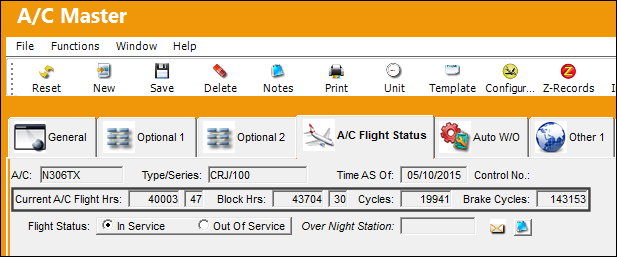
After the A/C Flight Closing, the information entered in the Intermediate Z-log is updated in the A/C Flight Status tab.
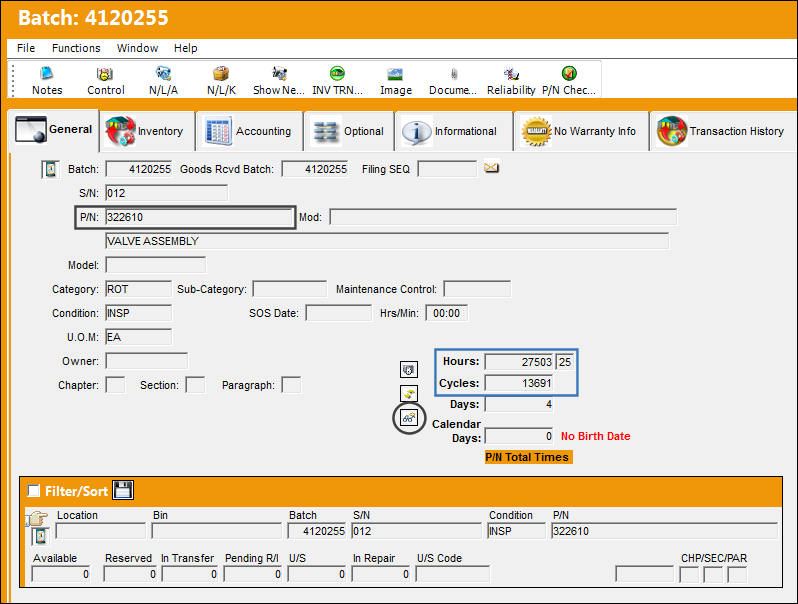
P/N 322610 has been updated with the time entered via the Intermediate Z-Log window. The P/N Total Times displays the current time against the P/N.
The P/N is removed from the aircraft. Select the Time Break Down  button.
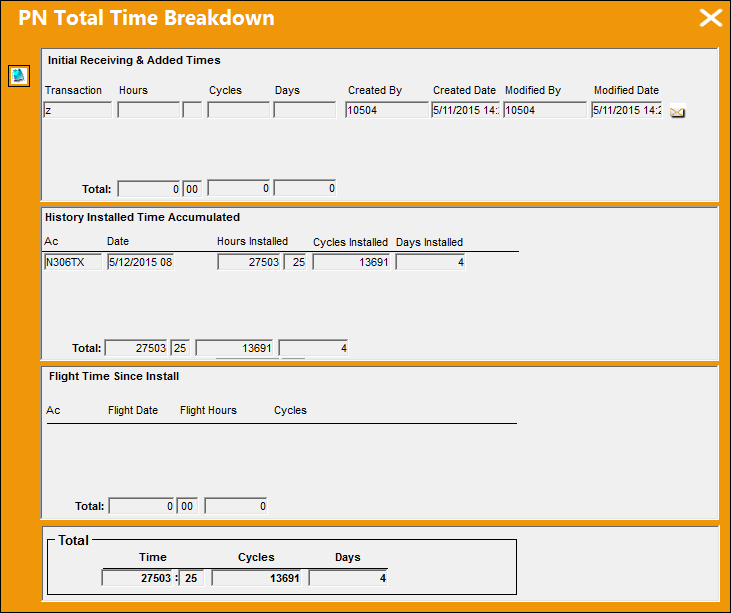
The PN Total Time Breakdown window displays the historic installs for the P/N.
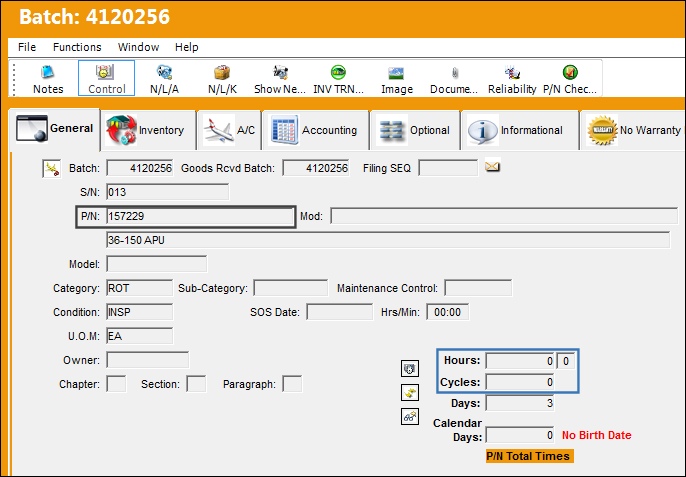
The APU has not accumulated any of the time updated via the Intermediate Z-Log.
Share
Print
|
©1997-2026 Trax USA Corp. All rights reserved. This manual may not be copied, photocopied, reproduced, translated, or converted to any electronic or machine-readable form, in whole or in part, without prior written approval from Trax USA Corp. |
 |