
 Share
 Print
|
|
|
|
|


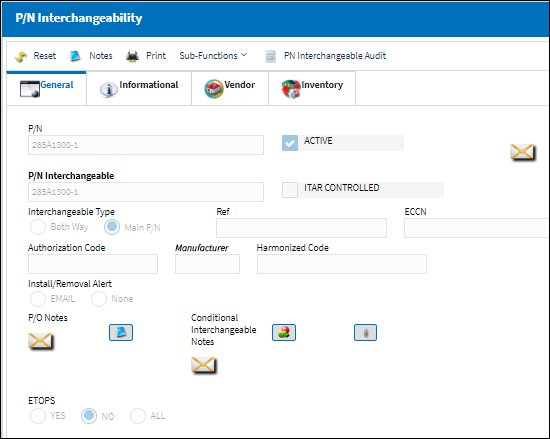
The Interchangeable  button in the Inventory Transaction window is used to view which parts (if any) are interchangeable with the selected part in Inventory. Interchangeability can be either One Way or Both Way.
From Inventory Supervisor, select a part then click the Interchangeable button. The following P/N Interchangeability window appears in Query mode. For more information one setting up part interchangeability refer to the Interchangeable Button, via the P/N Master.
Share
Print
|
©1997-2026 Trax USA Corp. All rights reserved. This manual may not be copied, photocopied, reproduced, translated, or converted to any electronic or machine-readable form, in whole or in part, without prior written approval from Trax USA Corp. |
 |