
 Share
 Print
|
|
|
|
|


The Next Higher Assembly  button assigns Next Higher Assembly effectivity to its Next Lower Assembly.
Go to Settings/ Part Number. Select the Part Number and click on the Interchangeable button.
Note: This button only appears if Switch  PN_NHA_EFF is set to Yes. For additional information, refer to Switch PN_NHA_EFF via the Settings Switches Manual.
Select the One Way  button and the system displays the NHA Effectivity button, as follows:
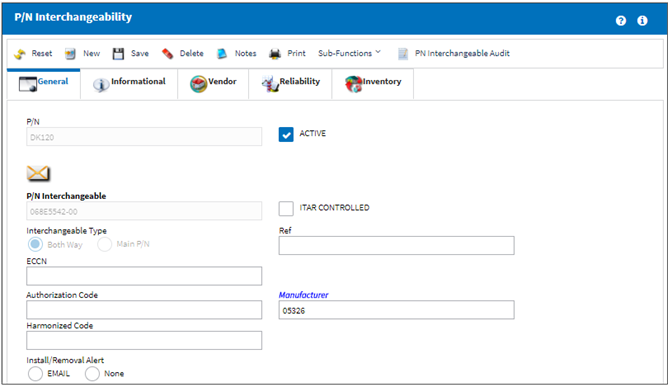
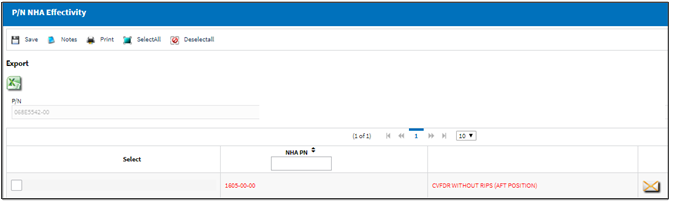
Select the NHA Effectivity button and the system displays the following screen informing you that the displayed P/N has NHA effectivity for the displayed P/N:
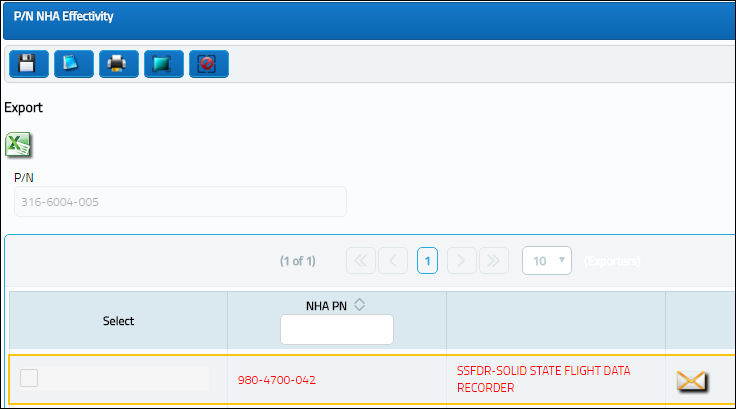
In the case that the P/N does not have NHA effectivity for the displayed P/N, the system displays the screen as follows (the 'Select' checkbox is deselected and P/N information is highlighted in red):
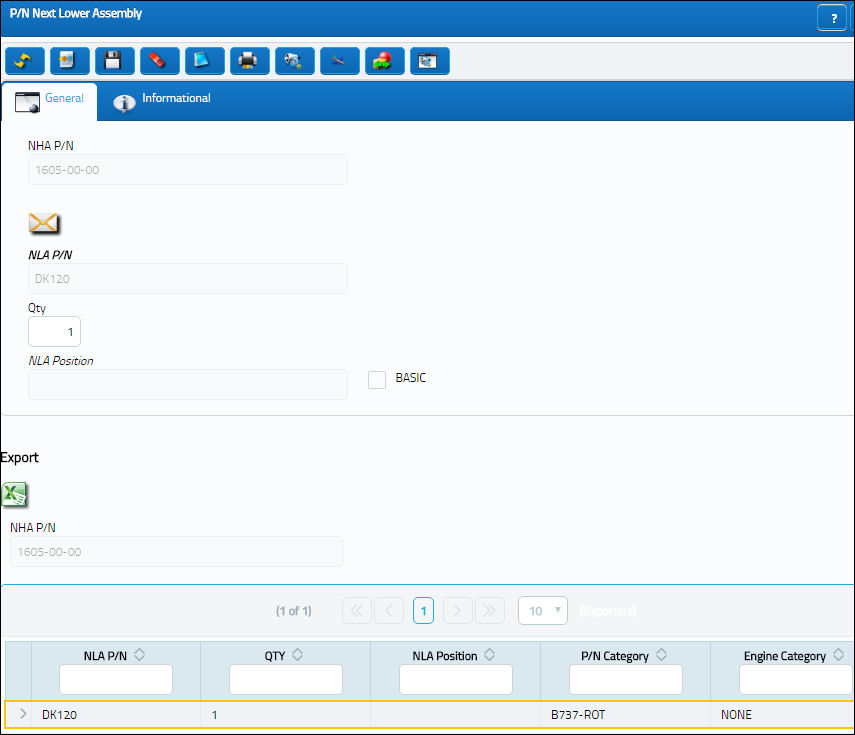
Note: The Main Next Lower Assembly (NLA) must be defined in the P/N Next Lower Assembly for all interchangeables to work. To set up the Part Number as an Next Lower Assembly in the Part Number Master go to the PN Master and locate the NHA Part Number. Then, click on the NLA  button and enter the NLA Part Number, as seen below:
If an NLA does not have the NHA Effectivity defined upon the Order Receiving, PN Initial Load or any of the points of part number entry (see Purchase Order Introduction section of the Order Training Manual for a complete listing), upon saving the PN Inventory Next Lower Assembly, as follows:
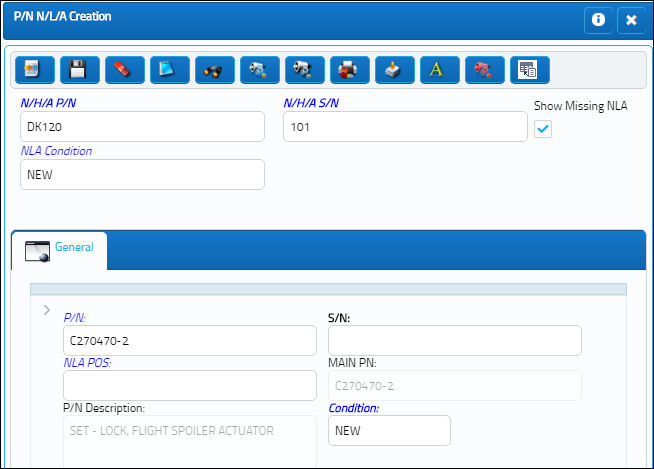
Then the system will display an error.
Share
Print
|
©1997-2026 Trax USA Corp. All rights reserved. This manual may not be copied, photocopied, reproduced, translated, or converted to any electronic or machine-readable form, in whole or in part, without prior written approval from Trax USA Corp. |
 |