
 Share
 Print
|
|
|
|
|


New Non-Routine Button, via A/C Controller Panel
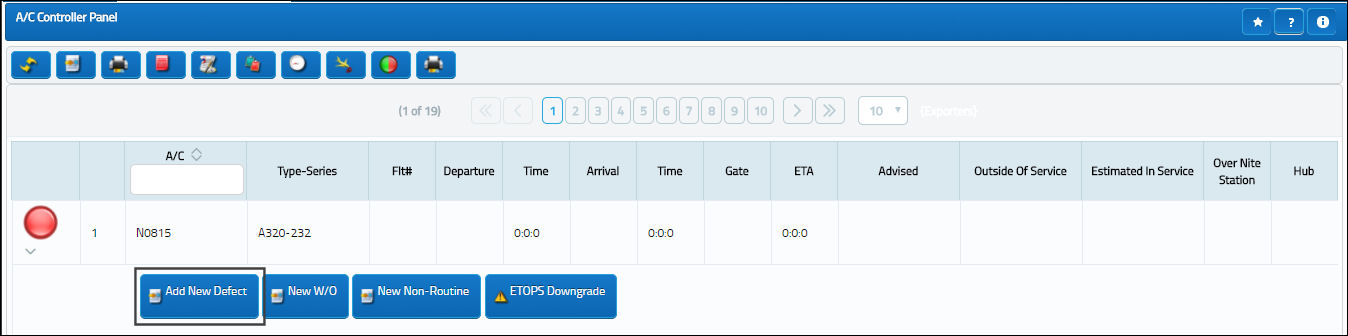
Select the New Non-Routine  button to create a new Non-Routine Task Card for an aircraft.
From the A/C Controller Panel, expand any record in the list to see the button. Then, select the New Non-Routine button.
If the defect is not on a Non-Routine Task Card, the system displays a drop-down selection window. The user may create a new Work Order or add an existing Work Order to the Non-Routine Task Card.
Scenario 1a: Select an existing Work Order
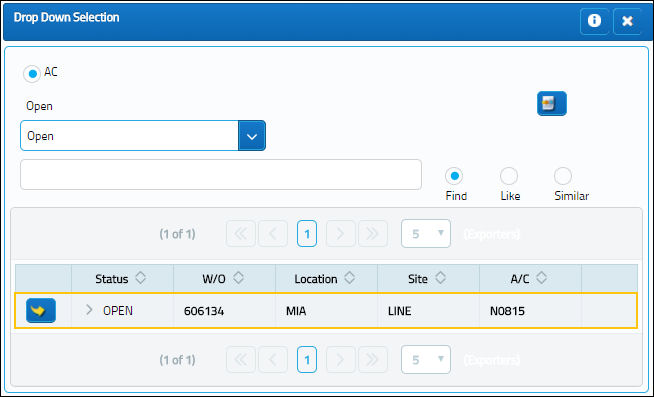
From the following drop down selection window, select an already existing Work Order.
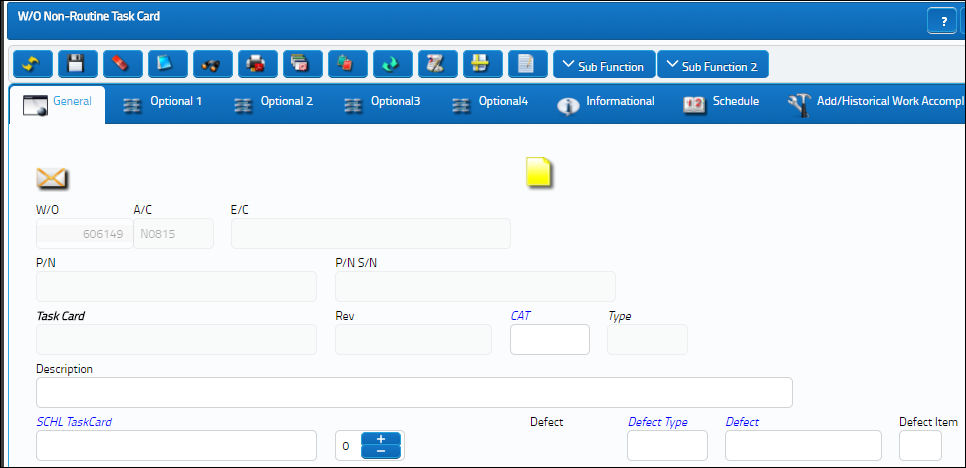
The W/O Non-Routine Task Card window appears. Populate any mandatory and desired information and save the Non-Routine Task Card.
Scenario 1b: Create a new Work Order
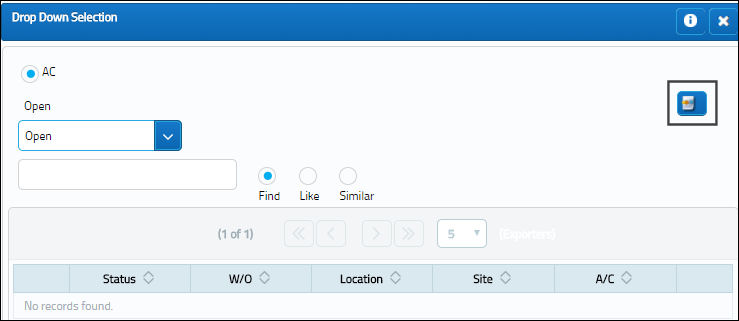
If there is no existing W/O for the A/C in question, select the New button in the drop-down selection window to create a new Work Order to add to the Non-Routine Task Card.
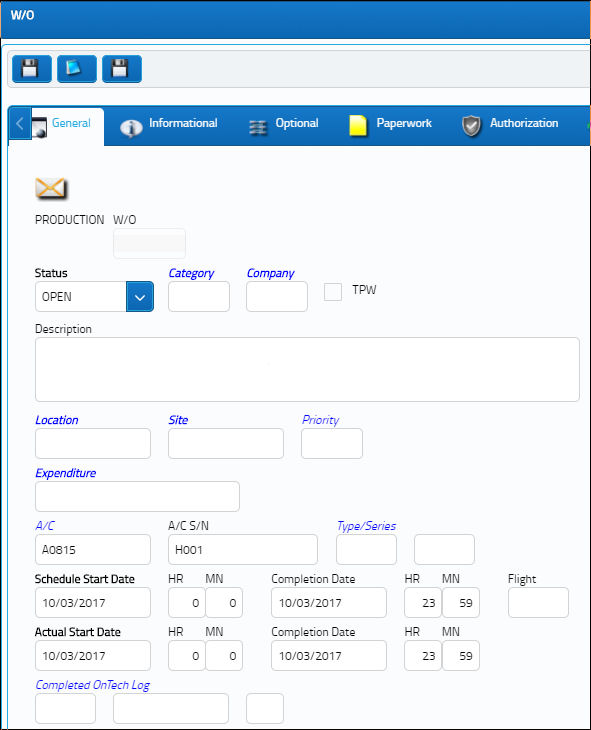
The system displays the W/O window. Populate all mandatory and desired information and select the Save  button to save the Work Order to the Non-Routine Task Card.
Note: When creating a new Non-Routine Task Card, some fields will auto-populate, such as the Work order, A/C, etc.
Share
Print
|
©1997-2026 Trax USA Corp. All rights reserved. This manual may not be copied, photocopied, reproduced, translated, or converted to any electronic or machine-readable form, in whole or in part, without prior written approval from Trax USA Corp. |
 |