
 Share
 Print
|
|
|
|
|


INV/FOOT - Invoice Footer
Invoice Footer
Affected Window: w_wo_actuals_invoice_print
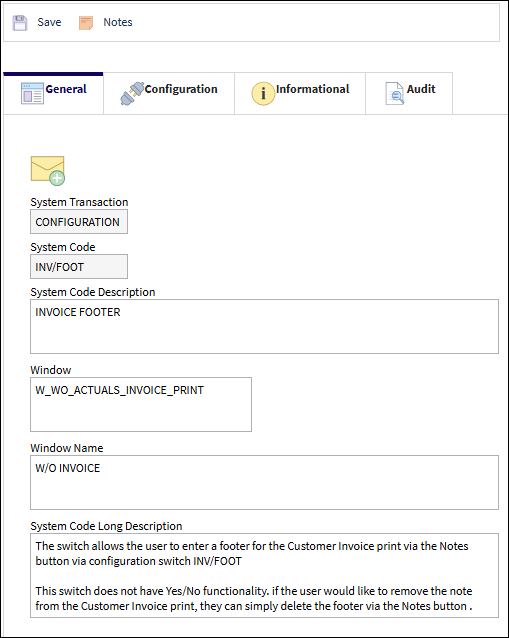
Switch Description:
The switch allows the user to enter a footer for the Customer Invoice print via the Notes button via configuration switch INV/FOOT. This switch does not have Yes/No functionality. if the user would like to remove the note from the Customer Invoice print, they can simply delete the footer via the Notes button.
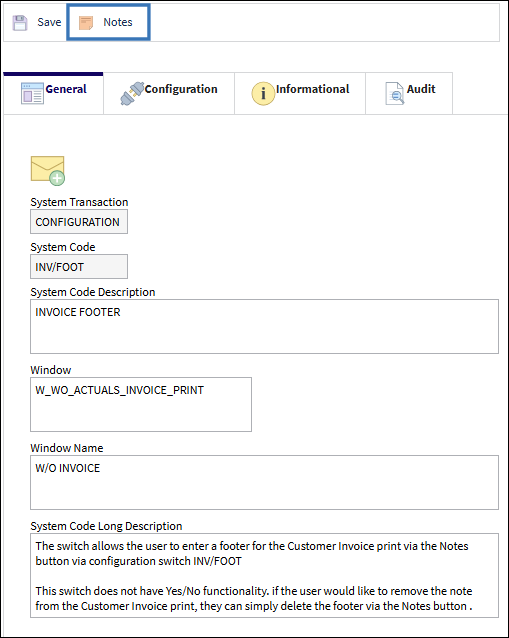
From the INV/FOOT configuration switch, select the Notes  button.
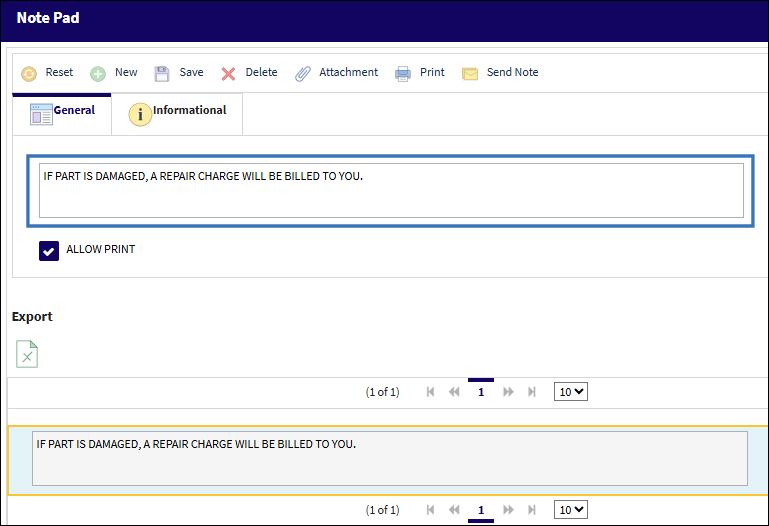
A footer is added via the Note Pad window.
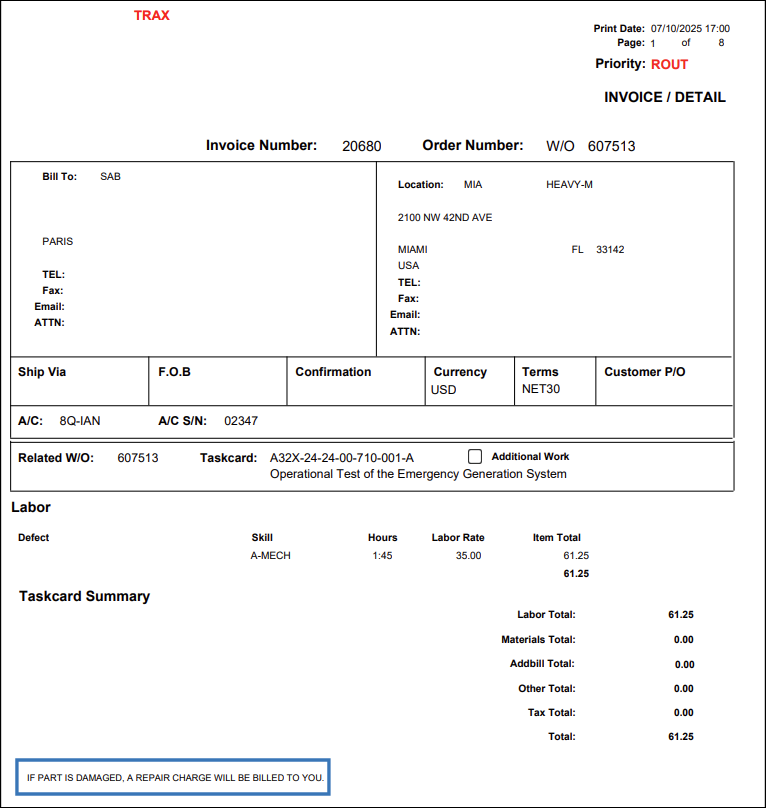
The footer is available via the Customer Invoice print, as shown below.
Share
Print
|
©1997-2026 Trax USA Corp. All rights reserved. This manual may not be copied, photocopied, reproduced, translated, or converted to any electronic or machine-readable form, in whole or in part, without prior written approval from Trax USA Corp. |
 |