Publication Date: 11/17/2026 Share Print

Previous Topic

Next Topic

Book Contents

Book Index

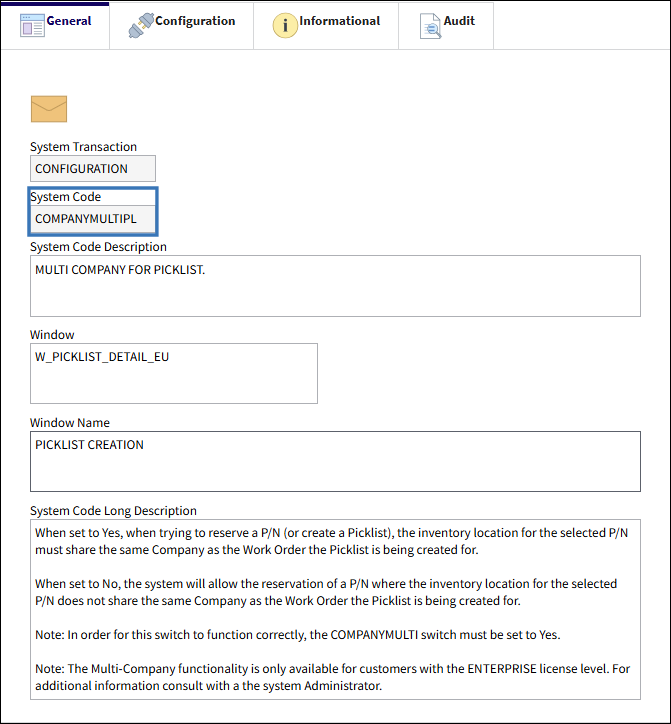
COMPANYMULTIPL - Multi Company For Picklist

Multi Company For Picklist

Affected Window: w_picklist_detail_eu
eMRO - COMPANYMULTIPL

Note: The Multi-Company functionality is only available for customers with the ENTERPRISE license level. For additional information, please consult the appropriate System Administrator.


Switch Set to Yes:

When set to Yes, when reserving a P/N (or creating a Picklist), the inventory location for the selected P/N must share the same Company as the Work Order that the Picklist is being created for.
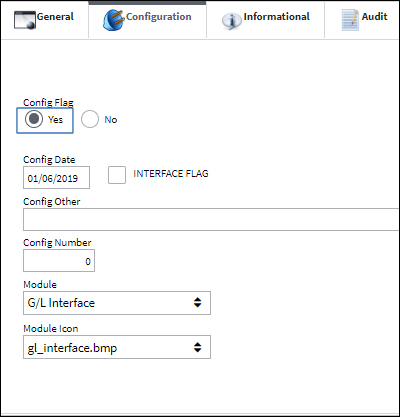
eMRO_GLInterface_Yes


Example 1:

Create a Picklist for a P/N where the inventory location does not share the same Company as the Work Order.
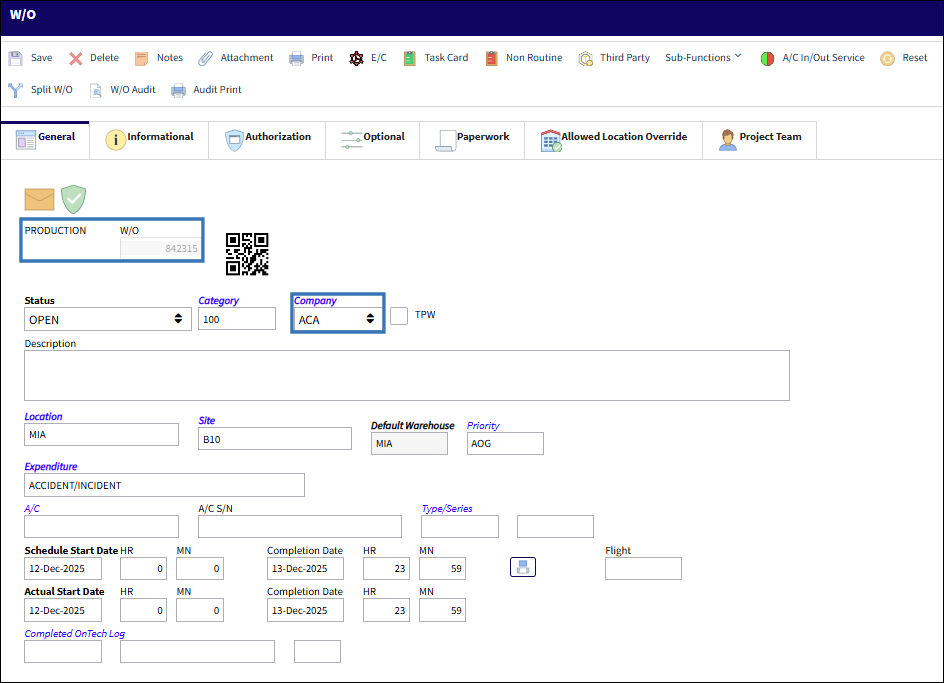
eMRO - COMPANYMULTIPL

Note the Company for the following P/N. This is not the same Company as the Work Order.
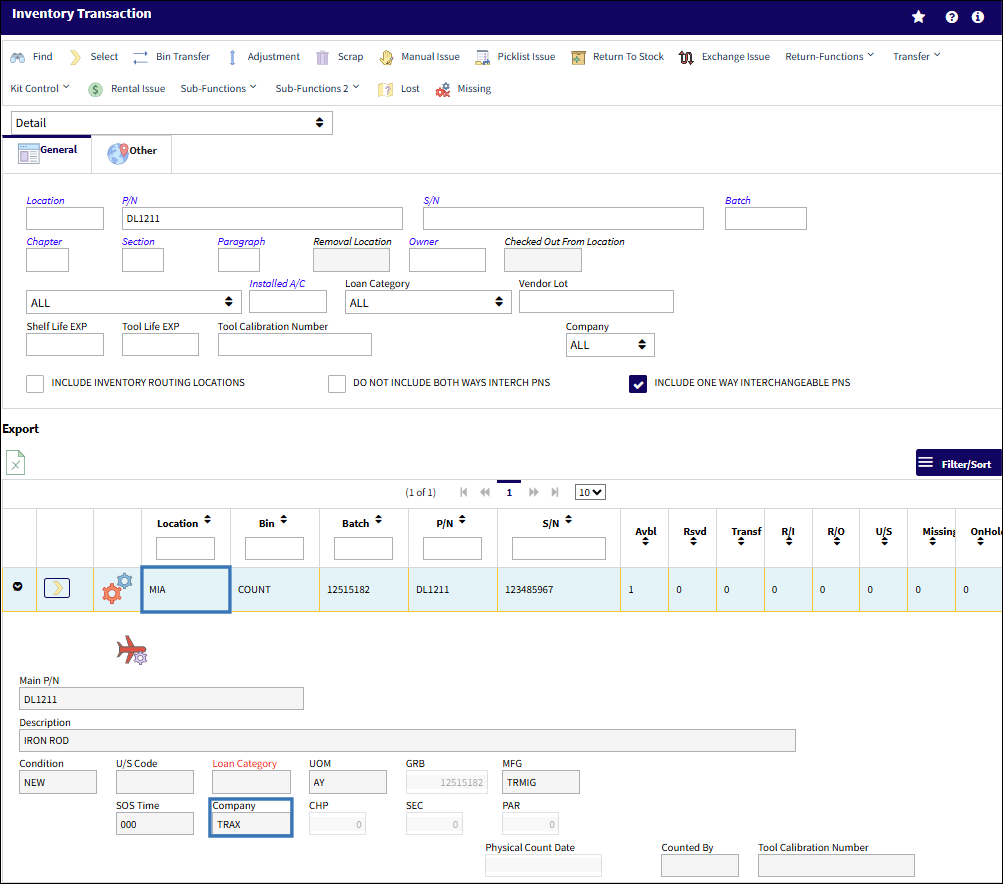
eMRO - COMPANYMULTIPL

Create a picklist via the Picklist Creation window. Be sure to select the specified Inventory Location to reserve the part. Select the Save button after all mandatory fields have been entered.
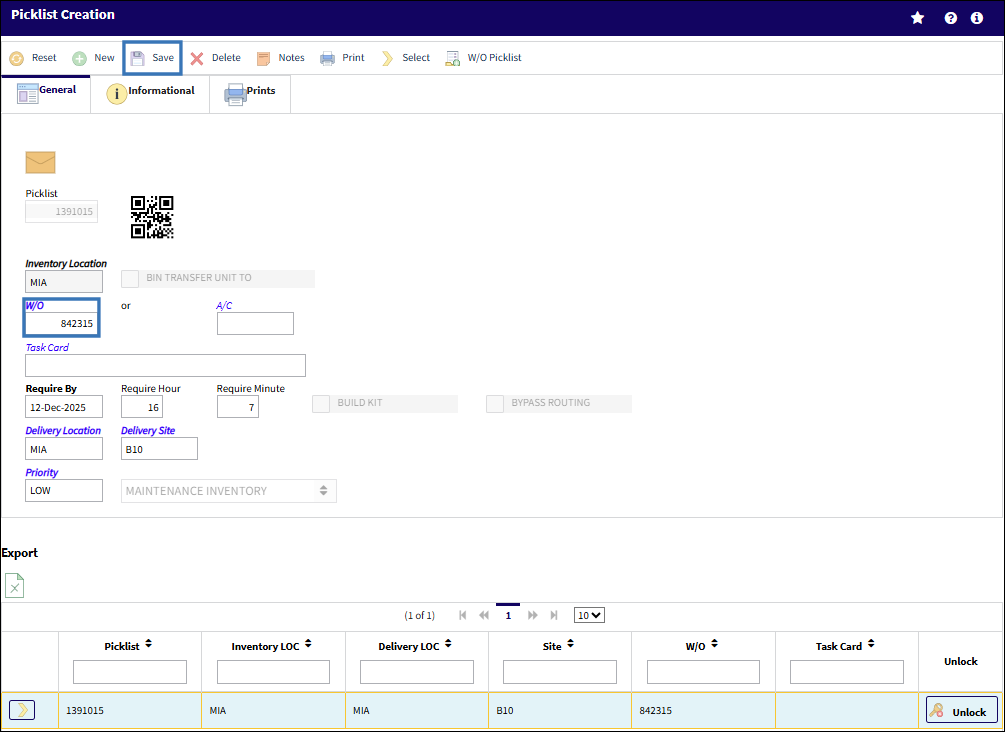
eMRO - COMPANYMULTIPL

Since there is no inventory for the Work Order company, the transaction cannot be completed. The user will receive the following error.
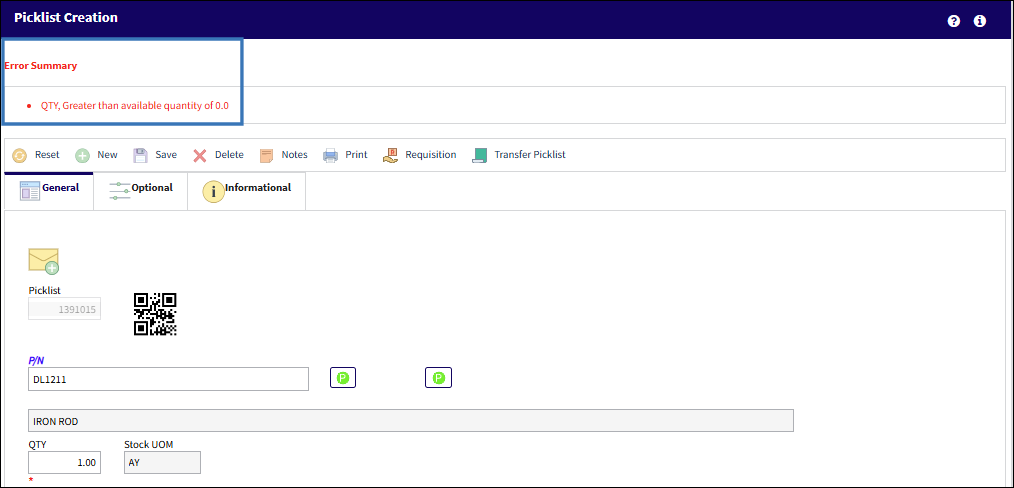
eMRO - COMPANYMULTIPL


Switch Set to No:

When set to No, the system will allow the reservation of a P/N where the inventory location for the selected P/N does not share the same Company as the Work Order the Picklist is being created for.
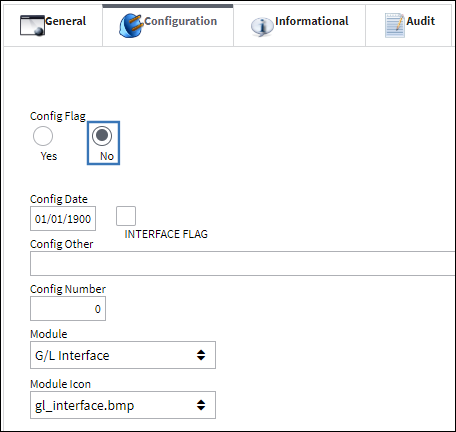
eMRO_GLInterface_No

The following Work Order is created.

eMRO - COMPANYMULTIPL

Note the Company of the following P/N. This is not the same Company as the Work Order.

eMRO - COMPANYMULTIPL

Create a picklist via the Picklist Creation window. Be sure to select the specified Inventory Location to reserve the part. Select the Save button after all mandatory fields have been entered.

eMRO - COMPANYMULTIPL

The part is reserved.

eMRO - COMPANYMULTIPL

See Also

G/L Interface Switches

CLOSEBAL - Inventory Balance Costing

COMPANYMULTI - Multi Company Setup

COMPANYMULTIEX - Validate Company of P/N used for Exchange Issue

COMPANYMULTIFR - Multi Company Form Revision

COMPANYMULTIREQ - Multi Company Override for Requisition

COMPANYMULTISOPL - Multi Company for S/O Picklist

CURRENC2 - Secondary Currency

CURRENCY - Company Default Currency

F/A - Fixed Asset Information

FACREDITNEW - New Fixed Asset creates J/E and triggers Average Cost Recalculation

FAINVCOSTBALADJ - Automatically Run F/A Depreciation and Inventory Costing Balance Adjustment

FAMAIN - Use Main P/N for Fixed Asset

FAMAINREPORT - Reflect Actual Serial Number In Fixed Asset Tables

FAMANRMV - Manual Fixed Asset Removal

FARMVINS - Fixed Asset Swap at Removal and Installation of Part

FAVALUEZERO - Load Fixed Asset Below This Amount Zero

FAZERO - Do Not Allow Scrap / Sale / E/X Issue / RTV / P/N Change without Fixed Asset

GLACCC - W/O G/L Cost Center Uses A/C Tail Number

GLFIFO - Use FIFO Instead Of LIFO

GLBUDADD - Order Invoice Transfer Configuration

GLCRDATE - Current Date As G/L Date

GLCSTCNTAC - Default G/L Cost Center From A/C Master Cost Center

GLELODIE - Order Invoice Transfer Configuration

GLJEZERO - Write Zero Value for an Order's Journal Entry

INVBALPERIOD - Inventory Balance and Costing by Period

INVCOSTINGADJ - Inventory Costing and Balance Adjustment on Oracle Database

INVCOSTINGBAL - Inventory Costing and Balance Adjustment on Oracle Database

INVTRANS - Batch Number and Path

J/E - J/E Closing Date

JECRDRSQ - Credit Debit Next Sequence Number

JECRT - Journal Entry Create

JEDEL - Journal Entries Delete

JETPWSAL - Accounts Receivable account NOT charged at Third Party W/O Closing

PNMAINTOINTER - P/N Interchangeable to Main Inventory and Journal Entries Creation

REASCII128255 - Allow ASCII Characters 128-255 from JE XML

Top of Page Publication Date: 11/17/2026 Share Print