
 Share
 Print
|
|
|
|
|


COMPANYMULTIPL - Multi Company For Picklist
Multi Company For Picklist
Affected Window: w_picklist_detail_eu
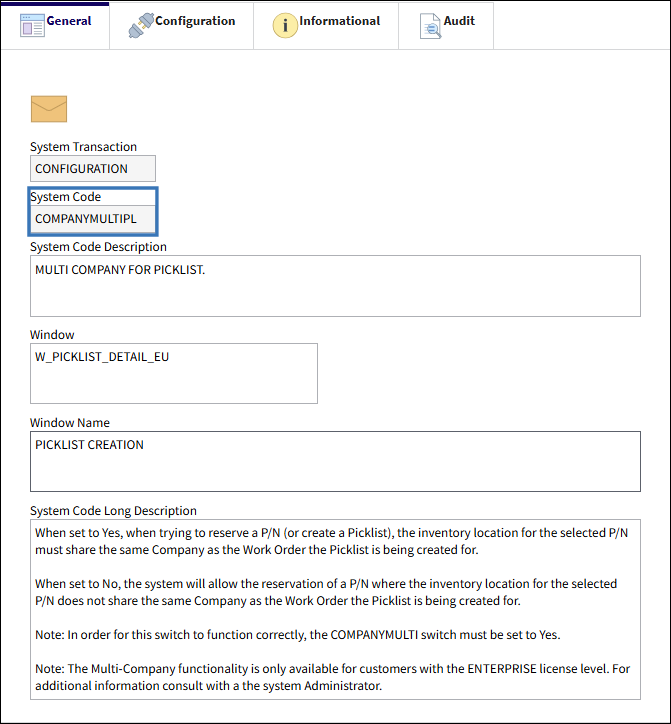
Note: The Multi-Company functionality is only available for customers with the ENTERPRISE license level. For additional information, please consult the appropriate System Administrator.
Switch Set to Yes:
When set to Yes, when reserving a P/N (or creating a Picklist), the inventory location for the selected P/N must share the same Company as the Work Order that the Picklist is being created for.
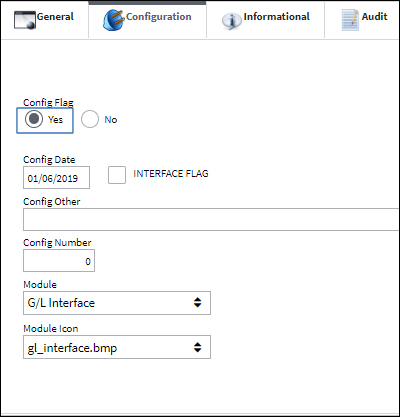
Example 1:
Create a Picklist for a P/N where the inventory location does not share the same Company as the Work Order.
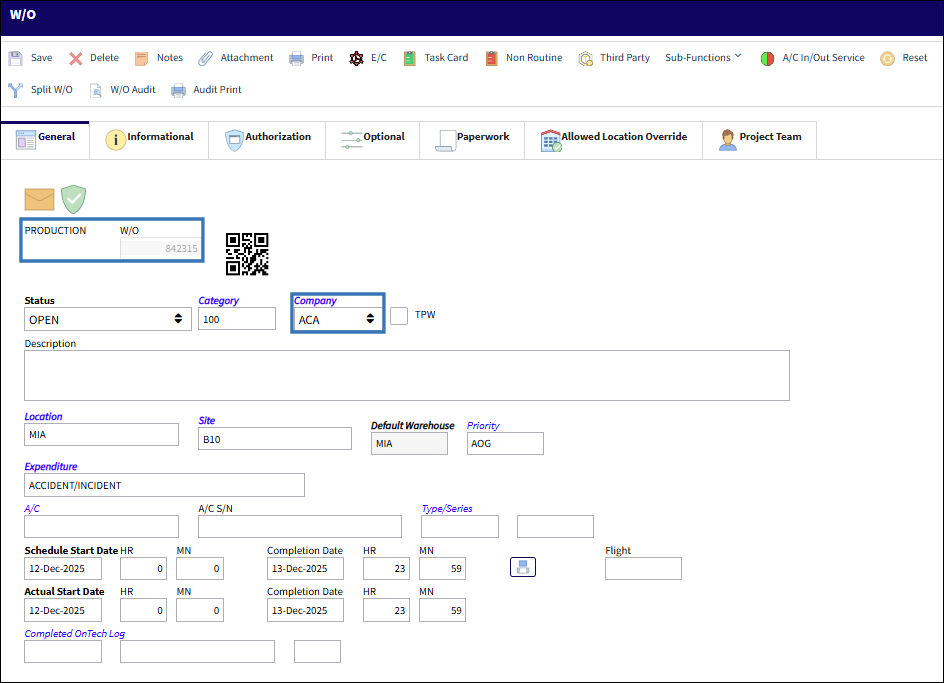
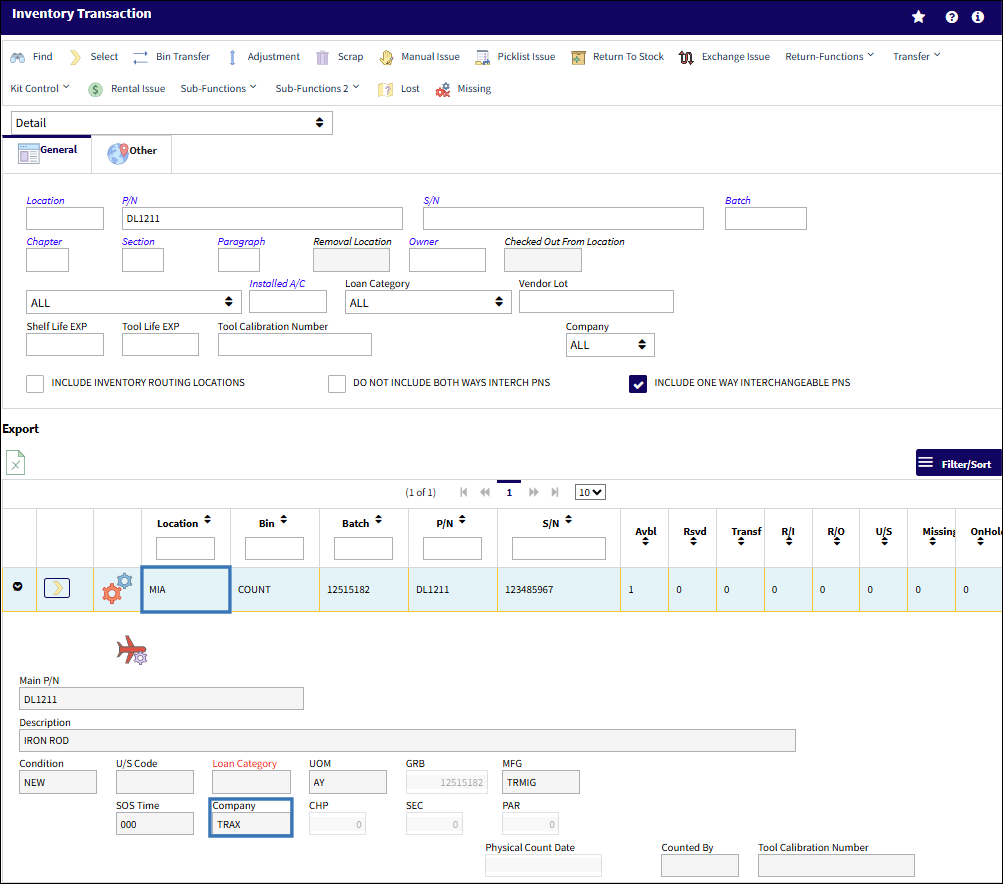
Note the Company for the following P/N. This is not the same Company as the Work Order.
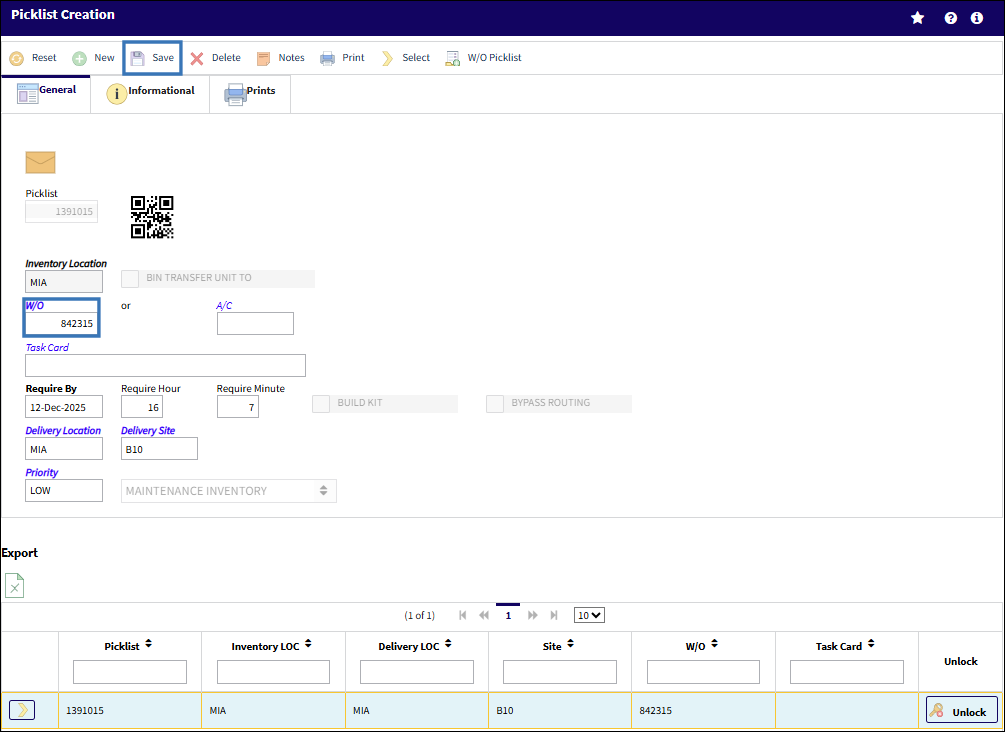
Create a picklist via the Picklist Creation window. Be sure to select the specified Inventory Location to reserve the part. Select the Save button after all mandatory fields have been entered.
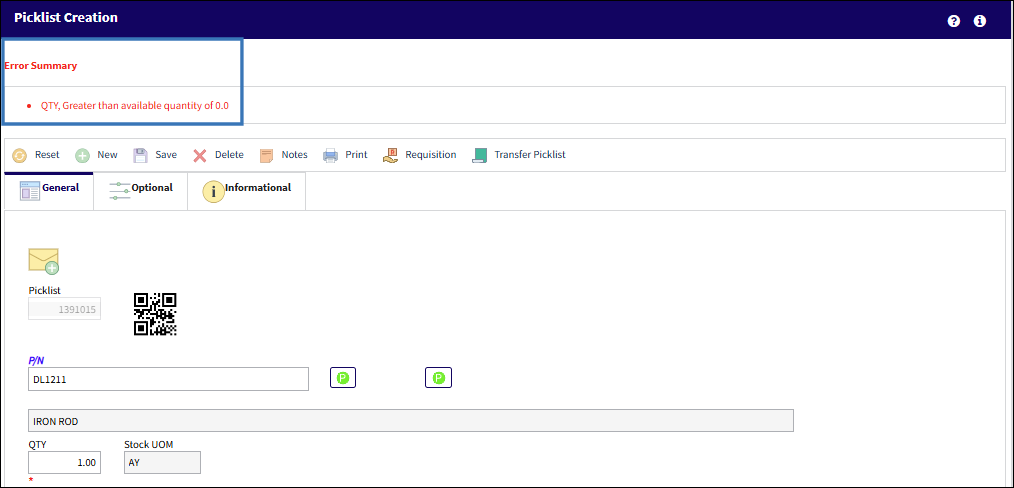
Since there is no inventory for the Work Order company, the transaction cannot be completed. The user will receive the following error.
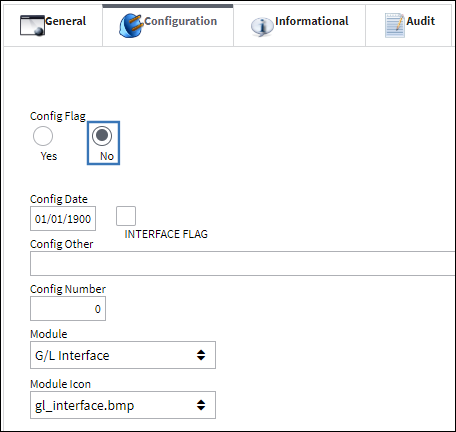
Switch Set to No:
When set to No, the system will allow the reservation of a P/N where the inventory location for the selected P/N does not share the same Company as the Work Order the Picklist is being created for.
The following Work Order is created.
Note the Company of the following P/N. This is not the same Company as the Work Order.
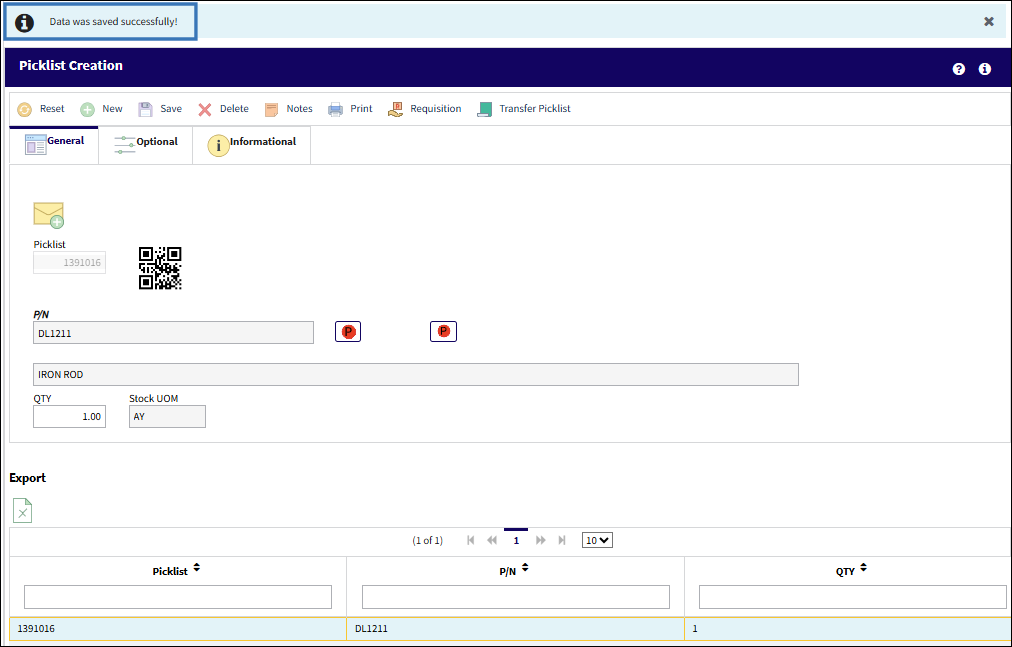
Create a picklist via the Picklist Creation window. Be sure to select the specified Inventory Location to reserve the part. Select the Save button after all mandatory fields have been entered.
The part is reserved.
Share
Print
|
©1997-2026 Trax USA Corp. All rights reserved. This manual may not be copied, photocopied, reproduced, translated, or converted to any electronic or machine-readable form, in whole or in part, without prior written approval from Trax USA Corp. |
 |