
 Share
 Print
|
|
|
|
|


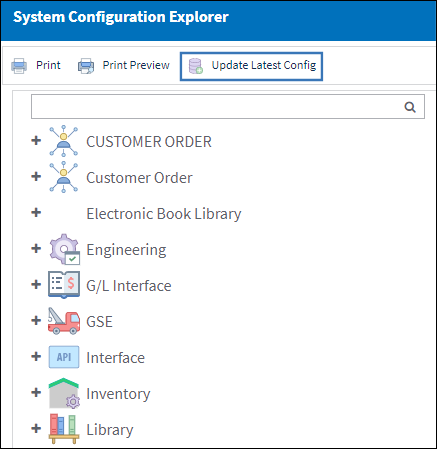
Update Latest Config button
The Update Latest Config  button is available for selection from the System Configuration Explorer window. Select the Update Latest Config button to refresh the window and add all the new switches available for the version of eMRO currently in use.
Share
Print
|
©1997-2026 Trax USA Corp. All rights reserved. This manual may not be copied, photocopied, reproduced, translated, or converted to any electronic or machine-readable form, in whole or in part, without prior written approval from Trax USA Corp. |
 |