
 Share
 Print
|
|
|
|
|


DATAPROTEC - Hide or Show Tabs in Employee Master

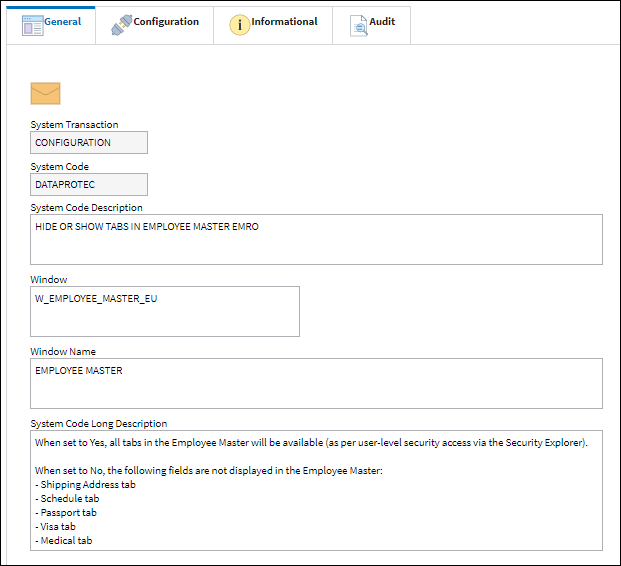
Hide or Show Tabs in Employee Master
Affected Window: w_employee_master_eu
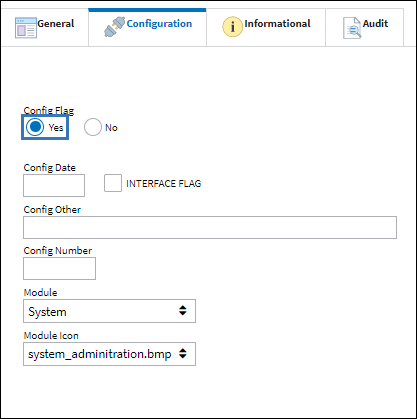
Switch Set to Yes
When set to Yes, all tabs in the Employee Master will be available.
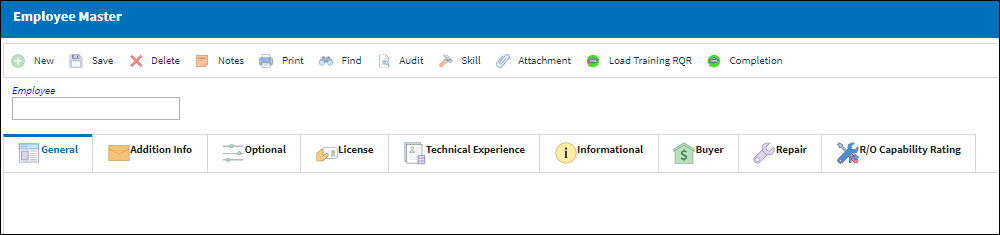
Notice all tabs are displayed in the Employee Master.

Note: Access to each tab is security-controlled via Settings/ Update/ Employee. For more information refer to the Security Explorer.
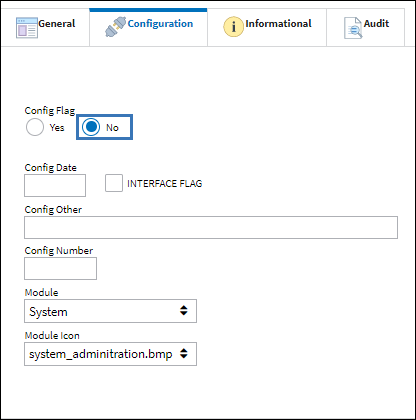
Switch Set to No
When set to No, the following tabs are not displayed in the Employee Master:
- Shipping Address tab
- Schedule tab
- Passport tab
- Visa tab
- Medical tab
Notice the above listed tabs are not displayed in the Employee Master.
Share
Print
|
©1997-2026 Trax USA Corp. All rights reserved. This manual may not be copied, photocopied, reproduced, translated, or converted to any electronic or machine-readable form, in whole or in part, without prior written approval from Trax USA Corp. |
 |