
 Share
 Print
|
|
|
|
|



The Import Link E/C with T/C button  allows users to link E/Cs and T/Cs at the Task Card level using the appropriate .xslx file.
In the Task Card Selection Window, find the desired Task Card that the E/C will be linked to.
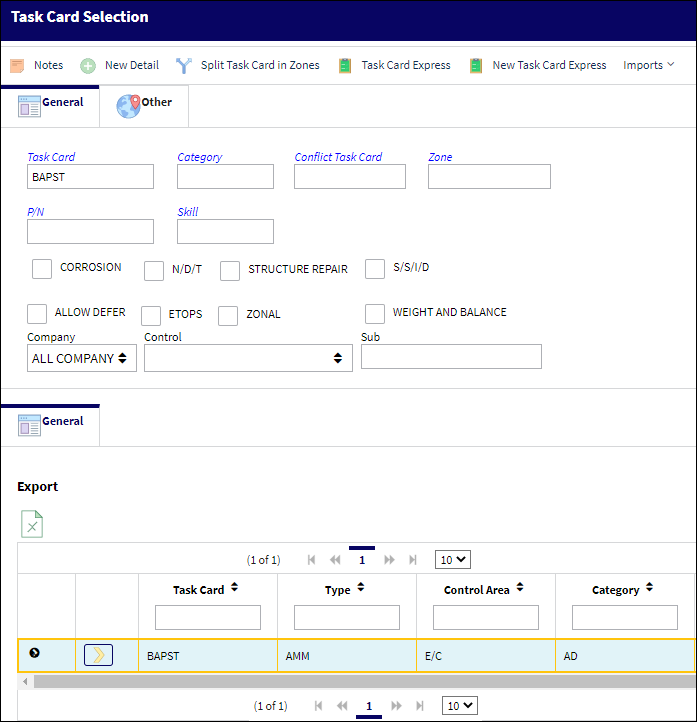
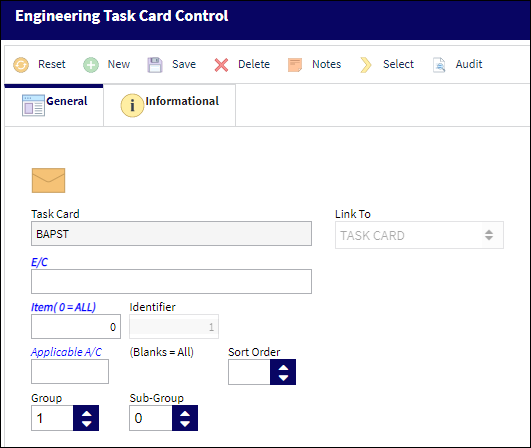
By selecting into the T/C we can see that it does NOT have an E/C associated with it.
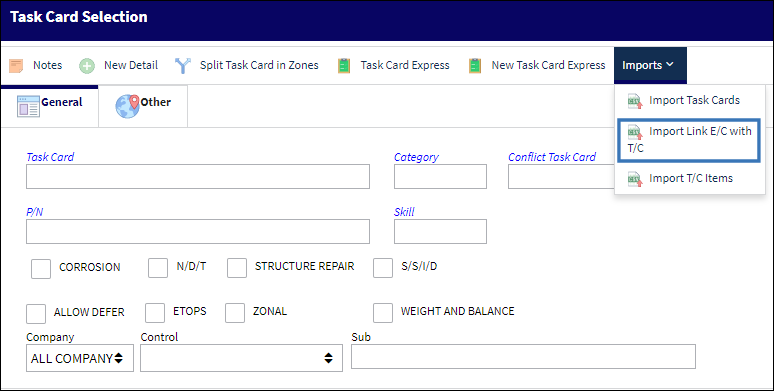
Returning to the T/C Selection window, select the Import Link E/C with TC button via the Import drop down.
The Import from File window appears. Select the Template  button to access the appropriate file format.
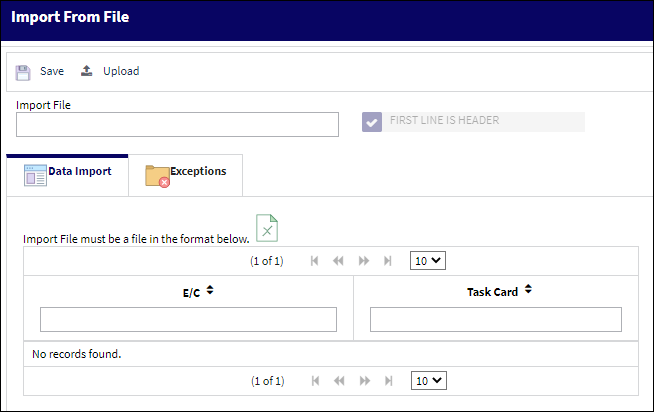
Populate your file with the appropriate information and prepare it to be uploaded.
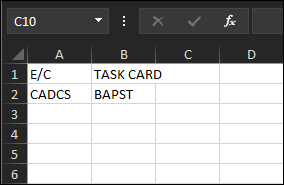
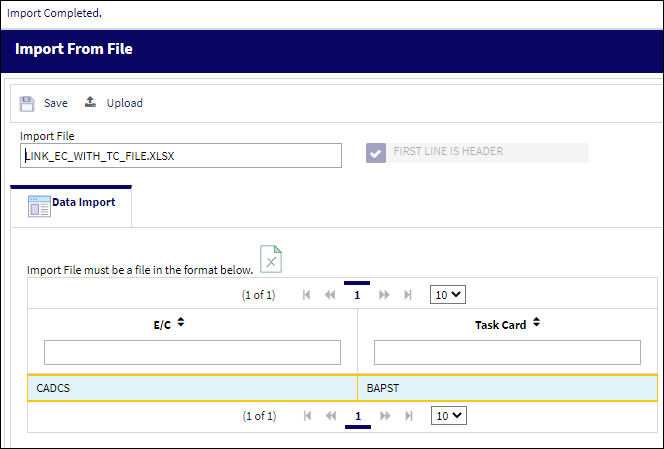
From the Import from File window, select the Upload  button to upload your file. Then select the Save
 button.
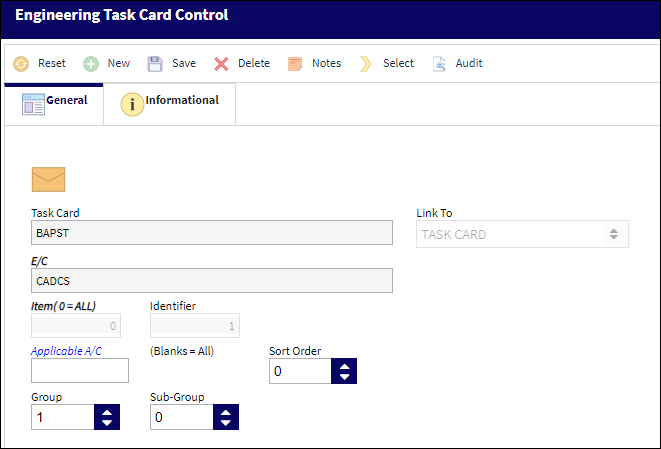
The T/C now has the E/C associated with it.
Share
Print
|
©1997-2026 Trax USA Corp. All rights reserved. This manual may not be copied, photocopied, reproduced, translated, or converted to any electronic or machine-readable form, in whole or in part, without prior written approval from Trax USA Corp. |
 |