
 Share
 Print
|
|
|
|
|



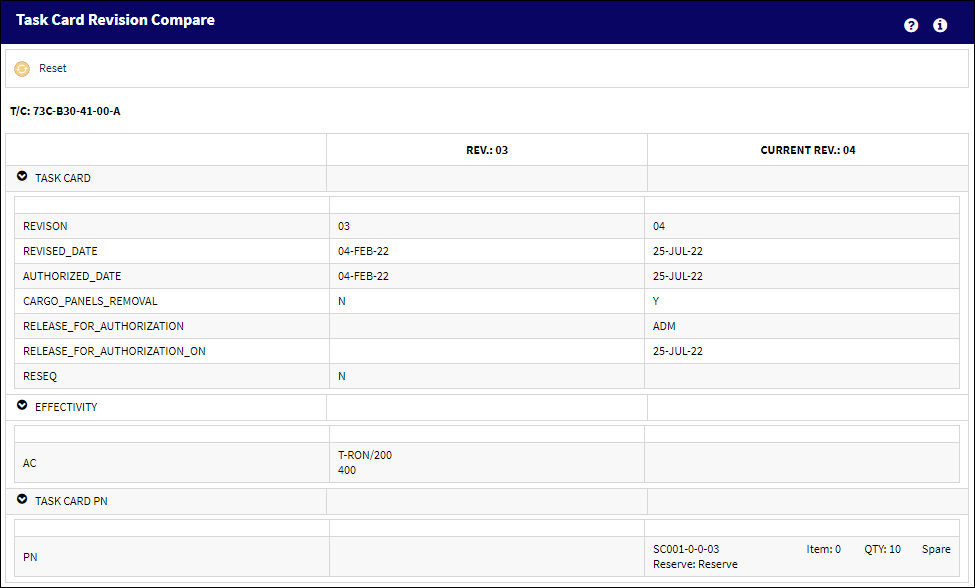
The Compare button allows users to compare any past Task Card Revision to the current Revision of a Task Card. The Task Card comparison will only display the changes between Revisions and ignore data that remained the same. The Revision comparison will reveal all changes at the T/C header level including material requirements and Task Card Effectivity.
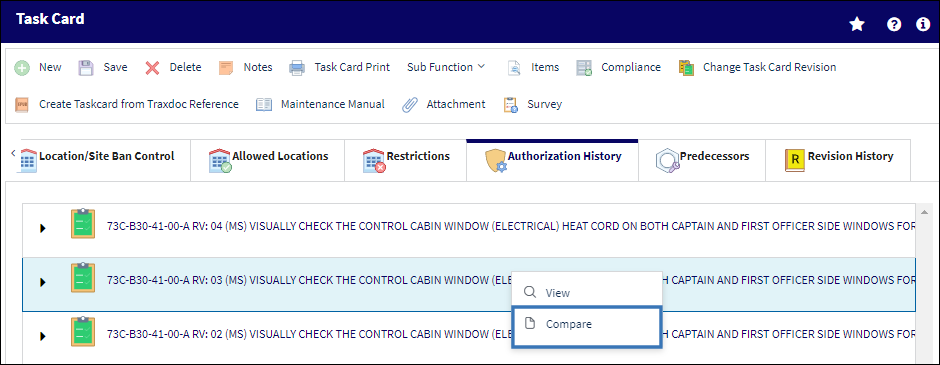
To compare the current T/C Revision to a past T/C Revision, right-click the Revision, then select the Compare button.
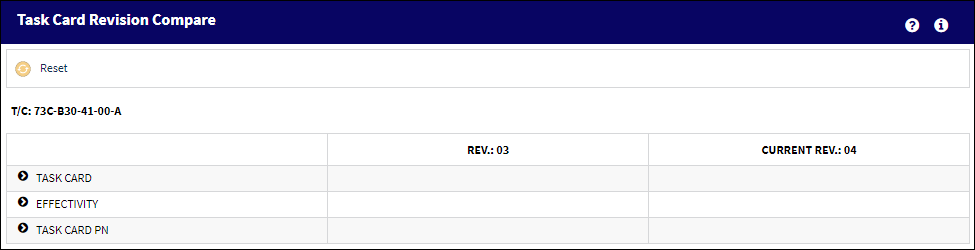
Select the drop-down to see the applicable section of the T/C Revision breakdown.
As shown below, the user can review changes between T/C Revisions.
Share
Print
|
©1997-2026 Trax USA Corp. All rights reserved. This manual may not be copied, photocopied, reproduced, translated, or converted to any electronic or machine-readable form, in whole or in part, without prior written approval from Trax USA Corp. |
 |