
 Share
 Print
|
|
|
|
|


TXDINFOCHGREP - Add A/C Type/Series and TraxDoc Revision to Change Report
Add A/C Type/Series and TraxDoc Revision to Change Report
Affected window: w_traxdoc
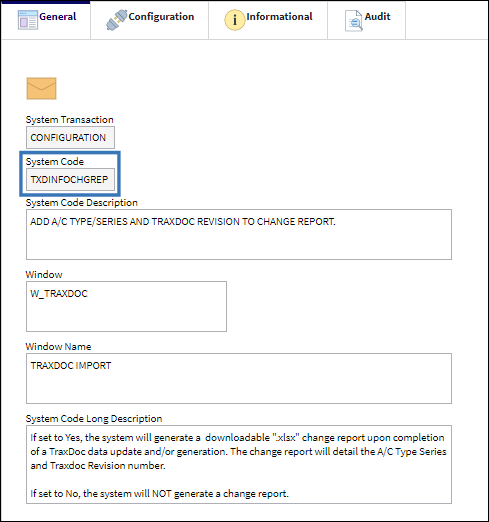
Switch set to Yes
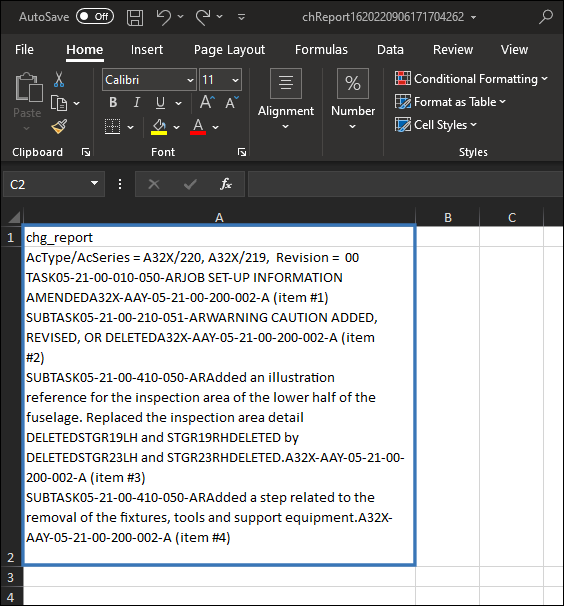
If set to Yes, the system will generate a downloadable ".xlsx" change report upon completion of a TraxDoc data update and/or generation. The change report will detail the A/C Type Series and Traxdoc Revision number.
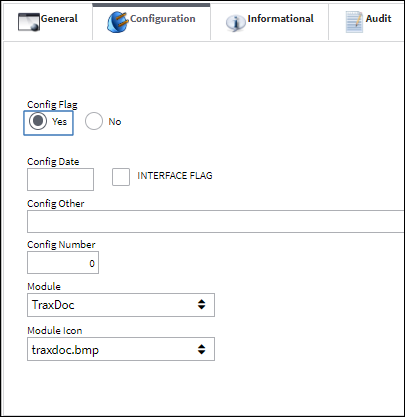
The following TraxDoc is undergoing the Generate/Update data process.
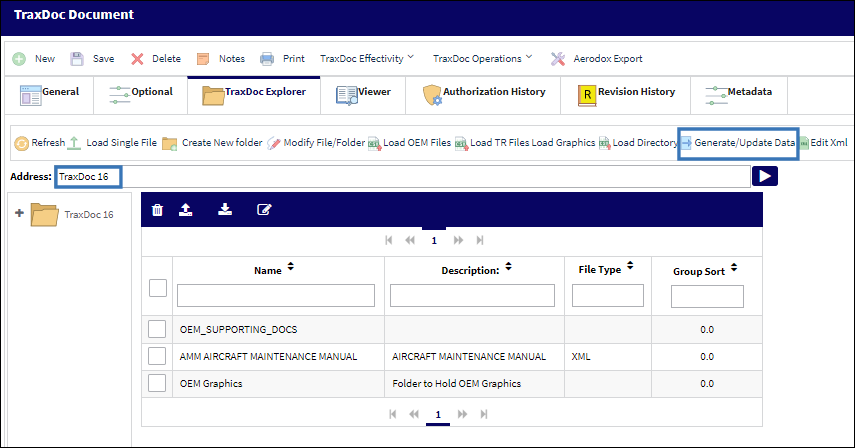
Populate the appropriate information in the following window and select the Authorize Imported TC checkbox. Then select the Next  button.
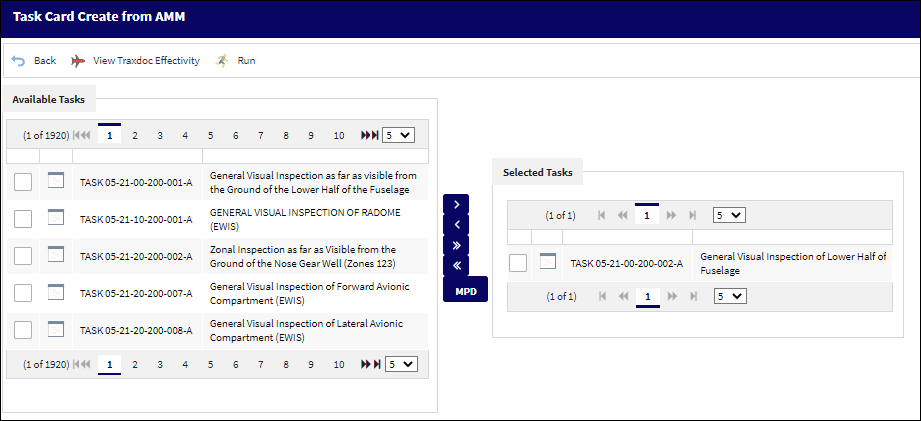
In the next section, select and move the desired Task(s) to be processed. Select the Run  button.
Upon a successful import, the following system notification is displayed.

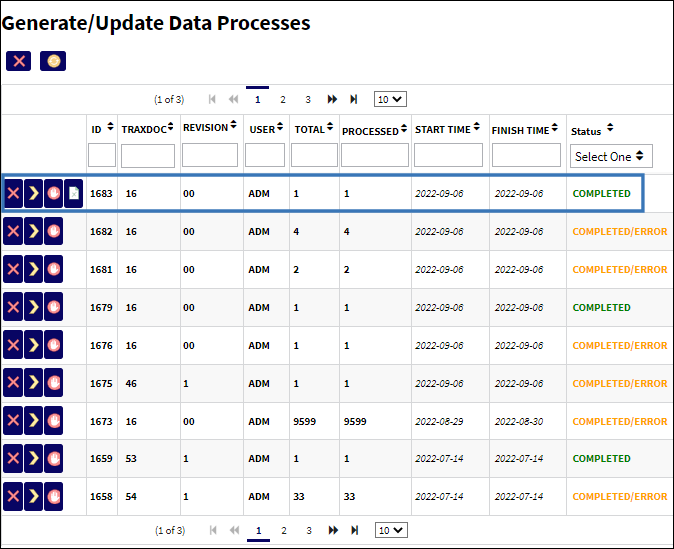
At the bottom of the TraxDoc Progress window, the record has been completed and the change report is available via the Excel  icon.
Selecting the icon will download the change report to the user's device.
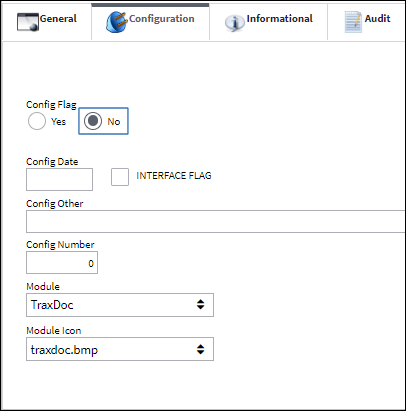
Switch set to No
If set to No, the system will NOT generate a change report.
The following TraxDoc is undergoing the Generate/Update data process.
Populate the appropriate information in the following window and select the Authorize Imported TC checkbox. Then select the Next button.
In the next section, select and move the desired Task(s) to be processed. Select the Run button.
Upon a successful import, the following system notification is displayed.
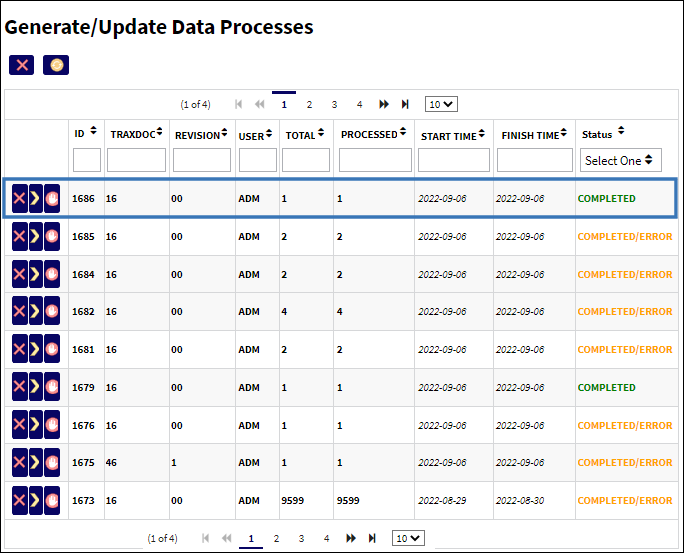
At the bottom of the TraxDoc Progress window, the record has been completed and a change report is NOT available.
Share
Print
|
©1997-2026 Trax USA Corp. All rights reserved. This manual may not be copied, photocopied, reproduced, translated, or converted to any electronic or machine-readable form, in whole or in part, without prior written approval from Trax USA Corp. |
 |