
 Share
 Print
|
|
|
|
|



The Videos tab allows users to view, upload, and delete videos attached to the record.
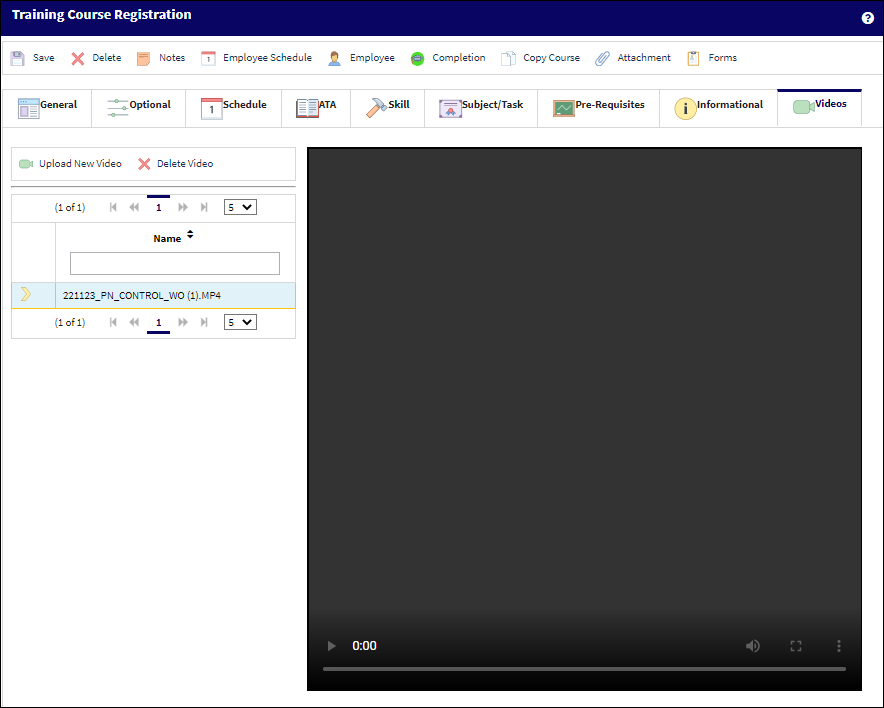
The following information/options are available in this window:
_____________________________________________________________________________________
Upload New Video  button
Select this button to upload a video to the record.
Delete Video  button
Select this button to delete a video from the record.
_____________________________________________________________________________________
Uploading and Deleting Videos
To upload a video, select the Upload New Video button.
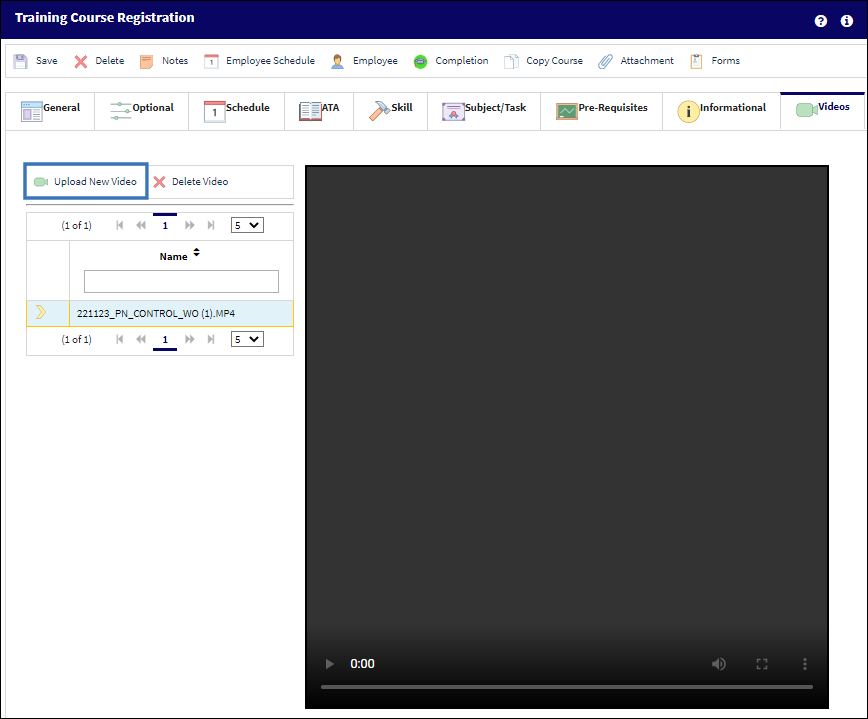
The New Video Uploads field appears.
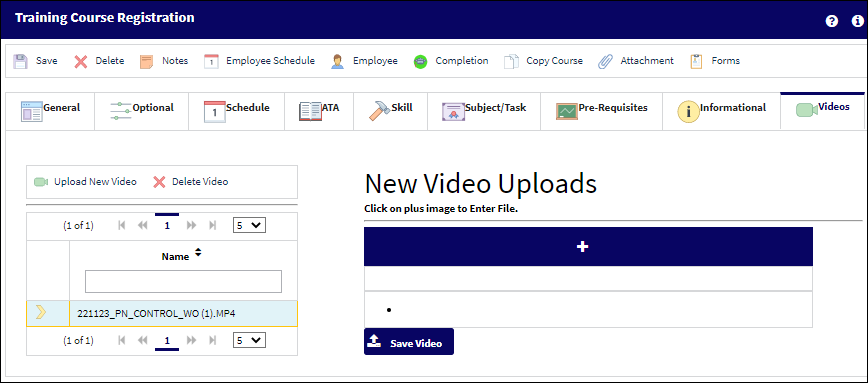
Selecting the '+' will prompt the hardware's file explorer. Select the appropriate .MP4 file.
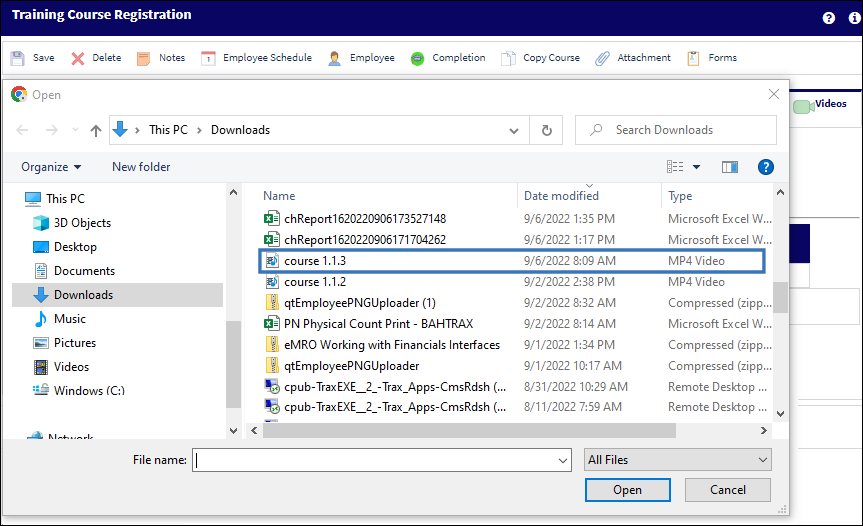
The system begins uploading the file.
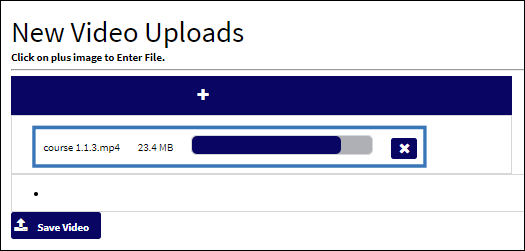
Once the file is uploaded, select the  button.
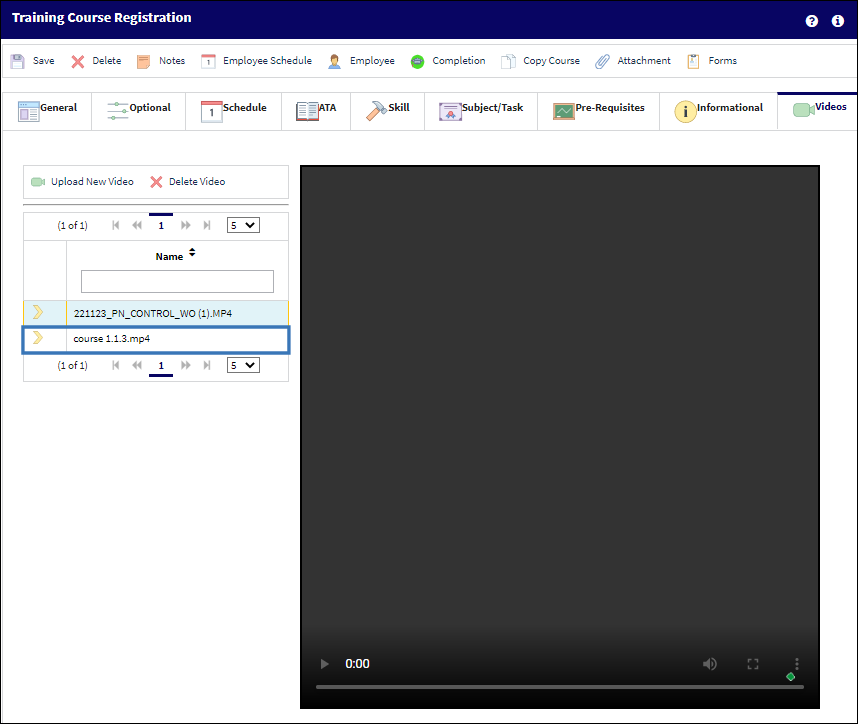
To delete the uploaded video, select the Delete Video button. The record is no longer available in the system.
Share
Print
|
©1997-2026 Trax USA Corp. All rights reserved. This manual may not be copied, photocopied, reproduced, translated, or converted to any electronic or machine-readable form, in whole or in part, without prior written approval from Trax USA Corp. |
 |