
 Share
 Print
|
|
|
|
|


eMRO Notes Template Button, via Notes Button

The Notes Template  button is a standard button that is found within the Note Pad window.
Select the Note Template button to apply pre-created notes to the selected record. When selected, the Note Pad Template window is displayed and users can create, edit, and delete note pad templates.
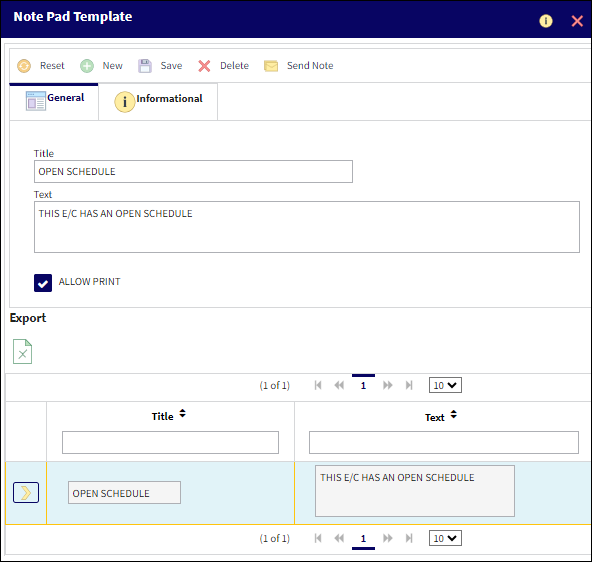
Creating and Applying Note Templates
The Note Template button is selected for the following record.
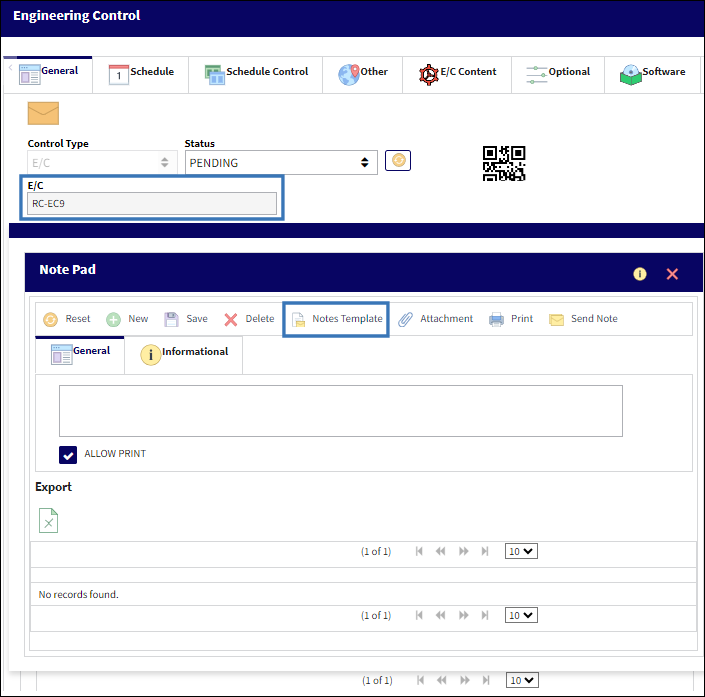
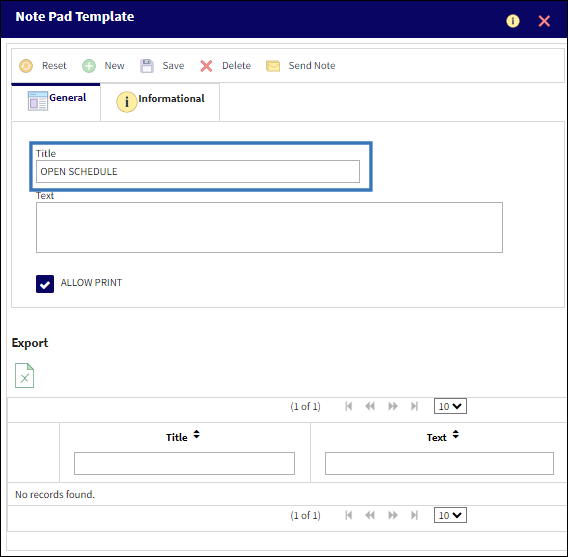
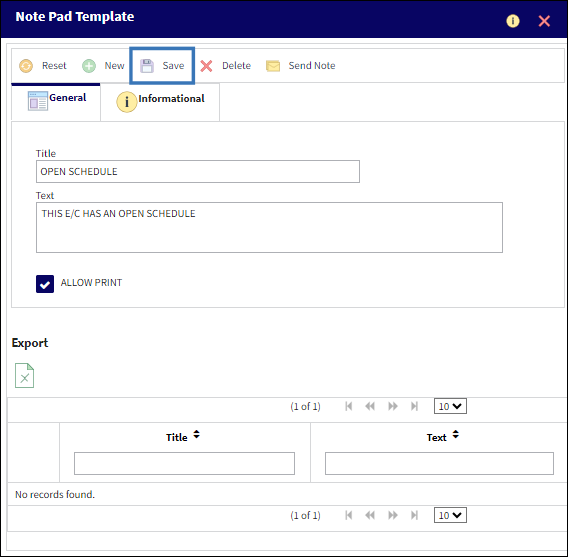
In the Note Pad Template window, there are no applicable templates. To create one, first enter a desired name in the title section.
Next, enter the description of the note in the text field. The information entered in this field will applied as the record's note when the template is selected.
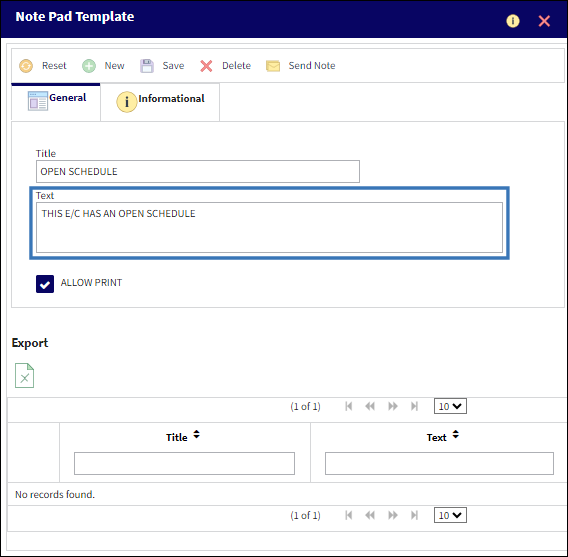
Once all fields have been populated, select the Save  button.
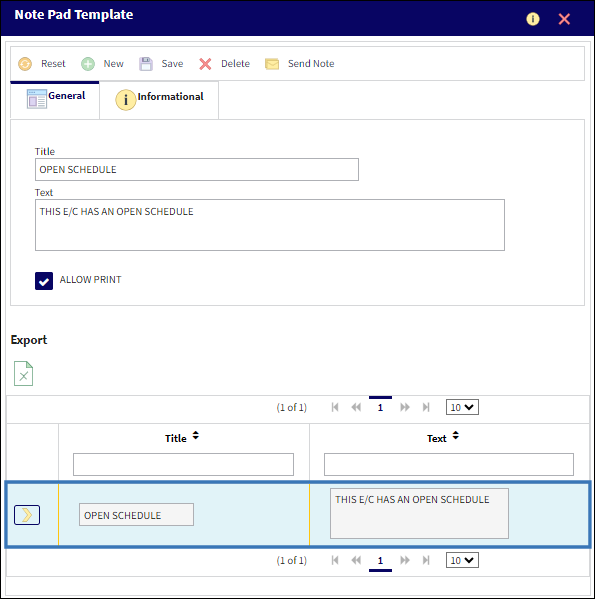
To apply the template, select the record.
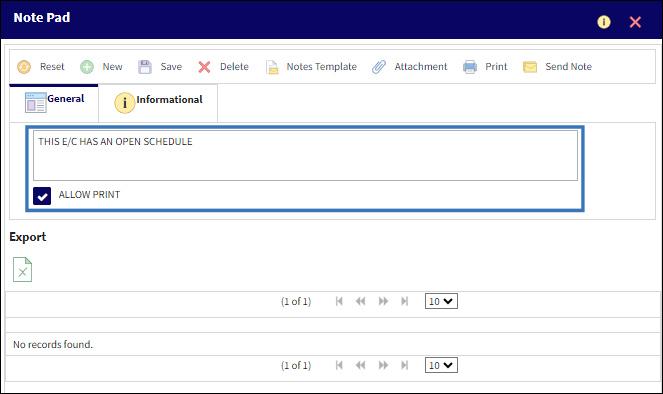
Once selected, the text of the template will populate in the Note Pad window.
Share
Print
|
©1997-2026 Trax USA Corp. All rights reserved. This manual may not be copied, photocopied, reproduced, translated, or converted to any electronic or machine-readable form, in whole or in part, without prior written approval from Trax USA Corp. |
 |