
 Share
 Print
|
|
|
|
|


Security Explorer By Company

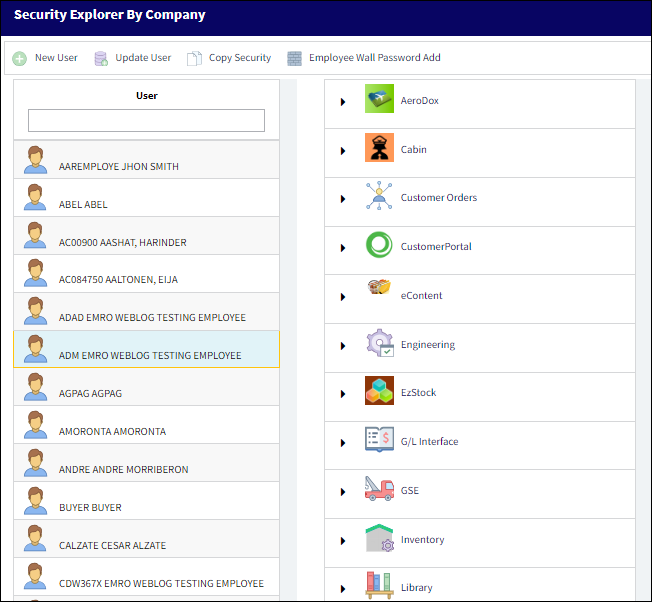
The Security Explorer By Company functions in the same manner as the Security Explorer, with the only exception being the restriction of a user's security access by that user's company profile. When using this window, users cannot view other users or groups that belong to a different company profile. For more information, refer to Security Explorer.
 Note: This window is Security Controlled via System Administration/Explorer/Security Explorer By Company. For more information refer to the Security Explorer.
Note: The Global Authorization Restrictions tab is unavailable for the Security Explorer By Company window. This option is only available through the Security Explorer window.
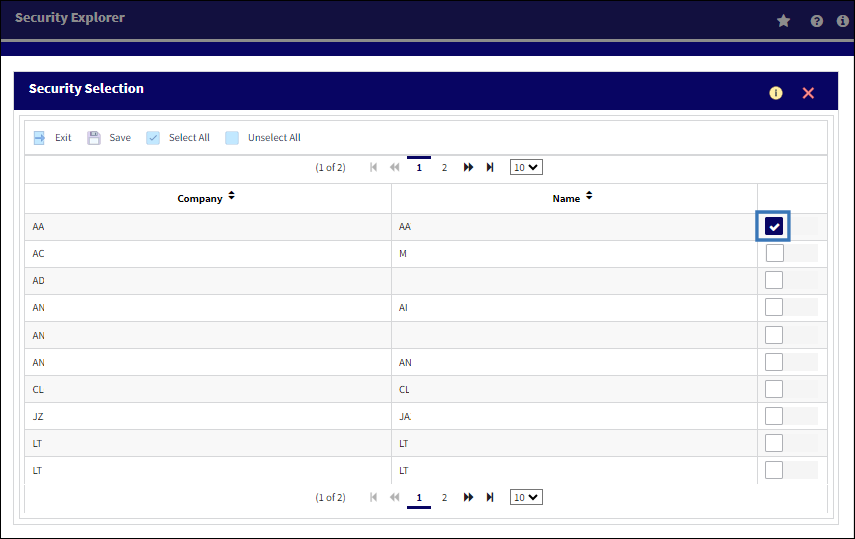
User AA is configured with Company AA in the Security Selection window via the Company button.
Note: The Company can also be specified from the user's Employee Master record in the Optional Tab.
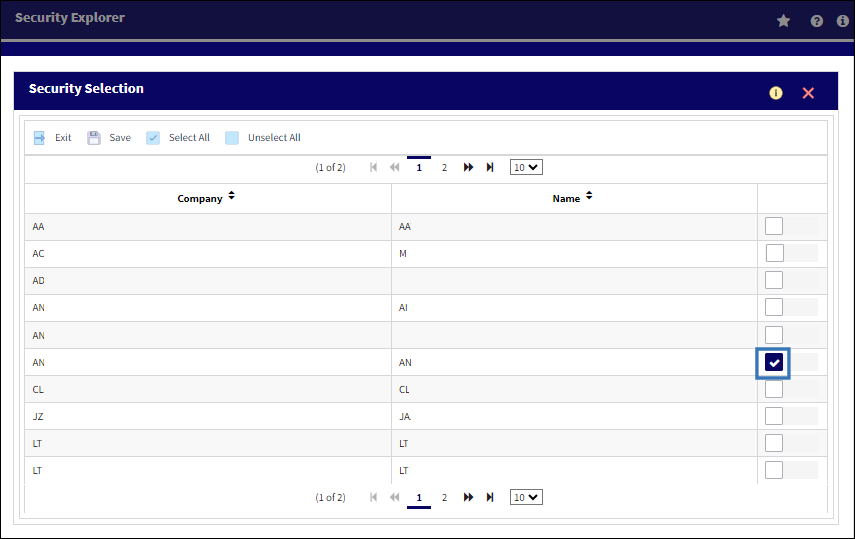
User Andre is configured with Company AN in the Security Selection window via the Company button.
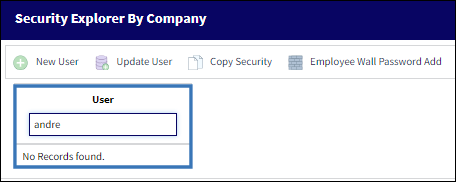
When the user AA searches for Andre's Security Profile via the Security Explorer By Company window, no records are found because Andre does not have the Company AA selected in the Security Selection window.
If the user AA searches for Andre's Security Profile in the Security Explorer they will find the user given that they have security to that window.
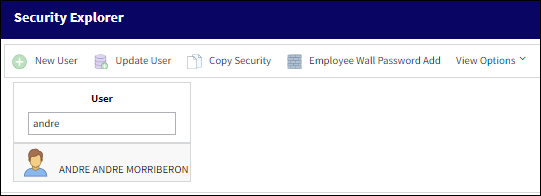
 Note: The option to enable Security Explorer security is unavailable from the Security Explorer By Company window. It can only be managed by the relevant administrator in the Security Explorer window.
The following information/options are available in this window:
_____________________________________________________________________________________
New User  button
The New User button allows administrators to create new users within the system.
Update User  button
The Update User button allows administrators to make changes to users within the system.
Copy Security  Button
The Copy Security button allows administrators to replace/modify one user's security with another user's.
Employee Wall Password Add  button
The Employee Wall Password Add button is the basic method of assigning the Wall Password security to certain users at a time.
View Options drop down
The View Options drop down allows users to select between different views in the Security Explorer by Company window.
User View  button - Allows administrators to assign security access to one user/group profiles and multiple programs.
Program View  button - Allows administrators to assign security access to various users and group profiles from within a specific program at a time.
Multi Express View  button - Allows administrators to assign security access to various users/group profiles for various options at a time.
Wall by Program button - Allows administrators to assign Wall security to multiple users/groups for a selected transaction, window, and/or program.
_____________________________________________________________________________________
Share
Print
|
©1997-2026 Trax USA Corp. All rights reserved. This manual may not be copied, photocopied, reproduced, translated, or converted to any electronic or machine-readable form, in whole or in part, without prior written approval from Trax USA Corp. |
 |