 Download Online Help
 Print
|
|
|
|
|


From the Task Card window, select the Keywords tab.
Note: The Keywords tab only appears for Task Cards that contain a Task Card Category that have the 'Codified checkbox' selected against the System Transaction Code. For additional information, refer to the Task Card Category System Transaction Code via the Engineering Transaction Code manual.
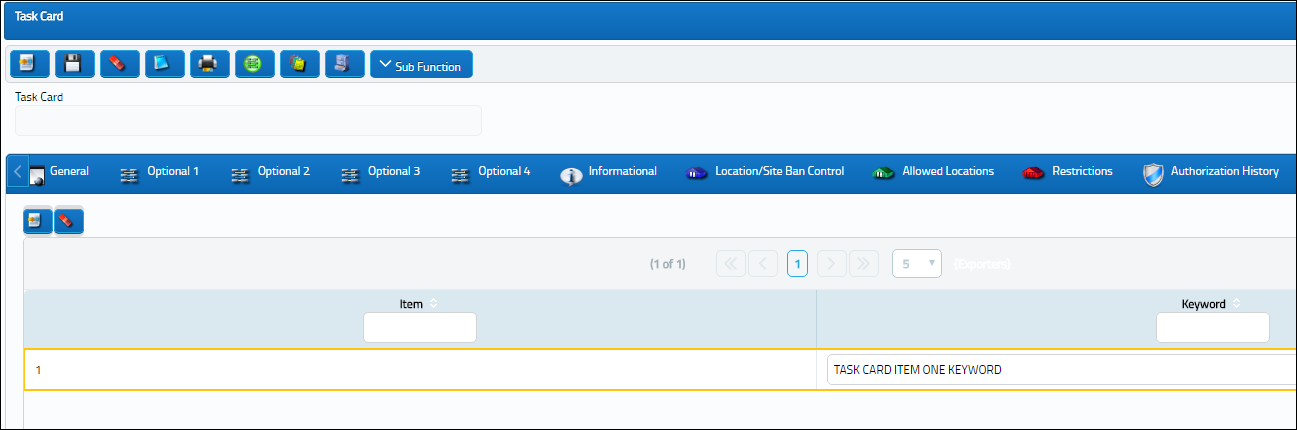
Multiple records can be added or removed through the New  and Delete
 buttons.
Download Online Help
Print
|
©1997-2018 Trax USA Corp. All rights reserved. This manual may not be copied, photocopied, reproduced, translated, or converted to any electronic or machine-readable form, in whole or in part, without prior written approval from Trax USA Corp. |
 |