 Download Online Help
 Print
|
|
|
|
|


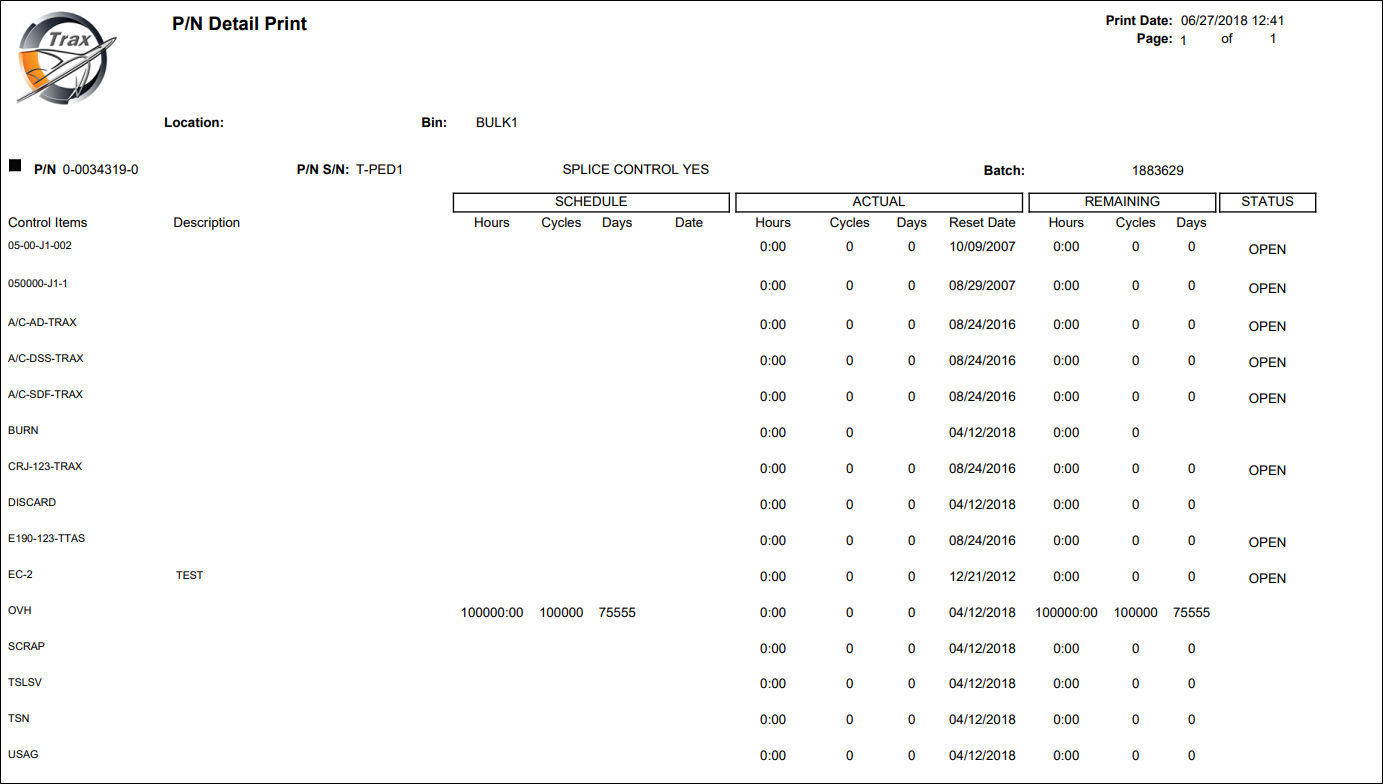
Select the P/N Detail Print  button to view the Part Number detail, which includes Part Number and Shop Engineering Controls, as well as P/N Control information.
Download Online Help
Print
|
©1997-2018 Trax USA Corp. All rights reserved. This manual may not be copied, photocopied, reproduced, translated, or converted to any electronic or machine-readable form, in whole or in part, without prior written approval from Trax USA Corp. |
 |