 Download Online Help
 Print
|
|
|
|
|


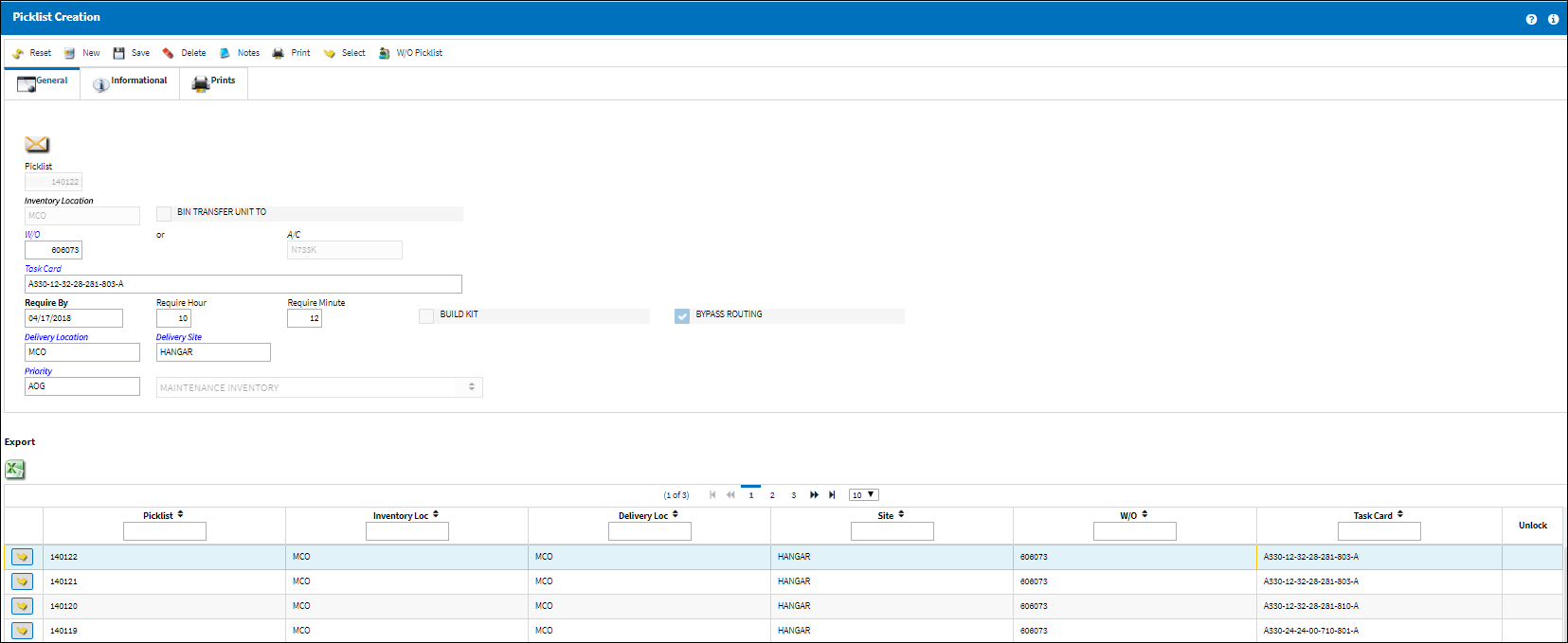
The following options/information is available in this window:
_________________________________________________________________________
Picklist
List of reserved components for a maintenance event or for transfer.
W/O
The Work Order used to categorize, manage, and schedule work requirements for aircraft maintenance.
Task Card
The Task Card / Job Card that details the scheduled maintenance work.
Require By
The date that the Picklisted parts are required by.
Require Hour/Minute
The required date as defined by the picklist/requisition.
Delivery Location
The location to which the part(s) is being delivered.
Delivery Site
Site to which part(s) will be delivered.
Priority
The level of importance placed on the need for a part. Notification based on the requisition priority may be defined by location.
_________________________________________________________________________
Download Online Help
Print
|
©1997-2018 Trax USA Corp. All rights reserved. This manual may not be copied, photocopied, reproduced, translated, or converted to any electronic or machine-readable form, in whole or in part, without prior written approval from Trax USA Corp. |
 |