 Download Online Help
 Print
|
|
|
|
|


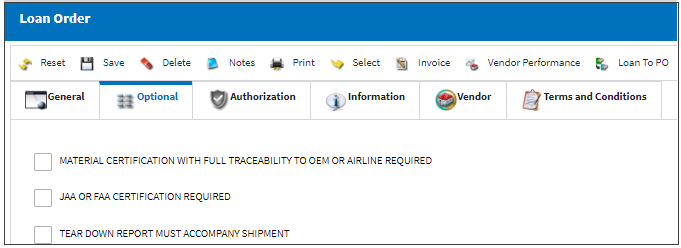
The Optional tab on the Loan Order Header allows the selection of document criteria required with the delivery of the items on the order. These criteria are pre-defined in the System Transaction Codes. Currently, there is a limit of five selectable items that will print on the order automatically as per the customer print.
An example of the Loan Order, Optional tab appears as the following:
To set up these Order Options, go to the Setting/ Explorer/ System Transaction Codes, Orders.
For each Order Type, the user may define specific order requirements. For example:
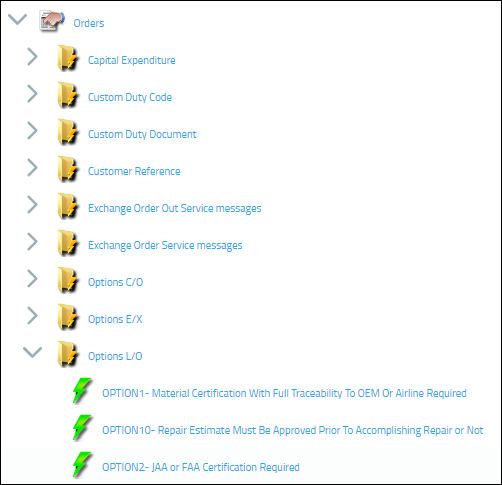
For additional information about Loan Order Options, please refer to Options L/O via the Orders System Transaction Code Manual.
Download Online Help
Print
|
©1997-2018 Trax USA Corp. All rights reserved. This manual may not be copied, photocopied, reproduced, translated, or converted to any electronic or machine-readable form, in whole or in part, without prior written approval from Trax USA Corp. |
 |