 Download Online Help
 Print
|
|
|
|
|


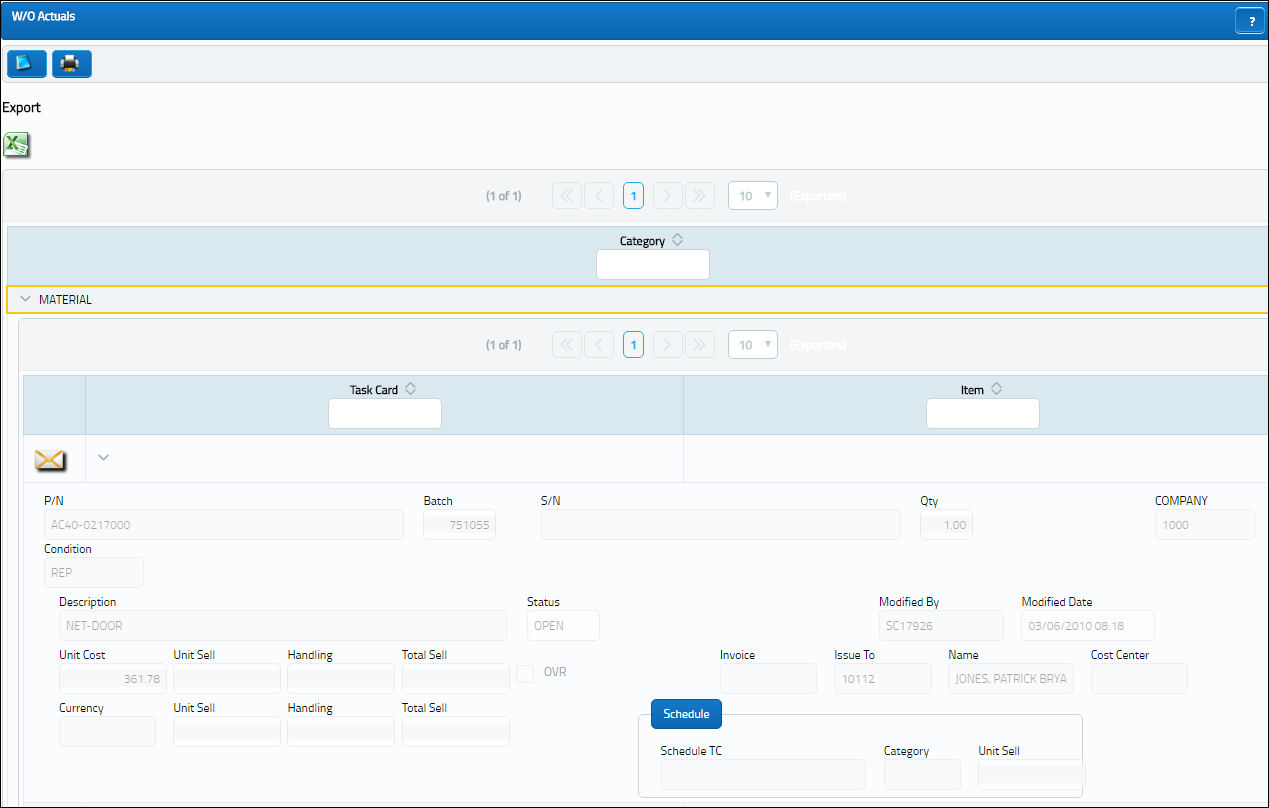
Select the Actuals  button to view Actuals (association of costs and selling prices) for each Task Card against a Work Order. The information in this window is view only and cannot be edited/updated.
Note: Actuals appear based on information entered via the Work Order Task Card Work In Progress option or via the Labor Mnl  button (on the Work Order Selection window).
The fields in the window appear slightly different depending on the Category of the Actuals.
Download Online Help
Print
|
©1997-2018 Trax USA Corp. All rights reserved. This manual may not be copied, photocopied, reproduced, translated, or converted to any electronic or machine-readable form, in whole or in part, without prior written approval from Trax USA Corp. |
 |